Hurricane Isaias Lead Response Playbook for Roofers and Home-Service Businesses
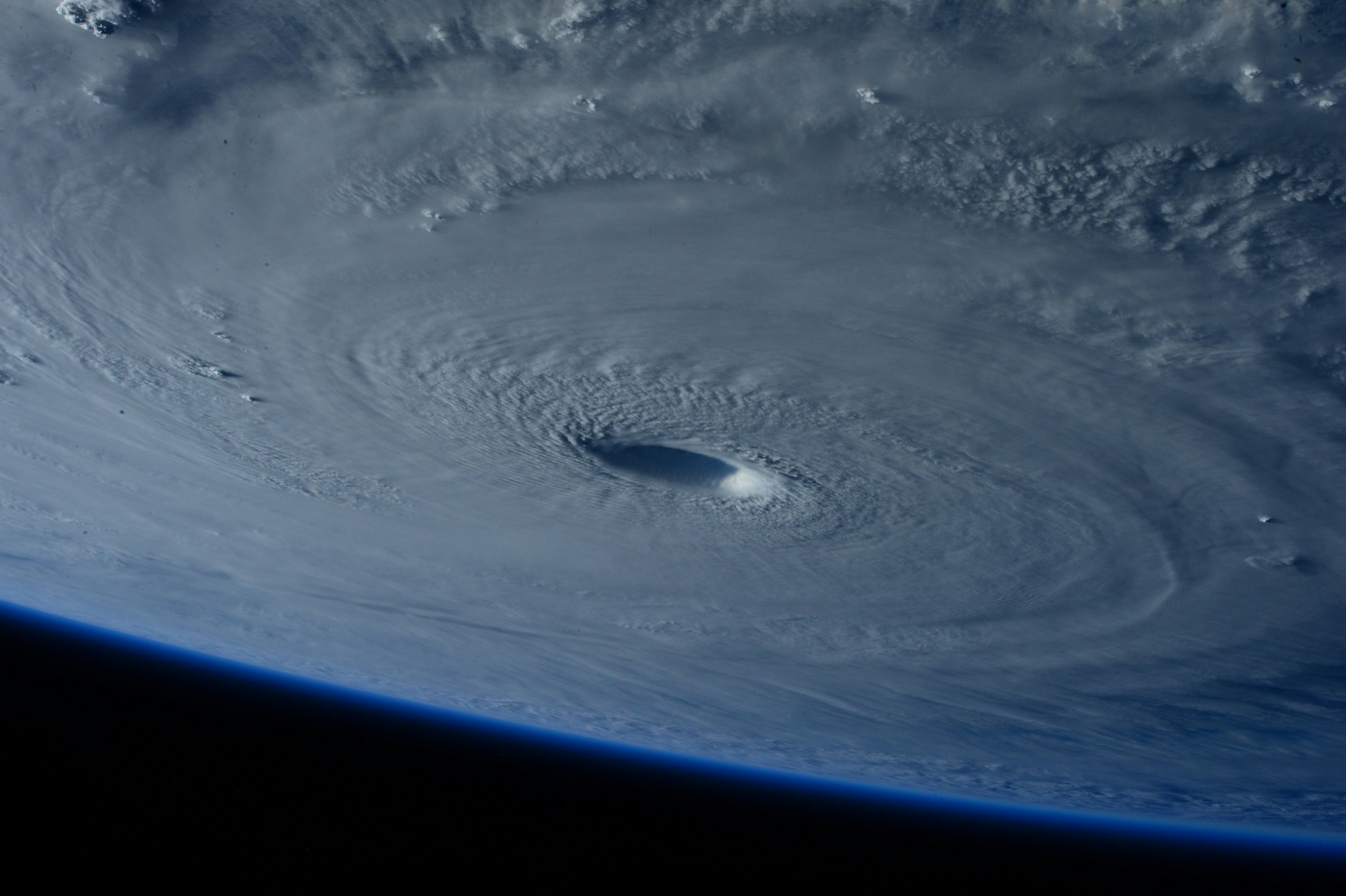
Hurricane Isaias is threatening the U.S. Gulf Coast, with dangerous landfall conditions reported for October 9, 2026. Current coverage also reports the possibility of major-hurricane strength. AP News and FOX Weather are reporting on the evolving conditions.
For roofers, restoration companies, HVAC businesses, plumbers, electricians, and tree-service operators, severe weather can create the possibility of more damage inquiries, missed calls, and requests for inspections. There is no evidence in the current reports that any individual business is receiving a documented lead surge. Still, businesses in affected areas should prepare for a possible increase in inquiries and for customers reaching out outside normal hours.
The goal is not to promise immediate service. It is to acknowledge people clearly, identify requests that need human attention, collect useful job details, and protect your team from taking on work you cannot safely or realistically complete.
Table of contents
- Put life safety before lead handling
- Set realistic storm-response boundaries
- Build a simple inquiry-routing workflow
- Collect the details your team needs
- Storm-response text templates
- Use a short follow-up sequence
- Manage capacity without overpromising
- How SecureMyLead fits into the workflow
- FAQ
Put life safety before lead handling
A storm-related inquiry is not always a normal estimate request.
If someone reports a gas leak, downed or live electrical wires, carbon monoxide concerns, fire, flooding danger, immediate structural danger, or medical equipment that has lost power, do not attempt to diagnose the situation by text. Direct the person to emergency services or an appropriate qualified professional.
Your first-response message can state that your business cannot assess immediate hazards through messaging. It should not tell customers how to manage a dangerous condition, determine whether a structure is safe, or imply that a crew is being dispatched.
For routine damage concerns—such as a suspected roof leak, missing shingles, damaged siding, a non-working HVAC system, or a plumbing issue—the conversation can move into qualification and human review.
Set realistic storm-response boundaries
Before weather conditions worsen, decide what your business can honestly offer.
Write down answers to these questions:
- Are crews currently working, paused, or unavailable due to conditions?
- Are you taking inspection requests, emergency mitigation requests, or estimate requests?
- Which service areas can you consider?
- Who monitors urgent messages?
- What information must be collected before a person calls the customer?
- What should the team say when the schedule is full?
- Which requests must never be handled through automated messaging alone?
A useful storm response does not say:
“We’ll be there today.”
unless your team has already confirmed that.
It can say:
“We’ve received your request and will review it as soon as our team is able.”
That difference matters. During uncertain conditions, an acknowledgment should confirm receipt without creating a service-time expectation you may not be able to meet.
Build a simple inquiry-routing workflow
A practical workflow separates messages into three paths.
1. Immediate hazard: route away from routine lead handling
These messages involve potential danger, including reported gas leaks, live electrical hazards, fire, severe flooding risk, or unstable structures.
Action: Use a clear safety response directing the person to emergency services or a qualified professional. Flag the conversation for human review if your team is monitoring messages, but do not make automated triage the safety decision-maker.
2. Urgent damage request: assign human ownership
Examples may include active roof leaks, water intrusion, storm-related tree damage, or a home without critical heating or cooling. The message itself does not establish the true severity, so a person should review it.
Action: Send an acknowledgment, collect the essentials, and route the request to the designated team member. Do not promise dispatch, a repair window, insurance coverage, or availability.
3. Routine inspection or estimate: qualify and queue
Examples may include a post-storm roof inspection request, siding damage question, HVAC maintenance concern, or estimate request where there is no immediate hazard reported.
Action: Acknowledge the request, collect the job details, and place it in the appropriate queue for follow-up.
This is the operational difference between a storm workflow and a standard lead workflow: the first question is not “How fast can we book this?” It is “Is this safe to handle as a normal business inquiry, and who owns the next human decision?”
Collect the details your team needs
When inquiries may arrive while crews are busy, a consistent intake checklist reduces back-and-forth later.
For routine storm-damage requests, ask for:
| Detail | Why it helps |
|---|---|
| Name | Lets your team identify the contact |
| Property address | Helps confirm service area and understand the job location |
| Best callback number | Gives a human team member a clear next contact point |
| Preferred contact method | Helps you avoid repeatedly calling someone who prefers text |
| Type of damage or service needed | Separates roofing, water, HVAC, plumbing, electrical, and other requests |
| Whether damage is active now | Helps distinguish a current issue from an inspection request |
| Photos, if safe to provide | Gives the team context without asking customers to take risks |
| Insurance claim status, if applicable | Helps your team understand where the customer is in their process |
| Availability for a callback | Makes the handoff easier |
Do not ask customers to climb onto a roof, enter a damaged area, approach standing water near electrical risks, or take photos in unsafe conditions. A photo request should always be optional and conditioned on safety.
Keep the first message short
You do not need to ask every question at once. Start with the minimum needed to route the request:
- Address
- Type of damage or service needed
- Whether there is an immediate safety concern
- Best way to reach them
Then have a person collect anything else required for your process.
For more general contractor intake structure, see contractor web form auto-response guidance and this guide to automated lead follow-up for contractors.
Storm-response text templates
Use these as starting points. Replace the bracketed information and remove any language your business cannot honor.
New storm-related inquiry acknowledgment
Hi [First Name], this is [Business Name]. We received your request regarding possible storm damage at [Address]. Our team is reviewing incoming requests as conditions allow. Please reply with the type of damage you’re seeing and the best number to reach you. If there is an immediate safety hazard, contact emergency services or a qualified emergency professional.
Roofing inspection request
Hi [First Name], thanks for contacting [Business Name] about a roof inspection. We’ve received your request. When it is safe to do so, please reply with your property address, what you noticed, and whether there is active leaking inside. We’ll review the details and follow up about next steps; this message does not confirm an appointment.
Active leak or water intrusion report
Hi [First Name], we received your message about water entering the property. Please do not enter unsafe areas or take photos if conditions are hazardous. Reply with the address, where the water is appearing, and the best number for a callback. Our team will review the request as soon as possible. If there is immediate danger, contact emergency services or an appropriate qualified professional.
Insurance-related question
Hi [First Name], thank you for reaching out to [Business Name]. We can note whether you have started an insurance claim, but we cannot verify coverage by text. Please send the property address, a brief description of the damage, and your preferred contact method. A team member can review your request and discuss available next steps.
Capacity-full response
Hi [First Name], we received your storm-damage request. Our current schedule is limited, and we do not want to promise a visit we cannot confirm. If you reply with your address, damage type, and best contact number, we can review the request and let you know whether we may be able to help.
Missed-call text back
Hi [First Name], this is [Business Name]. Sorry we missed your call. We’re currently reviewing storm-related requests. Please text your property address, the service you need, and whether there is an immediate safety concern. We’ll review your message as soon as we can.
A missed-call response can be especially useful when a small team is on active jobs or unable to answer phones. For additional options, see after-hours lead response and contractor auto-reply messages.
Use a short follow-up sequence
Storm requests can go quiet for many ordinary reasons: the customer may be dealing with weather conditions, speaking with family, contacting an insurer, or comparing providers. A short, respectful sequence can keep the request from being forgotten without pressuring someone in a difficult situation.
Only text contacts where you have the appropriate consent and permission to message them.
Follow-up 1: after no reply
Hi [First Name], following up on your request to [Business Name]. If you still need help, reply with the property address and a short description of the issue. We’ll review it based on current availability.
Follow-up 2: clarify the next step
Hi [First Name], we still have your request on file. If you’d like us to review it, reply with the best phone number and whether the issue is active damage or a post-storm inspection request.
Follow-up 3: close the loop without pressure
Hi [First Name], we haven’t heard back, so we’ll close this request for now. If you still need assistance, reply here with your address and service need, and we’ll review current availability.
Avoid a long, aggressive sales sequence during an emergency-related event. Three useful messages are generally more appropriate than repeated reminders that sound like a promotion.
If the inquiry turns into an estimate opportunity, use a separate process after a human has reviewed the situation. These contractor estimate follow-up templates can help with that later stage.
Manage capacity without overpromising
The biggest storm-response mistake is treating every incoming message as a confirmed job.
Before you turn on an automated response, update these items:
Service area
If weather, road conditions, crew locations, or job volume limit where you can work, make that clear internally. Your response can collect an address without telling every prospect that you serve it.
Service type
A roofer may be able to review inspection requests but not offer emergency mitigation. A plumber may be able to return calls but not safely send technicians during active dangerous conditions. Define the distinction before messages begin arriving.
Ownership
Assign one person or role to each queue:
- Immediate-hazard messages needing escalation awareness
- Urgent damage requests needing human review
- Routine inspection and estimate requests
- Existing customer messages
- Insurance or documentation questions
A lead should not sit in a shared inbox because everyone assumes someone else is handling it.
Message language
Review every automated message for accidental promises. Remove phrases like:
- “We’re on the way”
- “We’ll be there shortly”
- “Your appointment is confirmed”
- “We can handle this today”
- “Your insurance will cover it”
Replace them with language that confirms receipt, explains the next information needed, and reserves the human decision on availability.
How SecureMyLead fits into the workflow
If Hurricane Isaias-related inquiries rise for your business, SecureMyLead can act as the follow-up layer between the lead source and your team. It can send an initial SMS when a new lead arrives and continue with a configured follow-up sequence, helping inquiries receive an acknowledgment when your crew cannot answer immediately.
For storm use, keep the automation conservative: acknowledge the request, collect basic details, explain that availability must be reviewed, and route urgent situations to a person. SecureMyLead does not replace emergency assessment, dispatch decisions, scheduling judgment, or a human review of hazardous situations.
Get started free to build a more consistent response workflow before your next weather-driven rush.
Key takeaways
- Hurricane Isaias is threatening the Gulf Coast, with dangerous landfall conditions reported for October 9, 2026. Monitor authoritative local emergency information as conditions change.
- Current reporting does not prove that any local business is experiencing a lead surge, but affected home-service businesses can prepare for possible additional inquiries.
- Put reported life-safety hazards ahead of normal lead handling and direct customers to emergency services or qualified professionals when appropriate.
- Use automated messages to acknowledge requests and collect details—not to promise appointments, dispatch crews, assess danger, or verify insurance.
- Separate urgent human-review requests from routine inspections and estimates.
- Set capacity, service-area, and ownership rules before inquiries arrive.
- Keep storm follow-up short, clear, and respectful.
Frequently asked questions
Should a roofer automatically schedule every post-storm inspection request?
No. An automated response can acknowledge the request and collect an address and damage details, but a person should confirm whether the property is in your service area and whether your business has capacity. Do not treat an inquiry as a confirmed appointment until your team has reviewed it.
What should a home-service business text after missing a storm-related call?
Confirm that you received the call, identify your business, ask for the address and service need, and ask whether there is an immediate safety concern. Avoid promising a callback time or dispatch unless your team can actually meet that commitment.
Can SMS automation identify an emergency?
No. Automation cannot reliably assess dangerous conditions, determine structural safety, or decide whether a customer needs emergency services. Use clear routing language and ensure a person owns messages that may involve urgent safety issues.
Should we ask storm-damage leads for photos?
You can ask for photos only if it is safe for the customer to provide them. Never encourage someone to climb onto a roof, enter a damaged space, approach electrical hazards, or take other risks to document damage.
How many times should we follow up with a storm inquiry?
A short sequence of one acknowledgment and two or three respectful follow-ups is usually sufficient for an unanswered request. The exact cadence should reflect your real capacity and messaging permissions. Do not keep messaging someone in a way that feels insensitive or creates expectations you cannot meet.