Hurricane Isaias Contractor Lead Response Checklist for Storm-Damage Inquiries
Safety first: Hurricane conditions can create dangerous situations. Encourage customers to follow official emergency guidance and avoid treating an SMS reply, web form, or estimate request as emergency triage. Your team should not give safety instructions beyond its expertise or represent that it can provide immediate service.
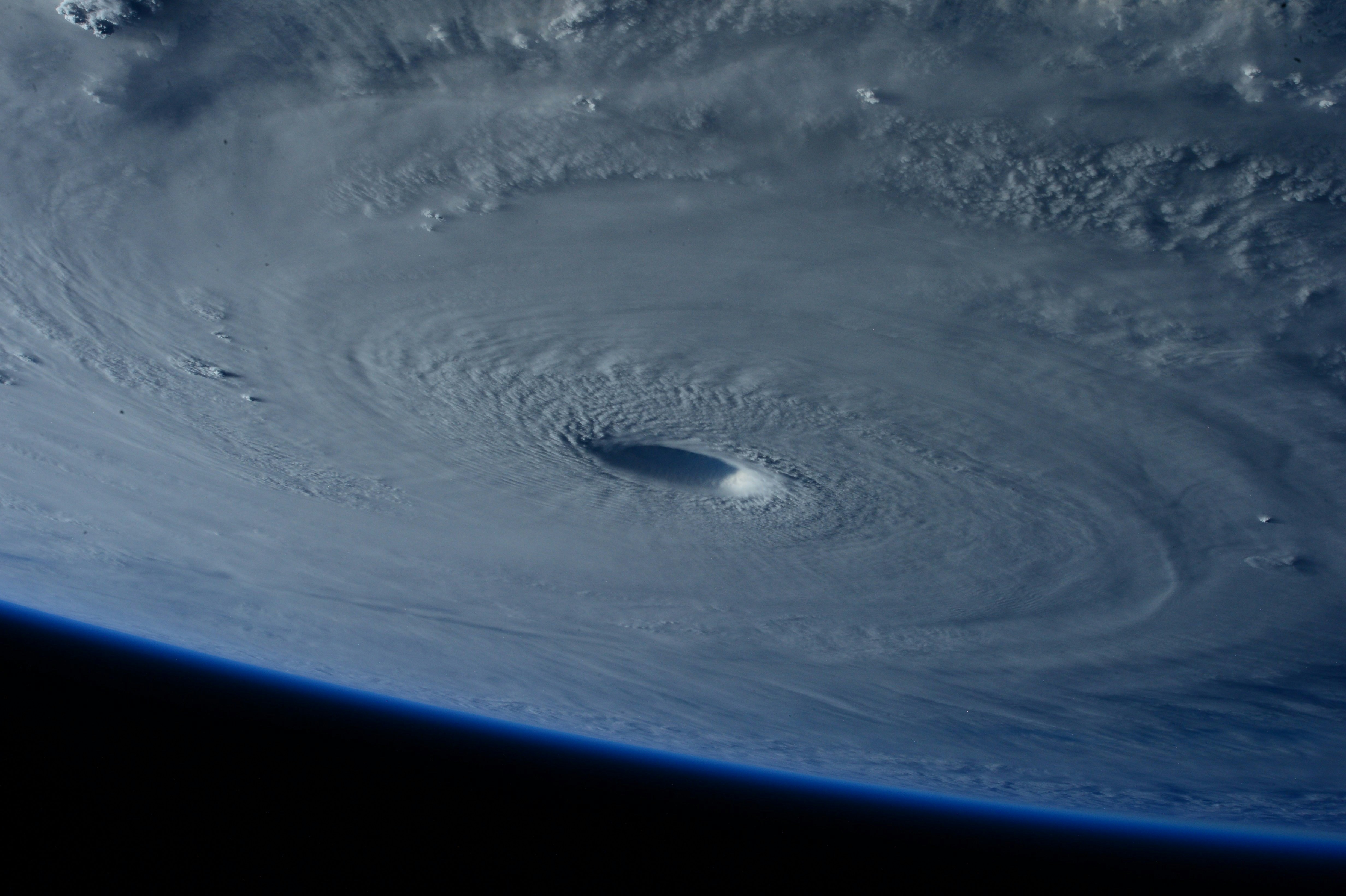
Hurricane Isaias is intensifying and could reach strong Category 2 strength as it takes aim at the Florida Panhandle and Gulf Coast region, according to reporting from The Weather Channel and ABC News.
Forecasts, storm tracks, and local conditions can change quickly. Contractors in potentially affected areas should monitor official local guidance and prepare their lead-response process in case storm-related inquiries rise. The reports do not establish that contractors are already receiving a measurable increase in calls or leads.
This checklist helps roofers, restoration companies, HVAC businesses, plumbers, electricians, and other home-service teams organize inquiries without making promises they cannot keep.
Table of contents
- The goal: acknowledge, sort, and assign
- Hurricane response checklist for contractors
- A simple storm-inquiry triage workflow
- Storm-specific intake questions
- SMS templates for storm-damage inquiries
- How to follow up when capacity is uncertain
- Use automation carefully during a hurricane response
- FAQ
The goal: acknowledge, sort, and assign
A hurricane-period response workflow is not about claiming every inquiry as a job. It is about making sure a customer’s message does not disappear while your team is busy, unavailable after hours, or managing changing conditions.
A practical workflow has four jobs:
- Acknowledge the inquiry so the customer knows it was received.
- Separate urgent safety-related situations from ordinary inspection and estimate requests.
- Collect enough information to route the inquiry to the right person or queue.
- Set an honest next step without promising an arrival time, inspection slot, or availability that has not been confirmed.
This matters because a storm inquiry is different from a typical quote request. A roofer may receive a request for an inspection, a temporary protective service, or a future repair estimate. A plumber may hear about a leak after storm damage. An HVAC company may receive a no-cooling request during an outage or after weather passes. Those are not interchangeable requests, and they should not all receive the same message.
Hurricane response checklist for contractors
Use this checklist before, during, and immediately after the storm-response period.
Before conditions worsen
- [ ] Name one human owner for incoming inquiries. This may be the owner, office manager, dispatcher, or rotating on-call employee.
- [ ] Confirm the areas you can realistically review. Define service-area boundaries before leads arrive.
- [ ] Decide which services are currently available. For example: inspections only, estimate requests, limited temporary work, or no field work until conditions are safe.
- [ ] Write a capacity-safe first response. Do not promise “we’re on the way” unless the job is actually assigned.
- [ ] Create intake fields for storm inquiries. Capture location, service type, visible issue, photos if appropriate, and preferred contact method.
- [ ] Set an internal escalation rule. Decide which types of messages require a person to review promptly.
- [ ] Update voicemail, website forms, and auto-replies consistently. Customers should not get conflicting expectations from different channels.
- [ ] Prepare a backlog process. If inquiries increase, organize them by service area, type of work, and next action rather than relying on an inbox.
During the response period
- [ ] Review new inquiries on a defined schedule. Acknowledgment can be automated, but human review still needs an owner.
- [ ] Check for safety-sensitive messages first. Do not treat potentially dangerous reports as ordinary estimate requests.
- [ ] Tag or label each inquiry by request type. Examples: inspection, roof damage, water intrusion, HVAC issue, plumbing issue, estimate request, outside service area, or follow-up needed.
- [ ] Route leads by geography before booking. Confirm the address is inside your active service area.
- [ ] Give only confirmed availability. Use language such as “Our team will review your request and follow up when scheduling is available.”
- [ ] Record the next action. Every inquiry should have an owner and status: review, awaiting details, scheduled, not currently available, or follow-up later.
After the immediate weather period
- [ ] Contact open inquiries in order of your operational priority.
- [ ] Send a clear update to people still waiting. Silence creates confusion, especially after a weather event.
- [ ] Close out requests you cannot serve politely. If you are outside the service area or do not offer that work, say so rather than leaving the lead unresolved.
- [ ] Review which questions caused bottlenecks. Use that information to improve the next storm-response workflow.
- [ ] Keep the templates and tags. The same structure can help during future hurricanes, severe storms, or other weather disruptions.
A simple storm-inquiry triage workflow
The most useful system is one your team can run while operations are under pressure.
| Step | What to do | What not to do |
|---|---|---|
| 1. Receive | Confirm the inquiry was received and identify your business. | Do not imply that a reply means service is available. |
| 2. Screen | Check whether the message suggests an immediate safety concern or an ordinary service request. | Do not diagnose emergencies by text or rely on automation to make safety decisions. |
| 3. Qualify | Gather address, service type, visible issue, photos if useful, and callback details. | Do not make the customer repeat information across multiple team members. |
| 4. Route | Assign based on service area, trade, and current capacity. | Do not schedule before confirming who can handle the request. |
| 5. Set expectations | Explain the next step in plain language. | Do not promise an inspection time or response deadline you cannot meet. |
| 6. Follow up | Update unresolved leads, even if the update is that availability is still being reviewed. | Do not let a lead remain unanswered because the first message was automated. |
Suggested lead statuses
A small team does not need a complicated system. A short set of statuses is enough:
- New — needs review
- Awaiting address or details
- Safety-sensitive — human review
- Within service area
- Outside service area
- Ready to schedule
- Awaiting capacity confirmation
- Scheduled
- Unable to serve
- Follow up after storm period
The purpose is visibility. When several people answer messages, a lead should not be contacted twice, ignored, or promised conflicting next steps.
Storm-specific intake questions
A standard “How can we help?” form can leave your team chasing details while conditions are changing. Add a few storm-specific questions to your web form, call script, or text conversation.
Minimum questions for every inquiry
- What is the service address? This determines service-area eligibility and routing.
- What type of help are you looking for? Examples: inspection, roof issue, water intrusion, plumbing issue, HVAC issue, cleanup, estimate, or another concern.
- What are you seeing now? Ask for a brief description without trying to diagnose the situation remotely.
- When did you notice the issue? This can help your team understand whether the customer is reporting current conditions or requesting a later inspection.
- What is the best phone number and preferred contact time? Do not assume a customer can take a call immediately during a storm period.
- Can you share photos when it is safe to do so? Photos may help prepare for a conversation, but customers should not be encouraged to put themselves at risk to capture them.
Trade-specific routing prompts
For roofers and restoration companies
- Is the request for an inspection, visible roof damage, interior water intrusion, or another service?
- Is the property residential or commercial?
- Is there a preferred time for a callback after conditions allow?
For plumbers
- Is the request related to a leak, drainage issue, damaged fixture, or another plumbing concern?
- Is the address within the current service area?
- Is someone available for a callback to provide more details?
For HVAC businesses
- Is the request for repair, replacement information, or a post-storm system check?
- Is the system currently operating?
- Is the customer seeking a callback or a future appointment request?
These prompts are not a substitute for professional assessment. They simply give your team enough information to prioritize review and avoid sending the wrong response.
SMS templates for storm-damage inquiries
Use these messages only where you have appropriate consent and lawful messaging practices. Keep the language honest, identify your business, and make the next action clear.
1. General storm-inquiry acknowledgment
Hi [First Name], this is [Business Name]. We received your storm-related service request. Our team is reviewing inquiries as conditions allow. Please reply with your service address and a brief description of the issue if you have not already shared them.
2. After-hours acknowledgment
Hi [First Name], thanks for contacting [Business Name]. We received your message outside normal hours and will review it when our team is available. For safety concerns, please follow official local emergency guidance. Reply with your address and the service you need so we can route your request.
3. Request for inspection details
Hi [First Name], this is [Business Name]. We received your inspection request. To check whether we can help, please reply with the property address, the type of issue you noticed, and the best time for a callback.
4. Capacity-safe update
Hi [First Name], [Business Name] is reviewing storm-related requests in your area. We have your information and will contact you when we can confirm the next available step. We do not want to promise a time before our schedule is confirmed.
5. Outside-service-area response
Hi [First Name], thanks for reaching out to [Business Name]. Based on the address provided, your property is outside our current service area. We’re sorry we can’t confirm service for this request.
6. Follow-up when the customer has not replied
Hi [First Name], this is [Business Name] following up on your storm-related inquiry. If you still need help, reply with the property address and a short description of the service requested. We’ll review the details and let you know the next available step.
For more general copy-and-paste options, see our guide to contractor auto-reply messages and lead-response templates for service businesses.
How to follow up when capacity is uncertain
Storm conditions can make availability difficult to predict. That does not mean you should avoid responding; it means your messages need to distinguish between acknowledgment and confirmation.
Use language that keeps your options open
Good:
- “We received your request and are reviewing coverage in your area.”
- “We’ll follow up once we confirm the next available step.”
- “Please send the address and service details so we can route your request.”
- “Our schedule is changing based on conditions, and we’ll provide an update when availability is confirmed.”
Avoid:
- “We’ll be there today.”
- “You’re booked.”
- “A technician is on the way.”
- “We can handle this immediately.”
Unless those statements are already confirmed by the person responsible for operations, they can create a serious customer-service problem.
Separate acknowledgment from scheduling
A strong storm workflow uses two distinct messages:
- The first response confirms receipt and collects missing details.
- The human follow-up confirms whether the business can serve the location, what service is appropriate, and whether a schedule is available.
That distinction is especially important for businesses with limited field crews, changing travel conditions, or a backlog of inspection requests.
Keep a waiting list honest
If you cannot schedule someone yet, record:
- the date and time of inquiry;
- service address;
- request type;
- contact preference;
- whether details are complete;
- the employee who owns the next update.
Then send a follow-up only when you have a real update or need additional information. Repeated generic messages can feel unhelpful during a stressful event.
Use automation carefully during a hurricane response
Automation can help a contractor acknowledge a new inquiry and collect basic routing details while the team is busy. It should not be treated as emergency triage, dispatch, a safety assessment, or proof of availability.
SecureMyLead can send an automated first text when a new lead arrives and run follow-up sequences for businesses that have the right consent to message those contacts. For a hurricane-response workflow, use that capability for the narrow job it does well: confirm receipt, ask for the address and service type, and make sure a human owner reviews the request.
Keep the automation short and conservative. Also, do not assume a customer reply automatically pauses scheduled sequence messages; review active follow-up before sending additional texts to an engaged lead.
Get started free to build a more consistent lead-response workflow before the next high-volume period.
Key takeaways
- Hurricane Isaias may affect the Florida Panhandle and Gulf Coast region, but forecasts can change; follow official local guidance.
- The available reporting does not prove a contractor lead surge, so prepare for possible inquiries without treating demand as guaranteed.
- Put emergency and safety-sensitive concerns ahead of ordinary estimate and inspection requests.
- Acknowledge every inquiry, but do not promise arrival times, service availability, or bookings you have not confirmed.
- Collect the address, requested service, basic issue description, and preferred callback details before routing.
- Use automated texts as an acknowledgment and intake tool—not as emergency triage or a replacement for human judgment.
- Keep a clear owner and next action for every open storm-related inquiry.
FAQ
Has Hurricane Isaias caused a surge in contractor leads?
The cited reports establish that Hurricane Isaias is intensifying and may affect parts of the Florida Panhandle and Gulf Coast region. They do not document a measurable increase in contractor calls, storm-damage inquiries, or repair demand. Businesses in potentially affected areas can prepare for a possible increase without assuming one has already occurred.
What should a contractor’s first storm-response text say?
It should identify the business, confirm receipt, ask for essential details such as the service address and type of issue, and avoid promising availability. It should also make clear that the message is not emergency guidance.
Should contractors automate storm-damage follow-up?
Automation can help acknowledge inquiries and request basic intake information, especially after hours. A person should still review messages, determine whether the business can serve the request, and confirm any actual next step.
How should a contractor handle requests outside its service area?
Reply promptly and clearly that the address is outside the current service area. Do not leave the inquiry unresolved or imply that the business may be able to serve it if that is not realistic.
What should a business do if it cannot schedule a storm-related request yet?
Acknowledge the request, explain that availability is still being reviewed, collect complete contact and property details, and send an update when there is a confirmed next step. Avoid giving a deadline that the team cannot reliably meet.