Winter Storm Warning Lead Response Playbook for Roofers, HVAC, Plumbers, and Restoration Companies
Safety comes first: An automated text is not emergency dispatch, a danger assessment, or confirmation that a crew is available. If a caller describes an immediate emergency, direct them to appropriate emergency services. For electrical, gas, structural, fire, medical-equipment, or other safety concerns, customers should seek help from qualified professionals and relevant emergency services rather than wait for a text reply.
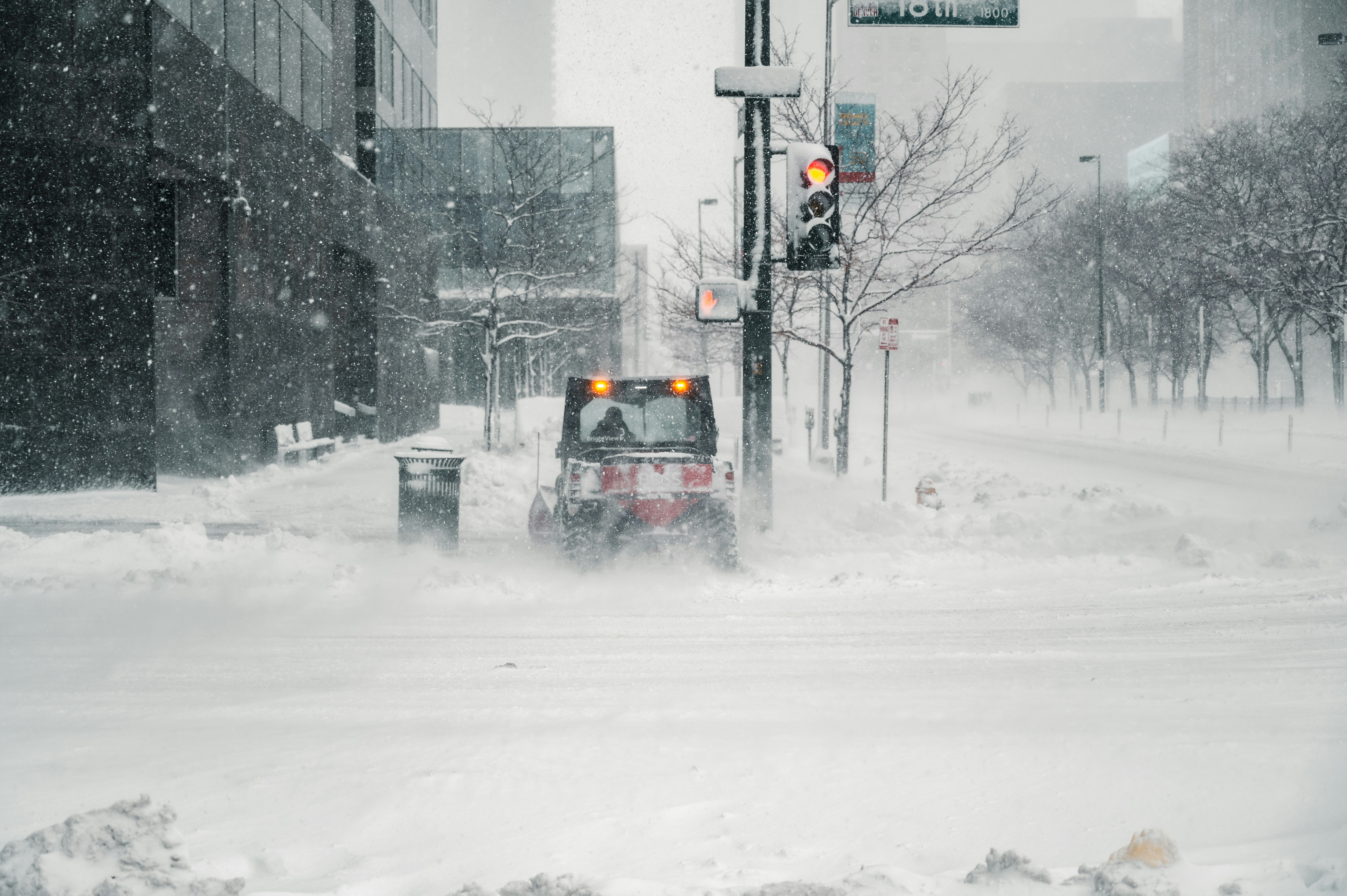
Winter storm warnings can create difficult operating conditions for home-service businesses. Current reports describe warnings involving forecasts of up to 15–18 inches of snow and winds up to 35 mph in affected areas. Before acting on a weather report, verify the forecast, timing, and warnings for your actual service area through the National Weather Service. Autoblog and Men’s Journal reported on the current heavy-snow and strong-wind warnings.
A storm does not automatically mean your business will receive more calls. But it can create inquiries about roof damage, no-heat conditions, frozen pipes, water intrusion, restoration work, snow-related access issues, and post-storm inspections.
The right preparation is not “promise every lead a fast visit.” It is building a clear workflow that:
- Acknowledges new inquiries quickly
- Separates basic intake from emergency dispatch
- Collects the details a human needs to review the request
- Sets honest expectations about availability and weather conditions
- Keeps unserved or delayed leads from being forgotten
Table of contents
- What changes during a winter storm
- Your pre-storm lead-response checklist
- Build a storm-specific intake workflow
- Winter storm SMS templates
- How to handle leads you cannot serve immediately
- Use automation as acknowledgment—not dispatch
- FAQ
- Related reading
What changes during a winter storm
A normal inbound lead may be an estimate request with flexible timing. A storm-related inquiry may arrive after hours, while your team is already on jobs, when roads are difficult, or before you know which areas crews can safely reach.
That changes the purpose of the first response.
Your first message should not:
- Diagnose damage or danger
- Promise a technician arrival time you have not confirmed
- Say a crew is “on the way” unless a person has actually dispatched one
- Guarantee service in a particular area
- Tell a customer that a problem is safe to wait on
Instead, the first message should acknowledge the request, identify the business, set a realistic review expectation, and collect the minimum information needed for a human follow-up.
For a broader framework on handling new inbound inquiries outside business hours, see After-Hours Lead Response: How to Win Jobs While You Sleep.
Your pre-storm lead-response checklist
Prepare before calls and forms become harder to manage. A short planning session can prevent your team from sending inconsistent answers under pressure.
1. Verify the storm conditions for your actual service area
National headlines are not a service map. Check official weather information for the counties and towns you serve, then decide:
- Which areas you may be able to serve
- Which areas need manual review before any scheduling discussion
- Whether your normal hours need an after-hours response plan
- Whether inspection-only requests should be handled after conditions improve
- Which services your team is prepared to discuss during the storm
Do not let a generic auto-reply imply that your entire coverage area remains available.
2. List every lead source that needs monitoring
Storm inquiries may come through more than one channel. Make sure someone owns each source:
| Lead source | What to check | Owner |
|---|---|---|
| Website forms | New form notifications and response automation | Assigned team member |
| Phone calls | Missed-call process and voicemail review | Assigned team member |
| Google Business Profile | Messages, calls, and service-area details | Assigned team member |
| Paid lead platforms | Notification settings and response access | Assigned team member |
| Social messages | Direct messages and comments requesting help | Assigned team member |
| Existing customers | Replies to past customer messages | Assigned team member |
A lead should not disappear because everyone assumed another person was watching the inbox.
3. Define what your first response can honestly promise
Create one internal sentence your team can stand behind. For example:
“We’ll review your request and service location, then a team member will follow up about next steps and availability.”
That is very different from promising same-day work, a precise arrival window, or an emergency assessment.
4. Set capacity and service-area rules before the rush
Write down simple decision rules your team can use consistently:
- Requests inside the service area: collect details and send for review
- Requests outside the service area: do not imply service availability
- Requests requiring a future inspection: acknowledge and place in the inspection follow-up queue
- Requests your business does not offer: respond politely and avoid vague promises
- Requests that a customer describes as an emergency: do not treat automated messaging as the solution
The goal is not to automate judgment. The goal is to ensure every inquiry reaches a person with enough context to make a decision.
5. Create storm-specific tags
Use straightforward tags that tell your team why a lead contacted you. Examples include:
storm-roof-inspectionroof-leakno-heatfrozen-pipewater-damagepost-storm-estimateoutside-service-areaneeds-human-reviewfollow-up-after-storm
Tags do not decide priority on their own. They help a person see the nature of the request quickly and prevent very different inquiries from being handled as one generic “new lead” pile.
6. Give every lead a next action
At the end of intake, each inquiry should have one clear outcome:
- Human follow-up needed now
- Review when conditions and capacity allow
- Inspection or estimate follow-up after the storm
- Not in service area or not a fit
- Customer directed to appropriate emergency help
Without a next action, a storm-related inquiry can easily become an unread message once the weather clears.
Build a storm-specific intake workflow
Your workflow should collect useful details without asking a stressed customer to complete a long questionnaire over text.
The minimum intake questions
A human reviewer will usually need:
- Service address or ZIP code This confirms whether the request is within your service area.
- Service type Ask what they need help with: roof concern, heating issue, plumbing issue, water damage, or inspection request.
- A short description of what they are seeing Examples: “No heat,” “water coming through ceiling,” “pipe appears frozen,” or “missing shingles after wind.”
- Best callback number and contact name Especially useful when the inquiry began through a form, chat, or social message.
- Permission to send photos, where appropriate You can invite customers to share photos for a team member’s review. Do not imply photos allow your business to diagnose a hazard or confirm safe conditions remotely.
Keep the first automated message short. You can request one or two details, then let a person decide whether more information is needed.
Separate acknowledgment from assessment
This distinction matters during weather events.
| Step | Purpose | What it should not do |
|---|---|---|
| Automated acknowledgment | Confirm the inquiry was received and gather basic details | Assess danger, dispatch crews, or confirm availability |
| Human review | Review location, service type, capacity, and customer details | Make promises without checking operational conditions |
| Scheduling or dispatch | Confirm a real appointment or operational next step | Be triggered solely by an auto-reply |
| Follow-up | Keep delayed estimates or inspections from being forgotten | Pressure customers or pretend work is scheduled |
Roofing, HVAC, plumbing, and restoration companies may all receive urgent-sounding messages during winter weather. But a fast acknowledgment is still only an acknowledgment.
Winter storm SMS templates
Use these as starting points. Replace bracketed fields with your business details, service area rules, and actual response process.
General storm inquiry acknowledgment
Hi [First Name], this is [Business Name]. We received your request. Please reply with your service address and a brief description of what you need help with. A team member will review your information and follow up about next steps and availability.
Roof damage or roof leak request
Hi [First Name], this is [Business Name]. We received your roofing request. Please reply with the property address and a short description of the issue. If you can safely do so, you may also send photos for our team’s review. We’ll follow up after reviewing your location and request.
This message does not promise an inspection time, emergency repair, or a safety assessment.
No-heat HVAC inquiry
Hi [First Name], this is [Business Name]. We received your heating-service request. Please reply with your address, the best callback number, and a brief description of the issue. A team member will review the request and contact you about available next steps.
Avoid wording such as “A technician is on the way” unless a person has confirmed it.
For additional HVAC-specific follow-up examples, read How to Follow Up With HVAC Leads: Scripts + Automation.
Frozen-pipe plumbing inquiry
Hi [First Name], this is [Business Name]. We received your plumbing request. Please reply with the service address and a short description of the issue, such as a frozen pipe, leak, or no-water concern. Our team will review the information and follow up about next steps and availability.
Water damage or restoration inquiry
Hi [First Name], this is [Business Name]. We received your water-damage request. Please reply with the property address, your best callback number, and a brief description of the affected area. A team member will review your request and follow up about next steps.
Post-storm roof or property inspection request
Hi [First Name], this is [Business Name]. Thanks for contacting us about a post-storm inspection. Please reply with the property address and the best number to reach you. We’ll review your location and follow up when we can discuss inspection availability.
This version is useful when the request is not framed as immediate service and your inspection calendar may depend on weather and access conditions.
Delayed-response message
Hi [First Name], this is [Business Name]. We have your request and are reviewing storm-related inquiries as conditions allow. We have not confirmed an appointment yet. We’ll follow up when a team member can review your location and service needs.
The phrase “We have not confirmed an appointment yet” prevents an acknowledgment from sounding like a booking.
How to handle leads you cannot serve immediately
A storm can create a backlog even if your business ultimately has capacity. Do not let delayed inquiries go silent.
Give a clear status, not a vague reassurance
Customers can handle a truthful update better than a message that sounds like a commitment but contains no real information.
Use language such as:
- “We’ve received your request.”
- “A team member will review your service address and needs.”
- “We have not confirmed an appointment yet.”
- “We’ll follow up when we can discuss availability.”
- “We’re currently reviewing requests as conditions allow.”
Avoid:
- “You’re on the schedule” when you are not
- “We’ll be there soon” without confirmation
- “No problem” when the situation has not been reviewed
- “Emergency service available” if you cannot actually provide it
Create a post-storm follow-up list
Some requests may be better handled after weather conditions change. This is especially relevant for inspection requests, estimates, non-urgent repairs, and work that cannot be safely assessed immediately.
Build a separate list for leads that need follow-up after the storm:
- Roof inspection requests
- Exterior repair estimates
- Water-damage assessments awaiting review
- Customers who did not answer intake questions
- Requests received outside your service area that may need a referral or final response
- Leads who asked for an appointment but did not receive a confirmed time
Send a human-reviewed update rather than restarting the conversation as if the customer never contacted you.
For a general approach to staying in touch without sending random messages, see How Long to Wait Before Following Up With a Lead?.
Review messages after the event
After the immediate weather period, inspect your lead activity:
- Which sources produced the most inquiries?
- Which message types caused confusion?
- Did any auto-reply imply a promise your team could not meet?
- Did your tags make it easy to sort requests?
- Which leads still need a response?
- Should your service-area language change before the next storm?
This turns a one-time scramble into a reusable playbook.
Use automation as acknowledgment—not dispatch
SecureMyLead can automatically send an SMS acknowledgment when a new lead arrives and continue with follow-up messaging. That can help keep storm-related website forms and other inbound inquiries from sitting unanswered while your team is handling active work.
But it should be configured conservatively for weather-related requests.
Use automation to:
- Confirm receipt of a request
- Ask for a service address and brief description
- Set the expectation of human review
- Follow up with leads that need information or a later inspection conversation
- Keep non-booked requests visible after the storm
Do not use it to:
- Confirm emergency availability
- Assess the severity of a hazard
- Dispatch a crew
- Promise arrival times
- Decide whether a property is safe
- Replace a person’s review of location, capacity, and conditions
If you use a multi-step follow-up sequence, review it before activating it for a storm workflow. Ordinary customer replies remain visible for your team to handle, but scheduled messages should be written so they still make sense if a customer has already responded.
Get started free to build an acknowledgment and follow-up layer for your incoming leads—then keep human review responsible for the decisions automation cannot make.
Key takeaways
- Winter storm warnings may create additional service inquiries, but a lead surge should not be assumed without your own data.
- Verify local conditions and official warnings before changing service availability or messaging.
- Put emergency guidance before business handling: automated texts are not emergency dispatch.
- Separate acknowledgment, intake, human review, scheduling, and follow-up.
- Use messages that confirm receipt without promising an appointment, crew availability, or safety assessment.
- Tag inquiries by service need so roof, HVAC, plumbing, restoration, and inspection requests do not get treated the same way.
- Keep a post-storm follow-up list for inquiries that cannot be served immediately.
FAQ
Should a winter storm auto-reply say that we offer emergency service?
Only if that is accurate for your business and the message does not imply a confirmed dispatch or immediate availability. An auto-reply should still state that the request will be reviewed by a team member. Do not use automated messaging as a substitute for emergency services or professional safety guidance.
What should roofers ask in a first storm-damage response?
Ask for the property address, a brief description of the concern, a callback number, and—if appropriate—photos for team review. Avoid diagnosing the damage, confirming an inspection time, or telling the customer that a condition is safe based on a text exchange.
How should HVAC companies respond to no-heat leads after hours?
Acknowledge the inquiry, collect the address, callback number, and a brief issue description, then make clear that a team member will review availability. Do not promise a technician arrival time unless a person has confirmed it.
What should plumbers do with frozen-pipe leads during a storm?
Use a short intake response to collect the location and issue description, then route it for human review. The automated message should not assess the plumbing condition, offer safety instructions beyond directing people to appropriate emergency help when needed, or guarantee service timing.
Can an automated SMS sequence book storm jobs?
Automation can acknowledge a lead and support follow-up, but it should not independently confirm jobs or replace human judgment about service area, crew capacity, weather conditions, and customer needs.
Related reading
- After-Hours Lead Response: How to Win Jobs While You Sleep
- 15 Auto Reply Messages Contractors Can Use for New Leads
- Automated Lead Follow-Up for Plumbers: How to Turn More Quotes Into Jobs
- How to Follow Up With HVAC Leads: Scripts + Automation
- How to Build a Lead Follow-Up System That Runs Automatically