Wildfire Damage Leads: A Response Playbook for Roofing and Restoration Businesses
If a customer reports an active fire, immediate danger, an evacuation question, an injury, a gas leak, a downed power line, carbon monoxide, or medical equipment losing power, direct them to emergency services or the appropriate local authorities. Do not try to handle these situations through a normal sales, scheduling, or SMS workflow.
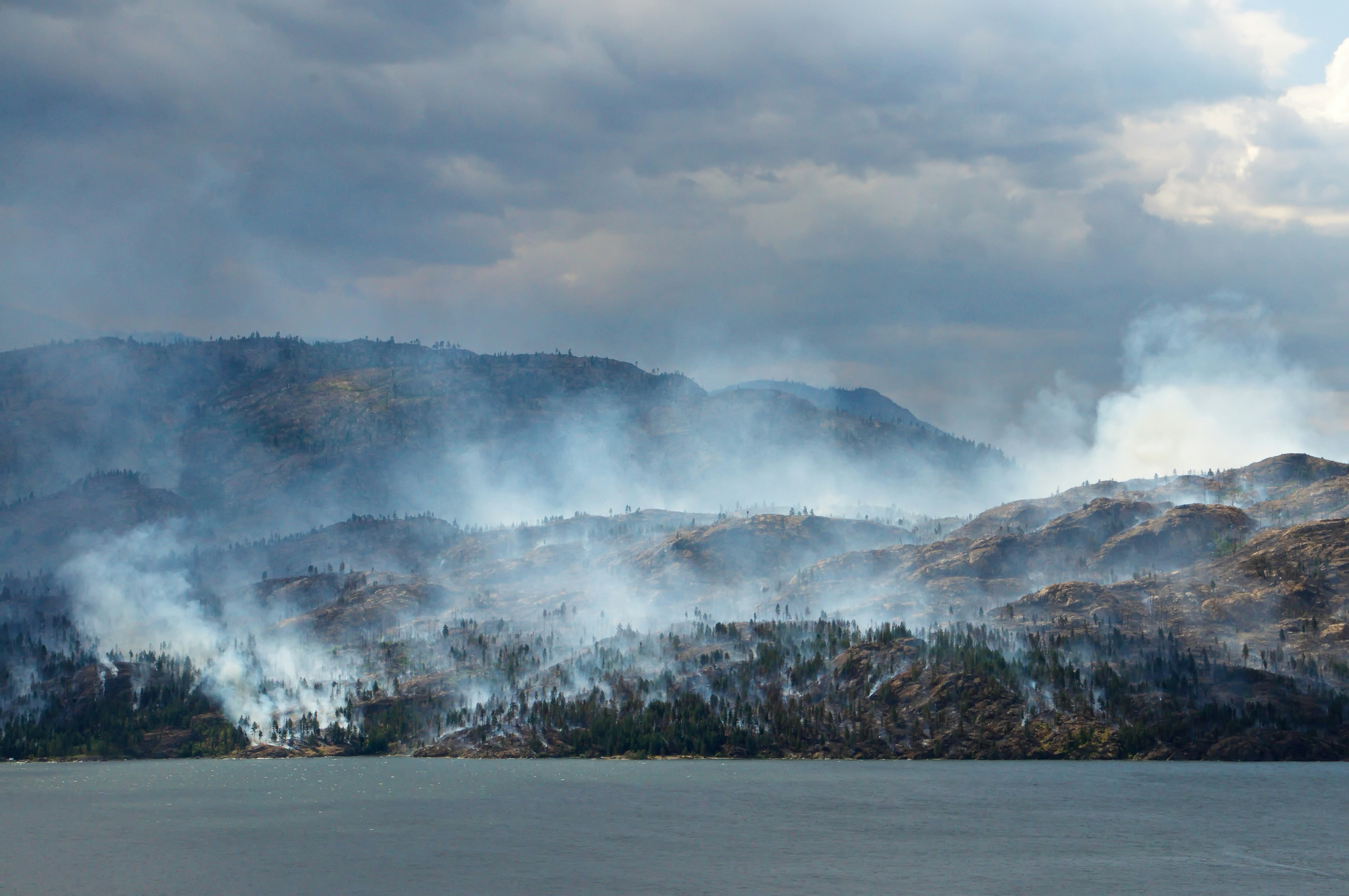
The Bull Fire near Verdi, Nevada, was reported at more than 1,000 acres and later estimated at approximately 2,500 acres. Local reports described an active wildfire situation near Verdi and Peavine Peak in Washoe County. KOLO 8 News Now and News 4-Fox 11 reported on the event.
Those reports do not document a surge in roofing, restoration, tree-service, or cleanup leads. Still, wildfire conditions can create a period when affected service businesses should prepare for possible inspection, cleanup, repair, and restoration inquiries—often while crews and owners are already busy.
The practical goal is not to promise emergency service or make decisions by text. It is to make sure legitimate inquiries are acknowledged, safety issues reach a person, and no customer is left wondering whether their request was received.
Table of contents
- What makes wildfire inquiries different
- The wildfire inquiry response workflow
- Information to collect without overpromising
- Wildfire SMS templates
- How to follow up when crews are unavailable
- What not to automate
- Using SecureMyLead for the follow-up layer
- Key takeaways
- FAQ
What makes wildfire inquiries different
A normal roofing or restoration lead may be straightforward: a homeowner needs an estimate, chooses an appointment time, and waits for a callback.
Wildfire-related inquiries can be less predictable. A customer may be dealing with smoke, ash, visible exterior damage, falling branches, access restrictions, a temporary evacuation, or uncertainty about whether it is safe to return home. That changes the conversation.
Your response process should separate four things that are often mixed together:
- Safety and emergency concerns These require emergency services or official authorities—not a text sequence.
- Property location and current access You need to know whether the property is within your service area and whether the customer can safely and legally access it.
- The requested service A roofing inspection, ash cleanup, debris removal, restoration assessment, tree work, or estimate request may each need different ownership.
- Your actual availability Do not imply that a crew is on the way, that same-day service is available, or that work can begin before a human has reviewed the request.
A fast acknowledgment can reduce uncertainty. But acknowledgment is not dispatch, a safety assessment, an insurance determination, or a promise of service.
The wildfire inquiry response workflow
Use a simple workflow that helps your team recognize requests, gather the right details, and assign human review.
Step 1: Capture every inquiry in one place
Wildfire-related requests may arrive through:
- Website forms
- Missed calls
- Google Business Profile messages
- Paid lead forms
- Social media messages
- Referral calls
- Existing customers texting your business number
Create a visible label or tag for inquiries related to wildfire, smoke, ash, debris, tree damage, or emergency repair concerns. The purpose is not to diagnose damage. It is to keep these inquiries from blending into the ordinary estimate queue.
A basic naming convention can help:
Wildfire—roof inspectionWildfire—ash/debris cleanupWildfire—tree concernWildfire—restoration requestWildfire—needs human safety review
Step 2: Send a careful acknowledgment
The first message should do three jobs:
- Confirm that the request was received.
- Set a realistic expectation for human follow-up.
- State that immediate hazards should go to emergency services or authorities.
Avoid language such as:
- “We’ll be there right away.”
- “We can handle your emergency.”
- “Your insurance should cover this.”
- “We can guarantee an inspection today.”
- “You’re on the schedule.”
Those statements create expectations that a text automation cannot verify.
A better first response is short, calm, and specific about the next step.
Step 3: Ask for only the details a reviewer needs
Do not send a long intake questionnaire to someone who may be stressed or displaced. Ask for a few details that help your team determine whether and how to respond:
- Property address or neighborhood
- Best callback number
- Type of help requested
- Whether the property is currently accessible
- A short description of what they can see
- Whether there is an immediate safety concern
Keep the safety question clear: immediate hazards need emergency services or local authorities, not a contractor callback.
Step 4: Route the request to a human owner
Every wildfire-related inquiry needs an assigned person, even if the answer is simply, “We are reviewing availability.”
That owner could be:
- The business owner
- An office manager
- A restoration coordinator
- A sales or estimating lead
- An on-call supervisor
The assigned person should review the request before making commitments about inspections, site visits, estimates, emergency mitigation, cleanup, or availability.
Step 5: Confirm the next real action
Once a human reviews the lead, send an update that accurately reflects the next step:
- A callback is planned.
- The team needs more information.
- The business is checking availability.
- The property appears outside the service area.
- The business cannot take on the request at this time.
A clear “we are unable to confirm availability yet” is better than a vague promise that leaves a homeowner waiting.
Information to collect without overpromising
A wildfire intake form or text conversation should be operationally useful without trying to replace a site assessment.
| Question | Why it matters | What it does not establish |
|---|---|---|
| What is the property address? | Helps confirm service area and location. | Whether access is permitted or conditions are safe. |
| What type of help are you seeking? | Helps route roofing, restoration, cleanup, or tree requests. | The full scope of work. |
| Is the property currently accessible? | Helps your team understand whether a site visit may be possible. | That access is safe or authorized. |
| What damage or concern can you see? | Gives the reviewer basic context. | The cause, severity, or repair requirements. |
| Is there an immediate hazard? | Signals that the customer may need emergency or authority guidance. | Whether your business can safely respond. |
| What is the best number and time to call? | Supports human follow-up. | A booked appointment. |
Do not ask customers to climb onto roofs, enter damaged areas, move debris, inspect electrical equipment, or take other actions that could put them at risk.
Wildfire SMS templates
Use these as starting points, then adjust them to match your actual service area, hours, and capacity. Send SMS only to people who have provided appropriate consent to receive messages, and honor opt-out requests.
1. Initial wildfire inquiry acknowledgment
Hi [First Name], this is [Business Name]. We received your request regarding the property at [Address]. Our team will review it and follow up when we can confirm the next step. If there is an active fire, injury, gas leak, downed power line, evacuation concern, or immediate danger, please contact emergency services or the appropriate local authorities.
2. Request for basic details
Hi [First Name], to help our team review your request, please reply with: 1) the property address, 2) the type of help you need (roofing, cleanup, restoration, tree work, etc.), and 3) whether the property is currently accessible. Please do not enter an unsafe area to gather details.
3. Availability is under review
Thanks, [First Name]. We’re reviewing your request and current availability. We’ll contact you once a team member can confirm the appropriate next step. We cannot confirm an inspection or service time by text yet.
4. Missed-call text back
Hi, this is [Business Name]. Sorry we missed your call. If you’re calling about possible wildfire-related property damage, reply with the property address and a brief description of what you need help with. For immediate hazards or evacuation questions, contact emergency services or local authorities.
For more general first-response examples, see 15 auto reply messages contractors can use for new leads.
5. Human callback request
Hi [First Name], this is [Team Member] with [Business Name]. I’m reviewing your request for [Address]. What is the best time and number to reach you today? We’ll discuss the property details and whether we can offer a next step.
6. No-availability message
Hi [First Name], thank you for contacting [Business Name]. At this time, we’re unable to confirm availability for this request. If there is an immediate safety hazard, please contact emergency services or the appropriate local authorities.
7. No-response follow-up
Hi [First Name], following up on your request for [Address]. If you still need help, reply with the type of service you’re looking for and whether the property is currently accessible. If you no longer need assistance, no reply is needed.
Avoid repeated daily messages during an active local emergency. A customer may be displaced, without reliable service, or focused on immediate safety and family needs.
How to follow up when crews are unavailable
In a wildfire situation, the owner may be on a site visit, fielding supplier calls, handling existing customers, or deciding which jobs the company can safely accept. That is exactly when a defined follow-up process matters.
Use a short, capacity-aware sequence
A practical sequence can be:
- Immediately: Confirm receipt and include safety boundaries.
- Later the same day or next business window: Ask for any missing address, service type, or access details.
- After human review: Send the actual next step—or state that availability cannot yet be confirmed.
- One final follow-up: Give the customer an easy way to continue the conversation if they still need help.
The cadence should reflect your real staffing and capacity. Do not create an aggressive campaign simply because the event may create more inquiries.
Keep the team’s internal handoff simple
For each active wildfire-related request, the assigned owner should be able to see:
- Who owns the next response
- What service is requested
- Whether the address is in the service area
- Whether access is uncertain
- Whether a human has reviewed the request
- The promised next action, if any
- Whether the customer has opted out
This prevents a common failure mode: several people assume someone else called the lead.
For broader guidance on structuring follow-up ownership, read how to build a lead follow-up system that runs automatically.
What not to automate
Automation can support acknowledgment and consistent follow-up. It should not make judgment calls in a wildfire-related situation.
Do not rely on an automated workflow to:
- Triage an emergency
- Determine whether a property is safe to enter
- Interpret evacuation orders or fire conditions
- Dispatch a crew
- Assess structural damage
- Promise a repair timeline
- Quote a job from a text description
- Tell a customer what insurance will cover
- Confirm that a claim will be approved
- Confirm that a site visit can happen before a person checks capacity and conditions
Keep official wildfire updates, evacuation information, and public-safety guidance separate from your marketing and lead-management workflow. Before publishing local messaging or accepting work in an affected area, check current conditions and instructions from the relevant official authorities.
Using SecureMyLead for the follow-up layer
If wildfire conditions create more inquiries than your team can immediately answer, SecureMyLead can serve as the follow-up layer between the incoming lead and a human conversation.
For example, a business can use an automated first text to acknowledge a new inquiry, request an address and service type, and set expectations that a team member will review the request. It can also support follow-up when the owner is on a job site or inquiries arrive after hours.
Use that automation carefully:
- Build emergency and authority guidance into the initial message.
- Do not promise response times your team cannot meet.
- Use sequences only for contacts with appropriate messaging consent.
- Review replies promptly.
- Remember that ordinary replies are visible in the dashboard but do not automatically pause scheduled sequence messages. Pause or adjust follow-up manually when the conversation changes.
SecureMyLead does not replace emergency services, dispatch, estimating, scheduling, or human safety judgment. It helps keep legitimate leads from sitting unanswered while your team decides what it can safely and realistically handle.
Get started free to create a more consistent first-response and follow-up process for incoming service inquiries.
Key takeaways
- The Bull Fire near Verdi and Peavine Peak was an active wildfire situation reported by local news outlets, but available reporting does not prove a resulting commercial lead surge.
- Roofing, restoration, cleanup, and tree-service businesses can prepare for possible inquiry volume with a clear intake and handoff workflow.
- Lead with emergency guidance when a customer reports immediate danger, active fire, injury, gas leaks, downed power lines, evacuation concerns, or other hazards.
- Acknowledge requests quickly, but do not promise emergency service, insurance outcomes, pricing, site access, or response times before human review.
- Collect location, requested service, access status, and a short description—without asking customers to take unsafe actions.
- Use automation for acknowledgment and follow-up consistency, not emergency triage or operational decisions.
FAQ
Should a roofing or restoration company advertise emergency service during a wildfire?
Only if the business can actually provide the service safely and consistently under current conditions. Do not use automated messages or ads to imply immediate availability, dispatch, or emergency capability that has not been confirmed.
What should an automated wildfire response text say?
It should confirm receipt, state that the request will be reviewed, ask for essential details if needed, and direct immediate threats or emergency questions to emergency services or appropriate authorities. It should not promise arrival times, coverage, pricing, or a completed inspection.
Can automation determine whether a wildfire property request is urgent?
No. Automated follow-up can collect information and alert a team, but it cannot assess site safety, interpret hazards, or decide whether a situation requires emergency response. A person must review the request.
How often should you follow up on a wildfire-related inquiry?
Use a light, respectful cadence that reflects your staffing and the customer’s circumstances. Start with an acknowledgment, follow up for missing information if appropriate, and send updates only when you can communicate a real next step.
Should you ask for photos of wildfire damage by text?
Photos may be useful for initial context, but they should not be required if getting them would put the customer at risk. Do not ask anyone to enter an unsafe area, climb on a roof, or approach damaged utilities to take photos.