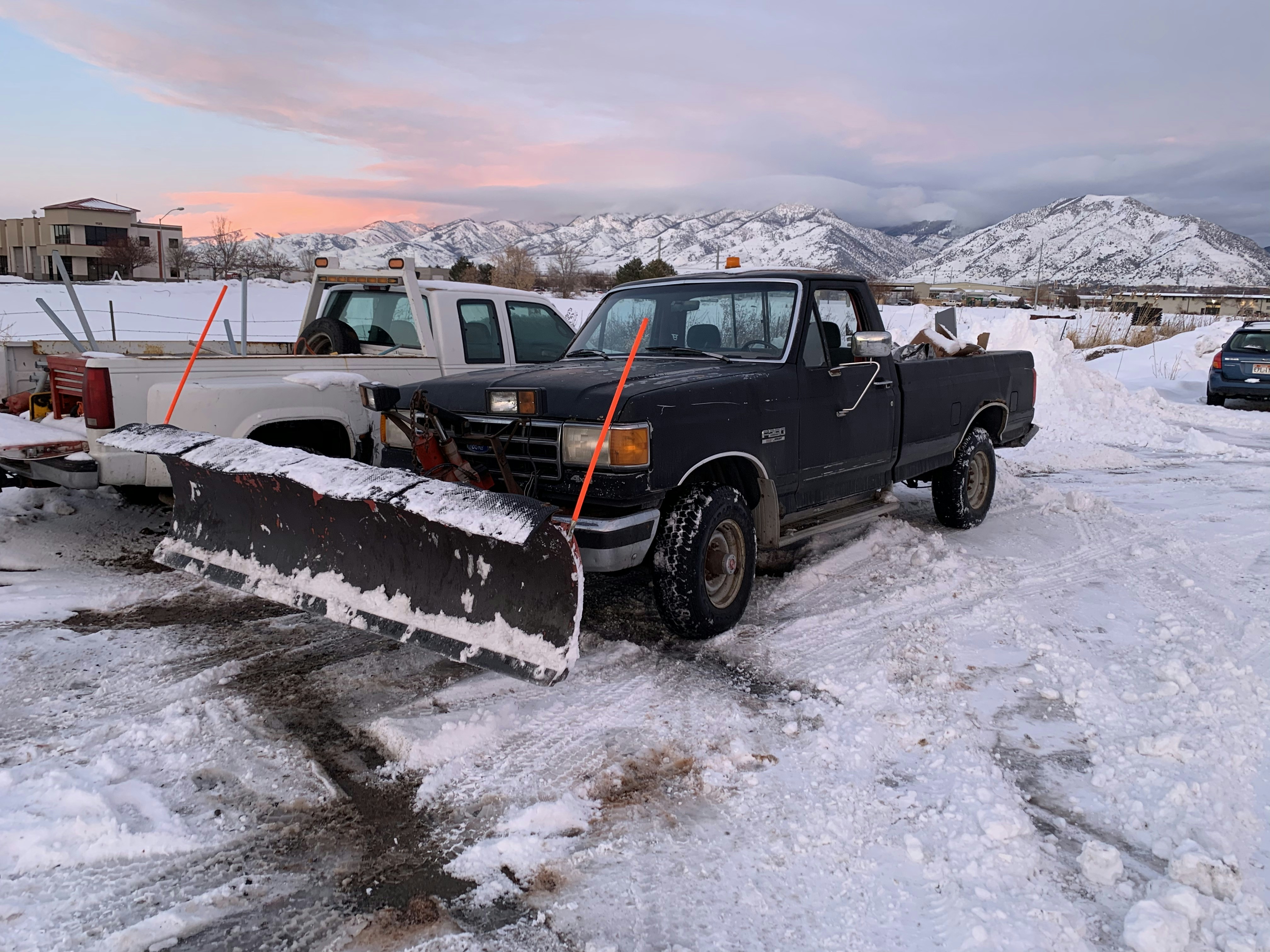
How Snow Removal Businesses Can Prepare for Possible Winter Lead Surges
An El Niño snowfall forecast has renewed attention on parts of the United States that may be more likely to see significant snow this winter. But a seasonal forecast is not a guarantee of snow in any one service area—and it does not prove that snow removal businesses will receive more inquiries.
Still, snow contractors have a practical reason to prepare. If local conditions do drive more calls, web forms, and text inquiries, a clear response process can help your team acknowledge customers quickly without making promises your crew cannot keep.
The goal is not to automate dispatch, assess emergency severity, or accept every job. It is to make sure each inquiry gets the right next step: confirm the location, understand the requested service, set realistic expectations, and route the conversation to a person who can make the operational decision.
The forecast covered by The Inertia’s El Niño snowfall map is a useful reminder to review this process before winter conditions arrive. Check current local forecasts and conditions for your actual service area; regional outlooks can differ significantly from what happens at the neighborhood level.
Table of contents
- Build your winter lead-response plan before the snow starts
- Set service-area and capacity rules
- Separate acknowledgment from booking and dispatch
- Collect the details your team needs
- Use honest response templates during a busy period
- Keep following up without overpromising
- Create a practical storm-day lead queue
- Use automation as a follow-up layer—not an operations system
- Frequently asked questions
Build your winter lead-response plan before the snow starts
Snow removal demand can be hard to manage because the work itself competes with lead handling. Your crew may be plowing, salting, fueling equipment, or moving between properties when a homeowner submits a quote form.
A winter lead-response plan should answer five questions before the first busy day:
- Which lead sources need a response? List calls, missed calls, website forms, Google Business Profile messages, social messages, referral texts, paid-lead platforms, and any property-management channels.
- Who owns the first human review? Assign a person or on-call role to check new inquiries. If that person is unavailable, identify the backup.
- What information must be collected before a crew decision? At a minimum, you may need the service address, requested work, property type, timing, and access details.
- What can your team promise? Define language for “we are reviewing availability,” “we are currently serving existing routes,” and “we cannot take this location today.” Avoid messages that imply a confirmed arrival time before someone has reviewed routing and capacity.
- What happens to leads you cannot serve immediately? A lead that is outside your route or beyond today’s capacity may still be a future recurring-service opportunity. Decide whether you will offer a waitlist, a future estimate, a callback after the event, or a polite decline.
This is a different problem from a normal estimate follow-up process. During a possible snow-driven spike, the first priority is often accurate intake and expectation-setting—not pushing every inquiry directly to booking.
Set service-area and capacity rules
The fastest response is not useful if it creates confusion about whether you can actually do the work. Before winter, document the rules your team will use to accept, defer, or decline requests.
Define your service-area boundary
Create a simple reference your lead handler can use:
| Decision area | Example rule to define internally |
|---|---|
| Core service area | ZIP codes, neighborhoods, or route zones your crews regularly serve |
| Limited-availability area | Locations you may serve only when route conditions and crew capacity allow |
| Outside service area | Areas you will decline or refer elsewhere |
| Commercial vs. residential | Whether one property type takes priority during active service windows |
| Existing vs. new customers | Whether recurring customers receive priority when demand is high |
These are business decisions, not promises to prospects. Update the rules when route conditions, staffing, equipment, or weather change.
Establish capacity statuses your team can use
Instead of treating every inquiry as simply “open” or “closed,” use operational labels such as:
- Available to review
- Awaiting property details
- Serviceable, pending route review
- Waitlist or delayed availability
- Not currently accepting one-time work
- Outside service area
- Follow up after the weather event
- Recurring service inquiry
A shared set of labels makes it easier to respond consistently when several people are looking at incoming messages.
Decide who can confirm a job
Only a person with current visibility into staffing, route progress, equipment availability, and priorities should confirm service or provide an arrival window.
An automated acknowledgment can say that the business received the request. It should not represent that a truck is dispatched, a route is available, or a property is confirmed.
Separate acknowledgment from booking and dispatch
This distinction matters most when your inbox gets busy.
An acknowledgment tells the customer:
- their message was received;
- what information you need next;
- when they can reasonably expect an update; and
- that availability is subject to review.
A booking or dispatch decision tells the customer:
- the business has accepted the work;
- the terms have been confirmed; and
- the operational team has made the appropriate arrangements.
Those are not the same thing.
For example, “Thanks—we received your snow removal request and are checking today’s availability” is an acknowledgment.
“Your driveway will be cleared by 9:00 a.m.” is a service commitment. Do not send it until the team responsible for capacity and routing has approved it.
This approach also helps with safety boundaries. A lead-response workflow should not be treated as emergency triage or a substitute for your business’s established emergency procedures. Keep human review and operational judgment in the loop for urgent or unusual requests.
Collect the details your team needs
A homeowner who writes “Need snow removal ASAP” has not yet given your team enough information to decide what to do. Keep the first qualification step short, but make it specific enough to prevent a long back-and-forth.
Use a winter-specific intake checklist
For each new request, collect:
- Full service address
- Best callback number
- Residential, commercial, or multi-unit property type
- Requested service: plowing, shoveling, salting, roof snow removal, or another service your business actually offers
- Whether the request is one-time, recurring, or related to an existing agreement
- Preferred timing or deadline, if any
- Access constraints that could affect the crew’s ability to assess the request
- Photos, if your business uses them for estimates or site review
- How the customer found you
Do not ask for every detail in one giant first message if it will slow the conversation down. Start with the information needed to determine whether the address is in your service area and whether the request matches your available services.
Ask location early
For snow removal, the address is often the most important qualification field because it affects route feasibility. Asking for it early can help you avoid spending time discussing work that is outside your territory.
A useful order is:
- Confirm the service address.
- Ask what service is needed.
- Ask whether the customer needs recurring or one-time service.
- Send the request for human review.
- Confirm, defer, or decline based on actual capacity.
Use honest response templates during a busy period
These messages are examples, not universal scripts. Adjust them to match your services, service area, and business hours. Send SMS only where you have the appropriate consent, and make sure your messaging practices include a lawful opt-out process.
New web-form inquiry
Hi [First Name], this is [Business Name]. Thanks for reaching out about snow removal. Please reply with the service address and the type of help you need, and we’ll review availability for that location.
After-hours acknowledgment
Hi [First Name], thanks for contacting [Business Name]. We received your snow removal request. Please send the property address and requested service, and our team will review it when available. Service timing is subject to route and crew availability.
Capacity is limited
Hi [First Name], thanks for sending the details. Our crews are currently working active routes, and we’re reviewing whether we can add new service in your area. We’ll update you after a team member checks availability.
Outside your current service area
Hi [First Name], thanks for contacting [Business Name]. At this time, we’re not servicing that location. We appreciate the opportunity and hope you’re able to find a provider who can help.
Existing customer request
Hi [First Name], this is [Business Name]. We received your message. Please confirm the property address and the service you need so we can review it against your current service arrangement.
Follow-up when the lead has not replied
Hi [First Name], following up on your snow removal request. If you still need help, reply with the property address and requested service so we can check current availability.
These messages work because they make the next step clear without creating a false expectation that a crew is already on the way.
For more adaptable first-response wording, see our guide to lead response templates for service businesses.
Keep following up without overpromising
A possible winter demand spike can cause leads to go quiet for ordinary reasons: the customer found someone else, they were busy clearing the property themselves, they were waiting for a family member, or they simply missed your message.
A short follow-up process can help your team close the loop without repeatedly texting a person who has not opted in or does not want further messages.
Use different follow-up paths
For a lead awaiting details: Send one concise reminder asking for the address and requested service.
For a lead awaiting internal availability review: Send an update when a team member has a decision. Do not leave the customer guessing if your capacity has changed.
For a lead you cannot serve today: If appropriate, ask whether they would like to be contacted about future recurring service or a post-event estimate. Do not treat that permission as automatic.
For an estimate or recurring-service conversation: Move it into a separate follow-up path once the immediate snow event has passed. The conversation is no longer about urgent route capacity; it is about future service.
The timing and tone should reflect the lead’s situation. A homeowner asking about a driveway during active snowfall needs a prompt status update. A property manager asking about a seasonal contract may need a more deliberate estimate conversation.
For a broader workflow, read how to follow up with home service leads automatically.
Create a practical storm-day lead queue
When inquiries rise, a simple queue is more useful than an overloaded inbox. Whether you use a spreadsheet, CRM, inbox labels, or another system, make the next action visible.
Suggested lead stages
| Lead stage | What it means | Next action |
|---|---|---|
| New | Inquiry arrived but has not been acknowledged | Send acknowledgment and request basic details |
| Needs location | Address is missing | Ask for the service address |
| Needs service details | Address is known, but the request is unclear | Ask what work is needed |
| Pending capacity review | Intake is complete | Human reviews routing and availability |
| Accepted | Business has confirmed the work | Hand off to the appropriate operations process |
| Deferred | Cannot commit now, but may follow up later | Set a specific follow-up task |
| Declined | Outside area or unavailable | Send a clear, courteous response |
| Future opportunity | Recurring service or post-event estimate potential | Move to the appropriate follow-up list |
The important field is not just the lead’s name. It is who owns the next action and when it should happen.
Track the source of each inquiry
If several channels become active at once, source tracking can show where your team is getting overwhelmed. Add a source field such as:
- Website form
- Phone call
- Missed call
- Google Business Profile
- Referral
- Social media
- Paid lead platform
- Existing customer
This will not predict winter demand. It can, however, help you review which channels create incomplete inquiries, which produce viable service-area requests, and where response coverage needs improvement before the next weather event.
Use automation as a follow-up layer—not an operations system
A follow-up tool can support the communication side of a winter response process: acknowledging new inbound leads, asking for the details a human needs, and sending a measured follow-up when an inquiry goes unanswered.
It cannot determine whether a road is passable, whether a crew has capacity, how a route should be prioritized, or whether an unusual request requires immediate human judgment.
SecureMyLead can automatically send an SMS to a new lead and continue with personalized follow-up sequences, helping the first communication happen even when your team is occupied. Your business still needs clear service-area rules, capacity ownership, consent-based messaging, and a person responsible for the final operational decision.
If you use automated sequences, review them carefully for winter conditions. For example, ordinary replies in SecureMyLead remain visible in the dashboard but do not currently auto-pause scheduled sequence messages. Make sure someone owns the conversation and adjusts follow-up when a customer has responded.
Get started free to build a more consistent lead acknowledgment and follow-up process before your next busy season.
Key takeaways
- A regional snowfall outlook may be a reason to prepare, but it does not guarantee snow or higher inquiry volume in your specific market.
- Verify local forecasts and operating conditions rather than relying on a broad seasonal map.
- Define service-area, capacity, and decision-owner rules before demand becomes difficult to manage.
- Treat acknowledgment, qualification, booking, and dispatch as separate steps.
- Ask for the service address and requested work early so your team can assess whether the lead is viable.
- Use messages that acknowledge the request without making unsupported arrival-time or availability promises.
- Keep human judgment in charge of routing, capacity, emergency procedures, and final service commitments.
Frequently asked questions
Does an El Niño snowfall forecast mean my snow removal business will get more leads?
Not necessarily. The cited forecast identifies areas that may be more likely to see significant snow, but it does not document an increase in snow removal inquiries or guarantee conditions in a particular local market. Use it as a prompt to prepare your response workflow, then monitor local forecasts and actual customer activity.
What should a snow removal auto-reply say?
It should confirm receipt, identify your business, ask for the service address and requested work, and state that availability is subject to review. It should not say a crew is dispatched or promise an arrival time unless an authorized team member has confirmed that commitment.
Should snow removal businesses accept every inquiry during a storm?
No. Accepting work without considering service area, routes, crew availability, equipment, and existing commitments can create poor customer expectations. A clear decline or deferred follow-up is often better than a promise your business cannot fulfill.
Can automated text messages dispatch snow removal crews?
Automated lead messages can acknowledge an inquiry and collect initial details, but they should not replace your dispatch process. Crew assignments, route decisions, capacity, and emergency procedures require human operational judgment.
How should I text snow removal leads legally?
Only message people where you have the appropriate consent and follow applicable messaging requirements. Give recipients a clear way to opt out, honor opt-out requests, and review your practices with qualified legal or compliance guidance when needed.