Santa Ana Winds and Wildfire Inquiries: A Response Playbook for Southern California Service Businesses
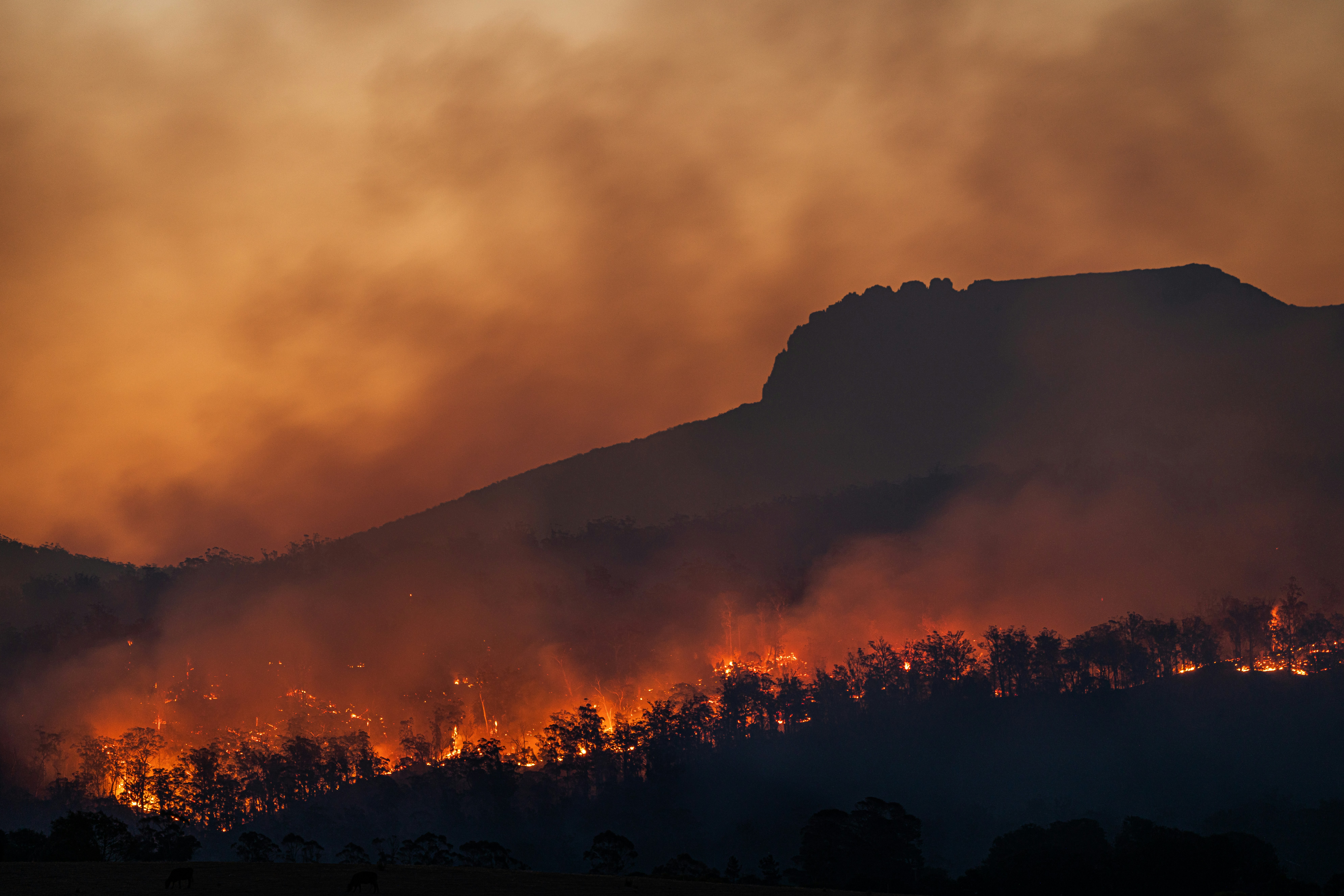
Santa Ana wind conditions, elevated wildfire danger, active fires, and evacuation-related concerns have been reported in Southern California. In an active emergency, people should follow official evacuation guidance and directions from the appropriate local authorities—not business text messages or scheduling workflows. Time and The Weather Channel provide current reporting on the wildfire threat.
For service businesses outside immediate danger zones, these conditions may create more questions about inspections, cleanup, damaged trees, smoke-related HVAC concerns, roofing, restoration, and property protection. A lead increase has not been documented, so treat this as a preparedness exercise—not a guaranteed demand surge.
The goal is simple: if inquiries rise, your team should be able to acknowledge legitimate requests, identify which ones need human review, stay within your service area and capacity, and avoid making promises you cannot keep.
Table of contents
- Start with safety and service-area boundaries
- Set up a simple wildfire inquiry triage process
- Match your response to your real capacity
- Use after-hours acknowledgment without overpromising
- Follow up on inspections and estimate requests
- Wildfire-related SMS templates
- Where automation helps—and where people must decide
- A same-day preparation checklist
- FAQ
Start with safety and service-area boundaries
Before changing any messages, decide what your business can responsibly handle right now.
That means clarifying four things internally:
- Where you can work: List the cities, ZIP codes, or neighborhoods you can currently serve.
- What services you can provide: For example, inspections, temporary protection, debris cleanup, tree work, restoration assessment, HVAC evaluation, or routine estimates.
- What is outside your scope: Do not imply that you provide emergency response, fire assessment, insurance determinations, or services that your team is not equipped to perform.
- Who can make exceptions: Assign one person to approve service-area exceptions, same-day visits, or schedule changes.
This matters during a fast-moving event because an immediate “Yes, we can help” can create confusion if a customer is outside your coverage area, roads are inaccessible, crews are fully booked, or conditions make work unsafe.
Put emergency language before business language
Your first message should not try to qualify someone who may be evacuating or in immediate danger.
A simple, responsible opening can state that people should follow official emergency instructions first. Then it can explain what your business may be able to assess once it is appropriate and safe to do so.
Avoid language such as:
- “We’ll be there immediately.”
- “We can assess fire damage now.”
- “Our crews are available everywhere.”
- “Ignore the wait—we’ll prioritize you.”
Unless you have verified those statements for that specific customer and situation, they can create harmful expectations.
Set up a simple wildfire inquiry triage process
If wildfire-related inquiries begin arriving, do not treat them like ordinary quote requests. A roof inspection request, a tree hazard question, and a homeowner asking whether they should evacuate are not the same conversation.
Your business should have a short triage path that gets every new inquiry to the right next step.
| Inquiry type | What to collect | Best next step |
|---|---|---|
| Immediate safety concern or evacuation question | Minimal details | Direct the person to official authorities and emergency guidance; do not attempt to advise |
| In-service-area urgent property concern | Address, service needed, contact details, photos only if safe and appropriate | Human review for availability and safe next steps |
| Inspection or estimate request | Property location, requested service, preferred contact time | Confirm receipt and offer the next available review or appointment window |
| Outside service area | Location and requested service | Respond honestly that you do not currently serve the area |
| Routine request unrelated to active conditions | Normal qualification details | Place in your standard lead workflow |
Use a short intake checklist
The person reviewing inquiries should have the same basic questions in front of them:
- What is the property address or ZIP code?
- What service is being requested?
- Is the customer currently in an evacuation area or under official instructions?
- Is the customer asking for emergency or safety guidance?
- Can your business legally, safely, and realistically serve the location?
- Is a human callback needed now, later today, or during normal hours?
- What expectation has already been communicated?
Do not use an automated message to determine whether a situation is dangerous. That decision requires human judgment and, when applicable, appropriate authorities.
Match your response to your real capacity
A possible increase in inquiries can create a second problem: a full inbox or phone line makes it easy to overbook crews.
Before publishing a weather-related post, boosting an ad, or changing your website banner, decide what capacity you actually have.
Choose a capacity status
Use a plain internal status your team can update quickly:
- Available: Taking new inspection or service requests normally.
- Limited: Accepting requests, but appointments may take longer than usual.
- Waitlist only: Collecting inquiry details for future scheduling.
- Paused: Not accepting new work in certain areas or for certain service types.
Then make your auto-reply match that status. A message that says “We’ll contact you shortly” may be appropriate when someone is monitoring leads. It is not appropriate if your team cannot review inquiries until the next day.
Be specific without promising too much
Good expectation-setting language:
- “We’ve received your request and are reviewing service availability in your area.”
- “Our team is handling a high volume of requests. We’ll follow up after we confirm whether we can serve your location.”
- “We are currently accepting inspection requests for our service area. Appointment timing depends on availability and safe access.”
- “We are not able to confirm a visit until a team member reviews your request.”
This is more useful than vague urgency and more trustworthy than a promise your operation may not be able to fulfill.
For more general approaches to setting up an instant acknowledgment, see auto reply messages for leads.
Use after-hours acknowledgment without overpromising
Storm and wildfire concerns do not always arrive during business hours. If someone fills out a form at night, an acknowledgment can reassure them that the request was received—but it should not look like a dispatch confirmation.
A good after-hours message does three jobs:
- Identifies your business.
- Confirms that the inquiry arrived.
- Sets a realistic expectation for human review.
It should also avoid encouraging people to rely on your business for emergency instructions.
Example after-hours structure
Thanks for contacting [Business Name]. We received your request for [service]. If you are under an evacuation order or have an immediate safety concern, please follow official local guidance. Our team will review your request and service availability when we reopen at [time].
This is especially useful for roofers, restoration companies, HVAC businesses, tree services, landscapers, and cleanup providers that may receive inquiries outside normal hours.
For a broader after-hours setup, read After-Hours Lead Response: How to Win Jobs While You Sleep. In a wildfire-related situation, apply its response principles with stricter service-area, safety, and capacity checks.
Follow up on inspections and estimate requests
Not every wildfire-related inquiry will need a same-day response. Many people may be looking for an inspection, an estimate, a cleanup plan, or a future appointment after conditions stabilize.
Those requests can be easy to lose when the team is focused on active jobs.
Separate “needs a reply” from “ready to schedule”
A useful workflow has at least three stages:
- Acknowledged: The customer knows their request was received.
- Reviewed: A team member confirms the service area, service type, and availability.
- Scheduled or pending: The customer receives either an appointment option or an honest update that scheduling is not yet available.
That separation prevents a common mistake: treating an automated confirmation as if the job has been accepted.
Follow up with context
A generic “Just checking in” message is less helpful after a weather event. Reference the service they requested and give one clear next step.
For example:
Hi [First Name], this is [Business Name] following up on your request for a [roof / tree / restoration / HVAC] assessment at [address]. We’re reviewing availability in your area. If conditions are safe and you’d still like us to review the request, reply with your preferred contact time.
For estimate-stage messaging, see estimate follow-up text templates for contractors. Adapt the timing and language to your current capacity rather than using an ordinary sales sequence unchanged.
Wildfire-related SMS templates
Use these only for people who have provided appropriate consent to receive text messages. Your business remains responsible for using SMS lawfully and honoring opt-outs.
1. New inquiry acknowledgment
Hi [First Name], this is [Business Name]. We received your request for [service] at [address]. If you are under an evacuation order or have an immediate safety concern, please follow official local guidance. We’ll review service availability and follow up as soon as we can.
2. Limited-capacity response
Hi [First Name], thanks for contacting [Business Name]. We’re currently handling a high volume of requests and are reviewing availability by area. We have your request for [service] and will update you after a team member reviews it.
3. Inspection request follow-up
Hi [First Name], this is [Business Name] following up on your request for a [service] inspection. We can review availability for [address]. Please reply with the best time to reach you, and we’ll confirm next steps if we can serve your location safely.
4. Outside-service-area response
Hi [First Name], thank you for reaching out to [Business Name]. At this time, we are not able to serve [location]. We don’t want to promise help we cannot provide. Please continue following official local guidance for current conditions.
5. Appointment availability update
Hi [First Name], [Business Name] here. We’re still reviewing appointment availability for your [service] request. We’ll contact you when we can confirm a safe, available time. Thanks for your patience.
6. No-response follow-up for a non-emergency estimate request
Hi [First Name], this is [Business Name] checking in about your request for [service] at [address]. If you still want an inspection or estimate when conditions allow, reply here with your preferred contact time.
Keep these messages short. Do not include claims about fire severity, damage, insurance coverage, emergency priority, or exact arrival times unless a qualified team member has confirmed them.
Where automation helps—and where people must decide
A possible inquiry increase is exactly where follow-up systems can be useful—but only within clear limits.
Automation can help your business:
- Acknowledge a new lead quickly.
- Send a consistent after-hours receipt message.
- Keep routine inspection and estimate inquiries from being forgotten.
- Continue a follow-up sequence for people who have not responded.
- Reduce the chance that a busy owner loses track of a web form or missed inquiry.
Automation should not be used to:
- Determine whether someone is in immediate danger.
- Decide whether a property is safe to visit.
- Prioritize emergency response.
- Promise service availability.
- Dispatch crews.
- Give evacuation, fire, medical, gas, or power-line guidance.
SecureMyLead can serve as the follow-up layer between your lead sources and the person on your team who handles qualification, scheduling, and customer decisions. For this use case, keep the first automated text limited to acknowledgment and safe expectation-setting. Let a human review urgent or unusual requests before making operational commitments.
If you use scheduled follow-up messages, review them carefully during an active event. Ordinary replies should be monitored by your team, and any message sequence should match the customer’s current situation and your capacity.
A same-day preparation checklist
Use this checklist before a possible increase in wildfire-related inquiries becomes difficult to manage.
Service operations
- [ ] Confirm the areas you can currently serve.
- [ ] Confirm which services are available, limited, or paused.
- [ ] Name the person responsible for reviewing urgent inbound requests.
- [ ] Set an honest after-hours response expectation.
- [ ] Tell office staff and field teams what they can and cannot promise.
Lead handling
- [ ] Create labels for urgent review, inspection request, estimate request, outside area, and scheduled.
- [ ] Add address or ZIP code as an early intake field.
- [ ] Update your form confirmation and missed-call response.
- [ ] Check that the phone number receiving replies is monitored.
- [ ] Pause any generic promotional message that could sound insensitive or irrelevant.
Messaging
- [ ] Add a brief official-guidance reminder to relevant wildfire-related replies.
- [ ] Remove promises of immediate service unless you can verify them case by case.
- [ ] Use capacity-based language if your schedule is limited.
- [ ] Confirm that only consented contacts receive SMS messages.
- [ ] Test the exact message a new web lead will receive.
Ongoing review
- [ ] Review open inquiries at least once per day while conditions affect your area.
- [ ] Update messages when availability changes.
- [ ] Close the loop with customers you cannot serve.
- [ ] Move routine opportunities into your normal estimate follow-up process once conditions stabilize.
Key takeaways
- Santa Ana winds and wildfire concerns are a reason to prepare your response process, not proof that every Southern California business will receive more leads.
- In an emergency, official evacuation and safety guidance comes before any business interaction.
- Separate urgent safety-related contacts from inspection, estimate, and routine service requests.
- Use truthful service-area and capacity language instead of automatic promises.
- A quick acknowledgment can prevent legitimate requests from sitting unanswered, but people—not automation—must make safety, dispatch, and qualification decisions.
- Keep a follow-up path for non-emergency inspection and estimate requests that are not ready to schedule immediately.
FAQ
Are Santa Ana winds guaranteed to create more service-business leads?
No. Current reporting establishes elevated wildfire danger, active fires, and evacuation-related concerns in Southern California, but it does not document a measured rise in calls, quote requests, inspections, or leads for service businesses. Some operators may receive more relevant inquiries, so preparation is sensible.
Should my business advertise emergency wildfire services during evacuations?
Do not market in a way that distracts people from official evacuation instructions or implies emergency capabilities you do not have. If you communicate about available services, keep the message factual, limited to your real service area and capacity, and secondary to official safety guidance.
What should an automated first text say during a wildfire-related event?
It should identify your business, acknowledge receipt of the request, direct people with immediate safety concerns to official guidance, and avoid promising an appointment or arrival time before human review.
How often should we follow up on an inspection request?
That depends on your actual availability and the customer’s situation. Begin with a prompt acknowledgment, then follow up after a team member can review the location and requested work. For routine, non-emergency estimates, use a measured follow-up cadence rather than repeated urgent messages.
Can SecureMyLead handle emergency triage or dispatch?
No. SecureMyLead is a lead-follow-up automation tool. It can help acknowledge inquiries and maintain follow-up, but your team must make safety, qualification, scheduling, and dispatch decisions.
Related reading
- After-Hours Lead Response: How to Win Jobs While You Sleep
- Auto Reply Messages for Leads: Set It Up Once and Never Miss Another Lead
- Estimate Follow-Up Text Templates for Contractors
- How to Follow Up With Home Service Leads Automatically
When your team is busy handling real customer decisions, SecureMyLead can help make sure new inquiries receive an acknowledgment and routine follow-up does not get forgotten. Get started free.