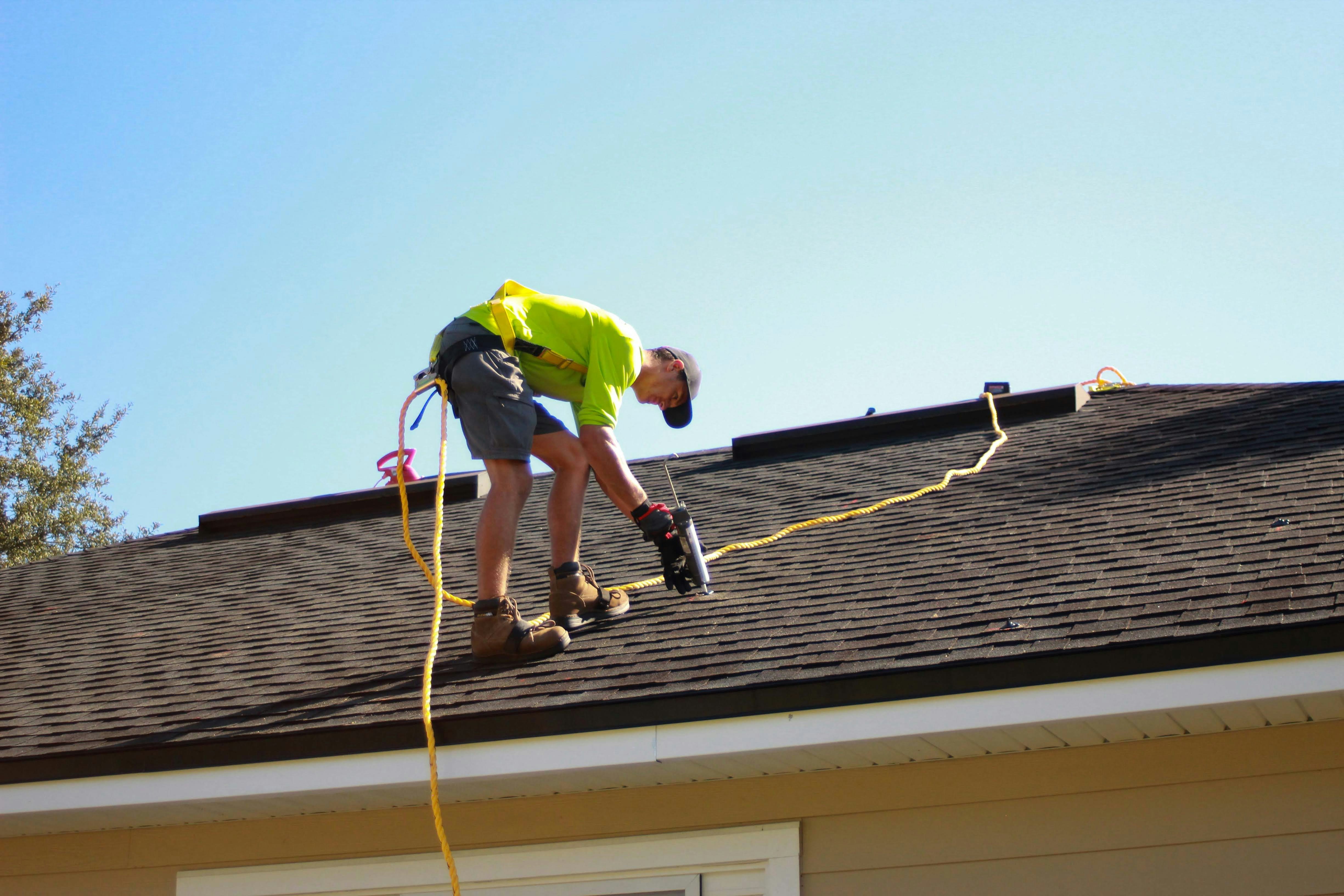
Nor’easter Preparation for Roofing and Home-Service Businesses: A Safe Inquiry-Response Playbook
A developing nor’easter is forecast to bring possible coastal flooding, beach erosion, rain, and wind damage to parts of the Northeast, according to reporting from The New York Times and ABC7 New York.
For roofing, tree-service, restoration, HVAC, and other home-service businesses, those conditions can create a need for clear customer communication and disciplined capacity planning. The reports do not establish that businesses are already experiencing a lead surge. Still, businesses in affected areas should prepare for the possibility of more weather-related calls, web forms, missed calls, and estimate requests.
Safety comes first. A customer reporting immediate danger, such as a downed power line, suspected gas leak, carbon monoxide concern, active fire, or a person who depends on powered medical equipment, should contact local emergency services, their utility, or other relevant local authorities—not wait for a service-business callback. Your intake team should not attempt to diagnose, dispatch, or provide emergency instructions beyond your company’s approved procedures.
The practical goal is simpler: acknowledge inquiries, gather the minimum useful details, assign a human owner, avoid unsafe promises, and follow up when an inspection or estimate can safely happen.
Table of contents
- What a nor’easter readiness plan should accomplish
- 1. Set safety and service-area boundaries before the storm
- 2. Separate emergency reports from estimate requests
- 3. Use a storm-specific intake checklist
- 4. Protect capacity with clear job-status labels
- 5. Send acknowledgments without overpromising
- 6. Give every inquiry a callback owner
- 7. Follow up when conditions and capacity allow
- A short automation bridge
- Key takeaways
- FAQ
What a nor’easter readiness plan should accomplish
A storm-readiness plan is not about accepting every request. It is about preventing confusion when demand is uncertain and conditions may change quickly.
Before the weather worsens, your team should be able to answer five questions for every new inquiry:
- Is anyone in immediate danger?
- Is this inside our current service area?
- Is it safe and appropriate for us to inspect or perform work?
- What type of request is this: emergency mitigation, repair, inspection, or estimate?
- Who owns the next customer update, and when?
That framework keeps customer communications useful without implying that you can immediately inspect a roof, remove a tree, restore power, or complete another weather-sensitive job.
1. Set safety and service-area boundaries before the storm
Do this before the first storm-related inquiry arrives. A vague “we’ll see what we can do” response creates unnecessary pressure on office staff, field crews, and customers.
Confirm your operating boundaries
Create a short internal list covering:
- Towns, ZIP codes, or counties you will consider serving
- Areas you may temporarily pause because of flooding, road conditions, or travel restrictions
- Services you will and will not perform during hazardous conditions
- Whether you offer temporary mitigation work, inspections, repairs, or estimates
- The person authorized to approve overtime, subcontractors, or referral partners
- The person responsible for deciding when field work resumes
For example, a roofing company may be willing to document a reported leak and schedule a post-storm inspection, but not send a crew onto a roof during dangerous wind or rain. A tree-service company may accept a request for later assessment but decline to promise removal while conditions remain unsafe.
Update the team’s language
Give everyone answering calls, texts, and forms the same boundary statement:
“We’re reviewing storm-related requests as conditions allow. We can collect your details now, and a team member will confirm the next available safe step.”
This avoids two common mistakes:
- Promising an arrival time before you know crew availability or road conditions
- Treating every storm-related message as an immediate dispatch request
2. Separate emergency reports from estimate requests
Not every urgent-sounding message should enter the same workflow. A customer with a suspected safety hazard needs a different response from someone asking whether you can inspect missing shingles next week.
Use three simple intake lanes
| Lane | What it includes | Your team’s job |
|---|---|---|
| Immediate safety concern | Reports involving immediate danger or hazards outside your team’s role | Direct the customer to appropriate local emergency, utility, or safety authorities; do not treat it as a routine estimate |
| Time-sensitive property issue | Active leak, exposed opening, fallen limb affecting a structure, water intrusion, or similar report | Gather facts, set no unsafe arrival promise, assign an owner, and determine whether your business can safely provide the next step |
| Inspection or estimate request | Suspected wind damage, roof concern, HVAC issue, cleanup, repair, or post-storm assessment | Capture details and place the request in the next available inspection or estimate queue |
The first response is not a diagnosis. It is a way to route the conversation responsibly.
Do not let automation make triage decisions
An auto-reply can confirm that a message arrived. It cannot determine whether a customer’s situation is safe, whether your crew should be dispatched, or whether you have capacity.
Keep human review in the workflow—especially when a message mentions danger, injury, utilities, fire, flooding, or access concerns.
3. Use a storm-specific intake checklist
A standard “name, phone, and address” form may not give you enough information to prioritize or prepare for a storm-related request.
Use the following questions on your call script, form, or internal lead card.
Minimum intake questions
- What is your name, callback number, and property address?
- What service do you need? Examples: roof inspection, leak assessment, temporary protection request, tree assessment, water cleanup, HVAC issue, or repair estimate.
- What are you seeing right now? Ask for observable facts, not a diagnosis: water entering a room, shingles on the ground, branch on a structure, loss of heating or cooling, and so on.
- Is anyone in immediate danger? If yes, move out of the normal lead workflow and direct the customer to appropriate emergency or utility resources.
- Is the property accessible safely? Note flooding, blocked roads, unstable trees, or other access concerns without asking the customer to investigate a hazardous area.
- Has the customer contacted their insurer? This may be useful context for a repair or documentation conversation, but do not offer insurance coverage conclusions unless you are qualified to do so.
- Can they share photos when safe to do so? Never encourage customers to climb onto a roof, approach damaged electrical equipment, or enter an unsafe area for photos.
- What is the best time and method for a human callback?
Add useful internal tags
Tags make it easier to avoid mixing a non-urgent estimate request with a time-sensitive property concern. A simple tag set could include:
storm-inquirysafety-reviewactive-waterroof-inspectiontree-damagerestoration-requestoutside-service-areapost-storm-follow-upphotos-pendingcallback-assigned
The point is not to build a complicated CRM process during a storm. It is to make the next action visible.
4. Protect capacity with clear job-status labels
If inquiries rise, capacity can disappear faster than a team realizes. The risk is not just slow replies; it is overcommitting crews, giving conflicting updates, or accepting work you cannot safely perform.
Use a simple status board with five stages:
- New — needs human review
- Safety or access check needed
- Callback completed
- Inspection/estimate scheduled
- Waitlist or follow-up date set
For each lead, record:
- Assigned owner
- Last customer contact
- Next promised update
- Service type
- Approximate location
- Current status
- Any safety or access note
Establish a waitlist before you need one
A waitlist is better than a vague promise. If your inspection calendar is full, say so clearly and provide the next realistic action.
For example:
“Our current inspection schedule is limited due to weather and existing commitments. We can add your request to our post-storm callback list and contact you when we can confirm a safe appointment window.”
That is more useful—and more honest—than saying “we’ll get there as soon as possible” without an owner or follow-up date.
For broader systems that keep estimates and callbacks from going stale, see How to Follow Up With Home Service Leads Automatically.
5. Send acknowledgments without overpromising
A fast acknowledgment can reassure a customer that their message was received. It should not imply that your business has evaluated the situation, confirmed availability, or scheduled a crew.
New storm-related inquiry acknowledgment
Hi [First Name], this is [Business Name]. We received your request regarding the weather-related issue at [Address]. We’re reviewing incoming requests and will have a team member follow up about the next available safe step. If there is immediate danger, please contact local emergency services or the appropriate utility provider.
Inspection or estimate request acknowledgment
Hi [First Name], thanks for contacting [Business Name]. We received your request for a post-storm [roof inspection/repair estimate/service visit]. We’ll review the details and follow up with available appointment options once conditions and crew availability allow.
Capacity-limited response
Hi [First Name], we have your request and have added it to our storm-response list. Our schedule is currently limited, so we cannot confirm an arrival time yet. [Owner Name] will update you by [day/time] with the next available option.
Outside-service-area response
Hi [First Name], thank you for reaching out. Your address appears to be outside our current storm-response area, so we don’t want to promise service we may not be able to provide. Please contact a qualified local provider or relevant local emergency resources if there is an immediate safety concern.
For more general first-response examples, use these lead response templates for service businesses.
6. Give every inquiry a callback owner
A shared inbox, voicemail box, or web-form notification is not ownership. During a possible weather-related influx, the lead that “everyone saw” is often the one no one calls back.
For every inquiry, assign one person who is responsible for the next update. That person may not be the eventual estimator or technician. Their job is simply to make sure the customer receives a clear answer.
A practical callback rule
Before ending a shift, each unbooked inquiry should have one of these next actions:
- Callback scheduled
- Customer asked for more information
- Inspection request queued
- Waitlist update scheduled
- Referred or declined
- Closed because no service is needed or available
If no one can take ownership immediately, set an internal deadline. “Review tomorrow morning” is better than letting the lead sit with no plan.
This is especially important for missed calls. A storm-related caller may leave little detail, and the business still needs a safe, measured way to reopen the conversation. Read After-Hours Lead Response: How to Win Jobs While You Sleep for a broader missed-call and after-hours workflow.
7. Follow up when conditions and capacity allow
Some customers will not answer the first callback. Others may have submitted requests while dealing with a stressful property issue. A short, respectful follow-up sequence can keep the door open without pressuring someone.
Follow-up after no response
Hi [First Name], this is [Business Name] following up on your storm-related service request. We wanted to confirm whether you still need help with [service]. Reply here or call us at [phone] and we’ll review the next available safe option.
Follow-up after conditions improve
Hi [First Name], conditions have improved enough for us to review upcoming [inspection/service] availability. Would you still like us to help with the issue you reported at [Address]?
Follow-up for a customer on the waitlist
Hi [First Name], you’re still on our storm-response list for [service]. We’re working through requests based on safe access and availability. We’ll update you again by [day/time], or sooner if an appointment opens up.
Keep the message focused on the customer’s stated need. Do not use a storm as an excuse for exaggerated urgency, high-pressure sales language, or promises that a crew has not approved.
For estimate-specific follow-up, see Estimate Follow-Up Text Templates for Contractors.
A short automation bridge
If your business receives inquiries through forms, ads, calls, or multiple inboxes, a first-response workflow can help ensure customers receive an acknowledgment while your team reviews the request. SecureMyLead can automatically text new leads and continue configured follow-up sequences, helping reduce forgotten callbacks.
It is not an emergency triage or dispatch system. A person must still review messages, assess safety, manage capacity, and decide whether and when work can be performed. Teams using automated sequences should also remember that ordinary customer replies remain visible for dashboard follow-up but do not currently auto-pause scheduled messages, so active conversations need human oversight.
Get started free to build a more consistent lead-response workflow before the next busy period.
Key takeaways
- A developing nor’easter may create weather-related service inquiries in affected Northeast areas, but a documented lead surge has not been established.
- Put immediate safety concerns outside the normal estimate and scheduling workflow.
- Do not promise inspections, arrival times, or hazardous work before confirming conditions and capacity.
- Use storm-specific intake questions to separate safety concerns, time-sensitive property issues, and routine estimates.
- Every request needs a clear owner and next update—not just an acknowledgment.
- A simple waitlist and status system can help prevent overbooking and forgotten callbacks.
- Automation can acknowledge and organize leads, but people must handle triage, dispatch decisions, and customer judgment.
Frequently asked questions
Should a roofing company offer emergency service during a nor’easter?
Only if the company has determined it can do so safely and has the staff, access, equipment, and approved procedures to support that work. Do not promise emergency arrival or roof access before conditions have been assessed.
What should we say when a customer wants an immediate inspection?
Acknowledge the request, collect the property details, and explain that you will confirm the next available safe inspection option. Avoid giving a time window until your team has reviewed conditions and crew availability.
How should a home-service business handle storm-related missed calls?
Return the call when possible and send a concise acknowledgment text if appropriate. Ask for the address, service need, observable issue, and safest callback time. Then assign the inquiry to a specific person for follow-up.
Can an auto-reply handle emergency triage?
No. An auto-reply can confirm receipt and provide a general safety reminder, but it cannot evaluate hazards, decide whether to dispatch a crew, or determine your current capacity.
What if our schedule is full?
Be direct. Offer a waitlist, a post-storm callback date, or a referral if appropriate. A clear limitation is better than accepting a request you cannot realistically or safely serve.