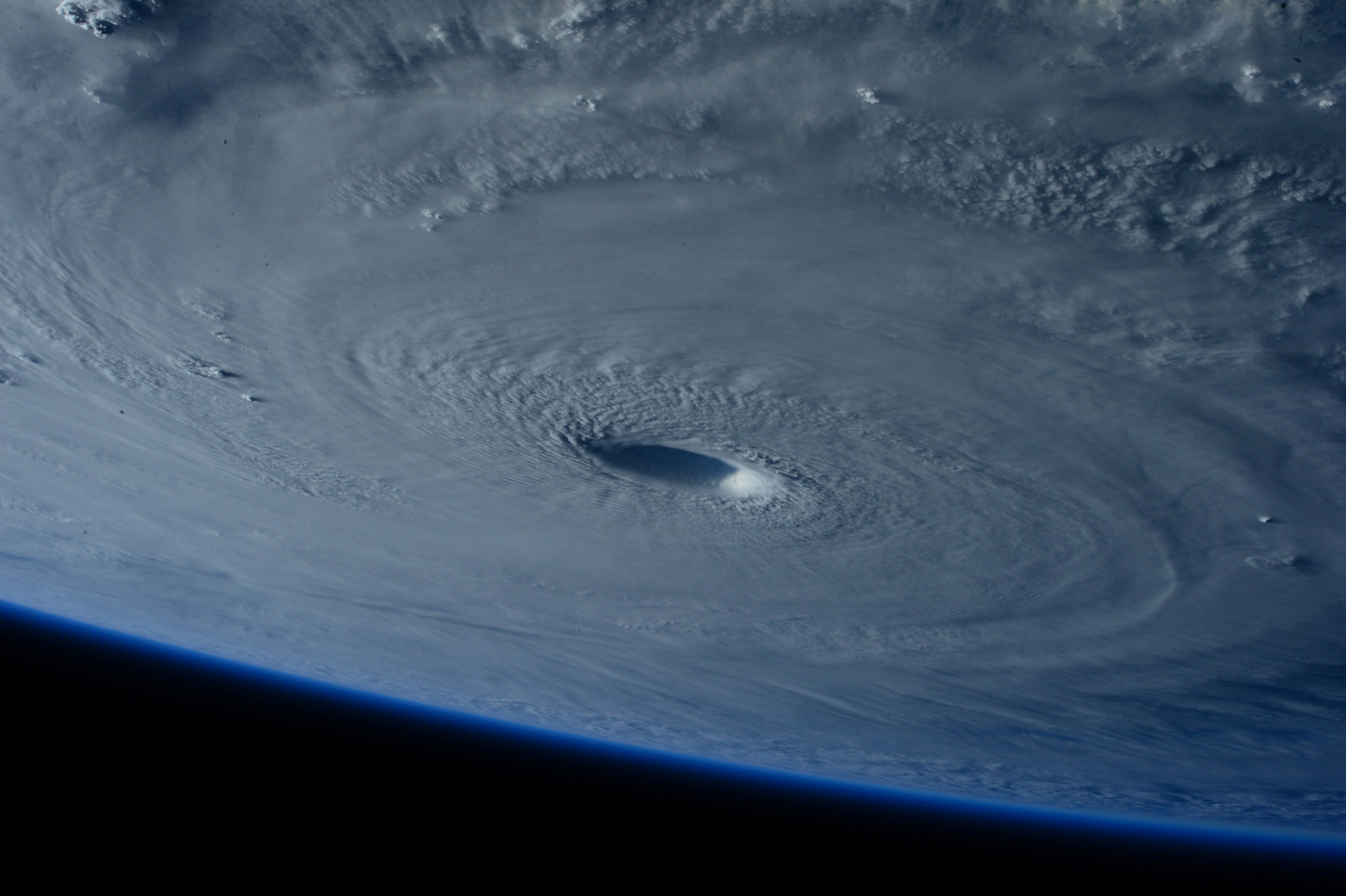
Hurricane Nolo Business Preparation: A Lead-Response Checklist for Roofers and Restoration Companies
Hurricane Nolo is a timely reminder for roofers, restoration companies, and local contractors to review how they handle storm-related inquiries when conditions may disrupt normal operations.
Hawaii News Now reported that Hurricane Nolo reached major-hurricane strength, later weakened slightly, and was tracking away from the main Hawaiian Islands. Maui County also urged residents to prepare for prolonged power and communications outages. Conditions, warnings, and local guidance can change quickly, so businesses should check current official updates before making operational decisions. Hawaii News Now · Maui Now
These reports do not prove that Hurricane Nolo has created a surge in roofing or restoration leads. But storm conditions and possible communications disruptions are a practical reason to prepare for inquiries that may arrive while your team is unavailable, traveling, on another job, or unable to access usual systems.
Safety comes before lead handling
This checklist is not emergency-management advice, dispatch guidance, or a substitute for official instructions.
If a customer reports an immediate safety risk, do not treat the message as a normal estimate request. Direct them to current official emergency guidance and avoid promising that your company can inspect, dispatch, or arrive during unsafe conditions.
Do not send crews into unsafe areas simply because an inquiry arrives. A text acknowledgment cannot assess the severity of a situation, replace human judgment, or guarantee availability.
Table of contents
- What to prepare before storm-related inquiries arrive
- Separate urgent safety concerns from estimate requests
- Create a storm response workflow with human ownership
- Prepare for after-hours messages and outages
- Storm-ready response templates
- What to do when communications resume
- How SecureMyLead can fit into the workflow
- Key takeaways
- FAQ
What to prepare before storm-related inquiries arrive
A storm workflow should be simple enough to use when your normal schedule is disrupted. The goal is not to promise every caller a fast inspection. It is to make sure the right person can see the inquiry, understand what the customer needs, and respond honestly.
1. Name one person responsible for incoming inquiries
Choose a primary owner and a backup.
For a small roofing company, that may be the office manager as primary owner and the owner as backup. For a restoration business, it may be the intake coordinator and an operations lead.
Document:
- Who checks new calls, web forms, social messages, and texts
- Which person monitors messages after hours
- When the backup takes over
- Where the team records the customer’s name, address, contact details, and request
- Who has authority to discuss availability or schedule inspections
Avoid a vague “someone will get back to them” process. During a disruption, unclear ownership is how inquiries become forgotten.
2. Review every inbound lead source
Storm-related inquiries may come through more than one channel:
- Website quote forms
- Google Business Profile messages or calls
- Paid-ad landing pages
- Referral calls
- Facebook or Instagram messages
- Existing customer texts
- Voicemail
Make a short list of each source and verify that notifications reach the assigned person. If your internet connection or usual inbox is unavailable, identify the fallback method your team can access when possible.
For a broader setup framework, see how to build a lead follow-up system that runs automatically.
3. Decide what you can honestly offer
Before messages start arriving, establish what the team can and cannot say.
For example:
- Are inspections paused until weather conditions improve?
- Is the office able to collect requests but not schedule exact times?
- Are only existing customers receiving updates?
- Is there a service-area boundary?
- Does an estimator need to review every request before an appointment is offered?
Do not use “available now,” “we’re on the way,” or “we can inspect today” unless a responsible employee has confirmed that is true.
4. Prepare a simple intake checklist
For roofing and restoration inquiries, the initial information should help a human decide what happens next without asking a customer to send a long story while they may be dealing with an outage.
Capture:
| Intake item | Why it matters |
|---|---|
| Name and best callback number | Lets the team continue the conversation when possible |
| Property address or neighborhood | Confirms service area and helps organize requests |
| Type of request | Helps distinguish roof damage, water intrusion, mitigation, or a general estimate |
| Whether the property is occupied | Gives useful context for a human reviewer |
| Brief description of the concern | Helps prepare the next response |
| Preferred contact method | Useful when a customer has limited connectivity |
| Consent status for future text follow-up | Helps the business use messaging responsibly |
Keep this separate from emergency assessment. Your intake process should never imply that the business can determine safety conditions remotely.
Separate urgent safety concerns from estimate requests
Not every storm-related message needs the same response. A roof inspection request, an existing-customer update, and a report of an immediate safety concern should not enter one undifferentiated queue.
A practical approach is to use three categories.
Category 1: Immediate safety concern
Examples may include messages describing an immediate danger or a situation the customer believes is unsafe.
Your team should not attempt to diagnose the situation over automated text or promise a response time. Use a human-reviewed reply that points the customer to current official emergency guidance.
Category 2: Time-sensitive property concern
This may include a customer reporting visible roof damage, water intrusion, or a need to discuss mitigation after conditions allow.
These inquiries may need quicker human review, but they still should not receive an unverified arrival time. Collect the key details, explain the next step, and assign an owner.
Category 3: Standard estimate or inspection request
These are inquiries such as:
- “Can someone inspect my roof?”
- “I’d like an estimate after the storm.”
- “Do you serve my area?”
- “Can you assess possible water damage?”
Acknowledge the request, set a realistic expectation for when the team will review it, and follow up when operations allow.
This distinction keeps a normal quote workflow from sounding careless during a weather event. It also prevents an automated first reply from being mistaken for an emergency response.
Create a storm response workflow with human ownership
A usable workflow has four stages: acknowledge, collect, assign, and update.
Acknowledge the inquiry
A short acknowledgment tells the customer their message arrived. It should not overpromise a callback, inspection, estimate, or crew availability.
For general first-response guidance, use these lead response templates for service businesses as a starting point, then adapt the language to your actual storm operations.
Collect only the details your team needs
Ask one or two useful questions, not six at once. For example:
- “What is the property address?”
- “Are you looking for roof inspection, repair, or water-damage restoration?”
- “What is the best way to reach you when our team is able to review requests?”
If messages are arriving intermittently, fewer questions can be more practical than an elaborate form.
Assign the next human action
Every inquiry should have a visible next step:
- Call the customer
- Review photos or details
- Confirm service area
- Add to an inspection-request list
- Update an existing customer
- Send a clear decline if the request is outside your scope or area
The key is that a specific person owns the next action. Automation can acknowledge and organize, but a person must decide whether and when the business can serve the request.
Update the customer if timing changes
If weather, road conditions, staffing, or communications change your schedule, send a straightforward update rather than leaving the customer with an old promise.
A useful update says what changed, what you can do next, and what you are not yet able to confirm.
Prepare for after-hours messages and outages
Maui County’s warning about possible prolonged power and communications outages makes continuity planning especially relevant. Businesses should not assume calls, internet access, email, or SMS will work normally during an outage.
Build a fallback contact plan
Before relying on any automated workflow, decide:
- Who can access lead information if the office is unavailable
- Whether key contact information is securely available to the designated owner
- How team members will communicate if normal channels are interrupted
- How you will review messages once service is restored
- Which messages need a human response first
Do not promise customers that text messages will be delivered during an outage. A message may be delayed, unavailable, or unseen until communications resume.
Keep your after-hours wording conservative
An after-hours reply should acknowledge receipt without making it sound like someone is actively monitoring every message.
For more general after-hours setup ideas, see after-hours lead response: how to win jobs while you sleep. During storm conditions, adjust any normal “we’ll contact you shortly” wording to match your real staffing and safety constraints.
Avoid public availability claims you cannot maintain
If your team cannot safely inspect properties, pause or update time-sensitive promotions, ads, social posts, and voicemail messages that imply immediate service.
This does not mean you must stop accepting inquiries. It means your public messaging should accurately reflect the current situation.
Storm-ready response templates
Use these as starting points only. Review them against your actual availability, service area, consent practices, and current local conditions.
General storm-related inquiry acknowledgment
Hi [First Name], this is [Business Name]. We received your request regarding your property. Our team is reviewing incoming inquiries as conditions allow. Please reply with the property address and a brief description of what you need, and a team member will follow up when available.
Roofing inspection request
Hi [First Name], thanks for contacting [Business Name] about a roof inspection. We’ve received your request. Please send the property address and your best callback number. We’ll review the details and contact you when we can confirm the next available step.
Restoration inquiry
Hi [First Name], this is [Business Name]. We received your restoration inquiry. Please reply with the property address and a brief description of the issue. A team member will review your request and follow up when available. Please follow current official guidance for any immediate safety concern.
After-hours acknowledgment
Hi [First Name], thanks for contacting [Business Name]. Our office may have limited availability due to current conditions, but we received your message. Please share the property address and the best number to reach you, and our team will respond when operations allow.
Communications-resume follow-up
Hi [First Name], this is [Business Name] following up on your request from [day/date]. We’re reviewing inquiries again and wanted to see whether you still need help with [roofing/restoration concern]. If so, reply with the best time to contact you.
Only send follow-up texts where you have the appropriate permission to message that person. Include and honor opt-out requests, and do not treat this article as legal advice.
What to do when communications resume
When your normal tools become available again, do not start by working requests in the order they happen to appear. First, create a short review process.
1. Reconcile every lead source
Check:
- Missed calls and voicemail
- Website forms
- Text inboxes
- Social messages
- Email inquiries
- Leads sent from advertising platforms
- Existing customer requests
Mark duplicates so one customer does not receive multiple disconnected replies.
2. Review the oldest unanswered requests first
Identify messages that received no acknowledgment because of the disruption. Then identify requests that were acknowledged but never received a human follow-up.
A simple status list can help:
- New and unreviewed
- Awaiting customer details
- Needs human call
- Inspection requested
- Not currently serviceable
- Closed or no longer needed
3. Send an honest re-engagement message
Do not pretend the delay did not happen. A short, direct message is better:
Hi [First Name], this is [Business Name]. We’re following up on your earlier request. We had limited communications during the storm period and wanted to check whether you still need assistance. Reply here with the best time to reach you.
For additional no-response and quote follow-up guidance, read how to follow up on quotes without losing the customer.
4. Review what broke before the next storm
After operations stabilize, ask:
- Which lead sources were difficult to monitor?
- Did customers receive an accurate first response?
- Did anyone promise timing they could not keep?
- Did the team know who owned each inquiry?
- Could you identify unanswered messages quickly?
- Did your text workflow respect consent and opt-outs?
The best storm workflow is not the most complicated one. It is the one your team can still use when normal communications are unreliable.
How SecureMyLead can fit into the workflow
SecureMyLead can serve as one part of a prepared lead-response process: acknowledging new inbound inquiries and continuing configured SMS follow-up when communications and messaging services are available.
It is not an emergency triage tool, dispatch system, safety assessment tool, or substitute for a person deciding whether your business can respond. Businesses should configure storm-specific messages carefully, use only accurate availability language, obtain appropriate consent for text messaging, and make sure a human owns urgent or safety-related conversations.
If you want a follow-up layer for new leads and configured text sequences, Get started free.
Key takeaways
- Hurricane Nolo and the possibility of prolonged outages are reasons to review your communications workflow, not proof that service-business demand has increased.
- Put safety first and direct immediate concerns to current official guidance rather than treating them as ordinary leads.
- Separate standard estimate requests from time-sensitive property concerns and human-reviewed safety issues.
- Assign clear ownership for every inbound channel, including after-hours requests.
- Do not promise inspection times, crew availability, or text-message delivery unless you can confirm them.
- When communications resume, reconcile every lead source and follow up honestly with unanswered inquiries.
FAQ
Did Hurricane Nolo cause a lead surge for roofers or restoration companies?
The cited reporting does not document a measurable increase in roofing, restoration, insurance, or contractor inquiries. Businesses should prepare for possible storm-related inquiries without assuming a surge has already occurred.
Should a roofing company promise same-day inspections after a storm?
Only if a responsible team member can confirm that availability and conditions allow it. Storm response messages should avoid unverified promises about inspections, dispatches, arrival times, or service capacity.
Can automated texts handle storm emergencies?
No. Automated texts can acknowledge an inquiry, but they cannot assess safety, replace official emergency guidance, or make operational decisions for your business. Immediate safety concerns need human judgment and current official direction.
Will SMS work during a power or communications outage?
Do not assume it will. Maui County warned residents to prepare for prolonged power and communications outages, and messages may be delayed or unavailable. Build a fallback plan and review inquiries when service returns.
What should a restoration company ask in its first reply?
Keep the first reply focused on basic intake: the property address, the type of concern, a brief description, and the customer’s preferred callback number. Avoid trying to diagnose the situation or promising service before a person reviews the request.