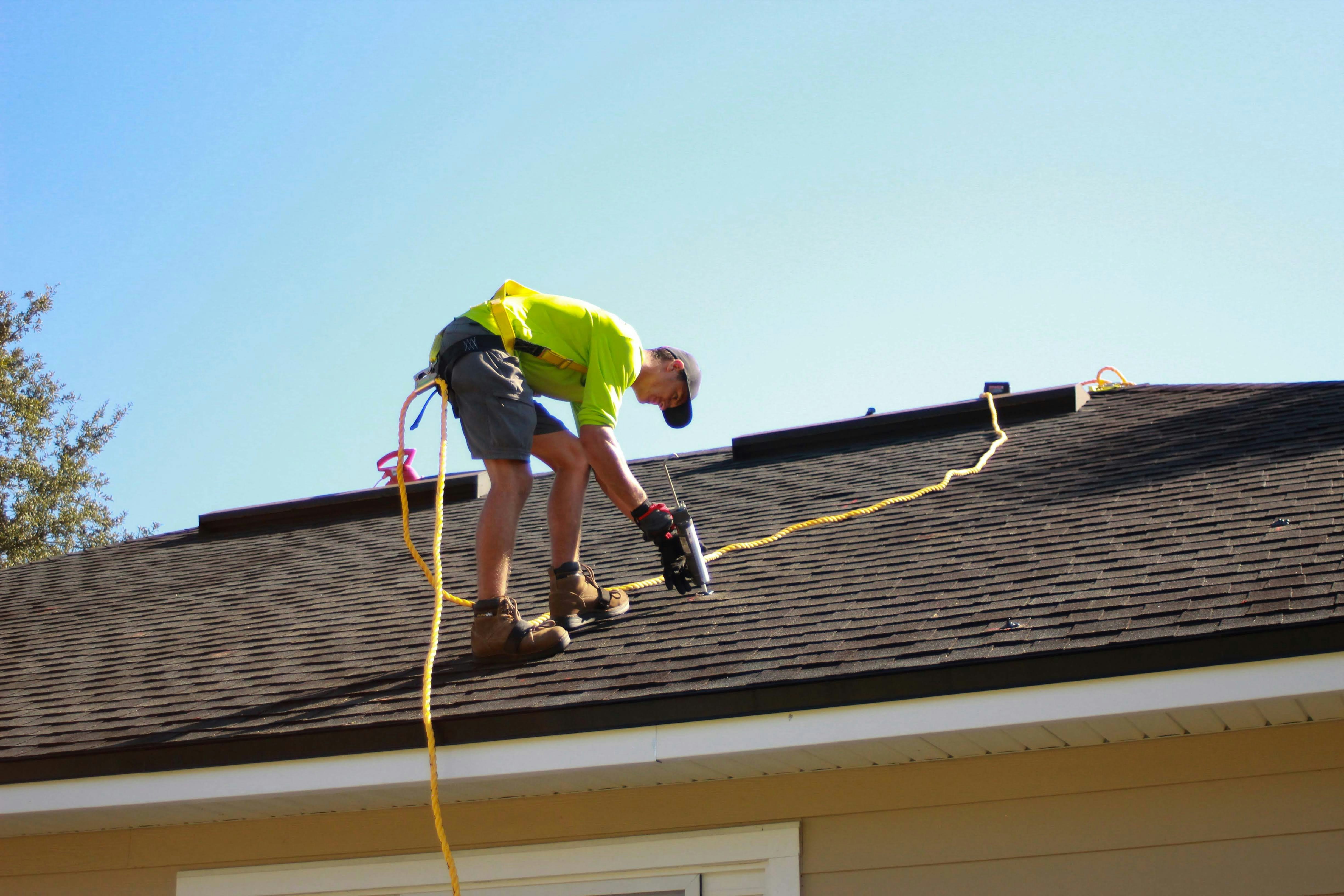
Hurricane Lead Response Checklist for Roofing and Restoration Businesses
Hurricane Polo has intensified to a Category 5 storm and has been described as extremely dangerous in recent reporting from CNN and Syracuse.com.
Safety comes before lead handling. A roofing or restoration business should not use text automation as emergency triage, hazard assessment, dispatch, or a substitute for human judgment. For an immediate threat to life or safety, the homeowner should contact local emergency services and follow instructions from local emergency-management officials.
The reporting does not establish that Hurricane Polo has created a measured increase in roofing or restoration leads. But a severe storm can create the possibility of more inspection, repair, moisture-mitigation, and insurance-related inquiries. The right preparation is a clear workflow: acknowledge the inquiry, gather only the information your team needs, assign a human owner, set realistic expectations, and keep non-ready leads from being forgotten.
Table of contents
- The hurricane lead-response checklist
- Set up your lead intake before inquiries rise
- Qualify without diagnosing damage by text
- Create a clear inspection-booking handoff
- Use photos and documents carefully
- Text-message templates for storm-related inquiries
- Follow up with homeowners who are not ready to schedule
- Where SecureMyLead fits
- FAQ
The hurricane lead-response checklist
Use this checklist when your market may receive storm-related inquiries. It is designed for roofing companies, restoration businesses, and other home-service operators that need to manage a possible short-term increase without making promises they cannot keep.
Before the storm or before inquiries increase
- [ ] Confirm who monitors each lead source: website forms, calls, voicemail, paid ads, social messages, referral partners, and directory listings.
- [ ] Create one shared intake view so leads are not stranded in individual inboxes.
- [ ] Assign a human owner for new storm-related inquiries during business hours and after hours.
- [ ] Decide which ZIP codes, cities, or service areas you can realistically serve.
- [ ] Define the damage categories you do and do not handle, such as roof inspections, tarping if your company offers it, water mitigation, or restoration estimates.
- [ ] Write honest capacity language for times when inspections are limited or booking windows are filling.
- [ ] Prepare an acknowledgment message that does not promise immediate dispatch, a same-day visit, insurance approval, or a specific repair outcome.
- [ ] Confirm that you have appropriate consent before sending automated texts and that every message path respects opt-out requests.
- [ ] Establish a simple escalation rule for any inquiry that needs a person immediately.
- [ ] Brief the team on what they can and cannot tell homeowners about damage, safety, insurance coverage, and scheduling.
For every new inquiry
- [ ] Acknowledge receipt quickly.
- [ ] Identify the business and the staff member or team that will follow up.
- [ ] Ask for the property address or ZIP code to confirm service area.
- [ ] Ask what the homeowner is noticing, using neutral language.
- [ ] Ask whether the property is occupied and whether there is any immediate safety concern.
- [ ] Route urgent or unclear situations to a trained human instead of continuing an automated exchange.
- [ ] Gather only the details needed for the next step.
- [ ] Offer an inspection request or callback—not a guaranteed appointment—when your team can evaluate availability.
- [ ] Record the source, location, damage type, timing, and next owner.
- [ ] Send a clear next-step message so the homeowner is not left wondering what happens next.
At the end of each day
- [ ] Review every unassigned inquiry.
- [ ] Check new leads against service-area and service-type rules.
- [ ] Review messages that received a reply but no human follow-up.
- [ ] Confirm that booked inspections have an internal owner and a customer confirmation.
- [ ] Separate leads waiting on a callback, a scheduling decision, homeowner information, or later follow-up.
- [ ] Pause or revise automated messages if they no longer match actual capacity or operating conditions.
- [ ] Document recurring questions so your team can improve its intake script.
Set up your lead intake before inquiries rise
A storm-response workflow fails when a business treats every inbound message as the same type of lead. Roofing and restoration inquiries may range from a homeowner asking for a future inspection to someone reporting active water intrusion. Your intake needs enough structure to distinguish the next action without pretending that a text conversation can diagnose a property.
Monitor every entry point
Storm-related leads may not all arrive through your contact form. A homeowner may call after seeing a yard sign, message your social account, respond to an ad, submit a directory request, or leave a voicemail outside normal hours.
List each source and answer three operational questions:
| Lead source | Who sees it first? | What happens if nobody responds? |
|---|---|---|
| Website form | Named team member or automated workflow | Immediate acknowledgment and assigned callback |
| Phone call or voicemail | Office staff, answering workflow, or owner | Missed-call process and human review |
| Paid lead platform | Assigned employee | Source tagged and routed to intake |
| Social message | Named account manager | Moved into the same lead queue |
| Referral | Office or estimator | Logged with referrer and requested service |
The goal is not to create a complex CRM project in the middle of a weather event. It is to make sure no inquiry depends on one busy person noticing a notification.
For a broader system, see how to follow up with home service leads automatically and this guide to automated lead follow-up systems for contractors.
Use a minimum intake record
For most roofing and restoration inquiries, the following fields are enough to create an organized handoff:
- Name
- Mobile number and preferred contact method
- Property address or ZIP code
- Lead source
- Service requested
- Brief description of what the homeowner noticed
- When the issue was first noticed
- Whether someone is currently at the property
- Photos available: yes, no, or later
- Current status: new, awaiting human review, inspection requested, scheduled, not in service area, or follow-up later
- Assigned owner and next action
Do not make the first interaction feel like a long application. If a homeowner is stressed, ask only what is needed to decide whether your company can take the next step.
Set capacity rules before you need them
A high volume of inquiries can create a second problem: promising appointments your team cannot complete. Decide in advance:
- Which areas receive priority based on your actual service footprint
- How many inspections each estimator can reasonably handle
- Which services are temporarily unavailable
- Who can approve an exception
- What your team says when the schedule is full
- When a lead should receive a later follow-up rather than repeated booking prompts
Capacity rules are internal operating decisions. An automated message can acknowledge a request and collect basic details, but a person should determine availability and whether an inspection can be scheduled.
Qualify without diagnosing damage by text
The purpose of qualification is to determine whether the request fits your service area and service capabilities—not to diagnose a roof, establish the cause of damage, or advise a homeowner on insurance coverage.
Ask service-fit questions
A concise qualification sequence can include:
- Where is the property? Ask for the address or ZIP code before offering an inspection window.
- What service does the homeowner believe they need? Examples: roof inspection, roof repair inquiry, water cleanup, moisture concern, or restoration estimate.
- What are they seeing? Let them describe visible symptoms in their own words, such as a missing-shingle concern, ceiling stain, leak, or fallen debris. Do not turn their description into a diagnosis by text.
- When did they first notice it? This helps the team understand whether the lead may need a fast human callback or ordinary scheduling follow-up.
- Can they share photos later if your team requests them? Photos can help prepare for a conversation, but they should not be treated as a complete assessment.
- Is there an immediate safety concern? If the answer suggests a potential emergency or is unclear, route the conversation to a person and direct the homeowner to local emergency guidance where appropriate.
Avoid these common qualification mistakes
Do not promise an inspection time before confirming the address. A lead may be outside your service territory, and an “available today” text can create an expectation your team cannot meet.
Do not assume every storm inquiry means a roof replacement. The homeowner may need information, an inspection, a repair, restoration work, or service your company does not offer.
Do not give insurance conclusions. A business can explain its own inspection process, but coverage, claim approval, and policy interpretation should not be promised in a lead conversation.
Do not let a keyword decide urgency. Words such as “emergency,” “leak,” or “ASAP” should trigger human review—not an automated guarantee of dispatch or immediate service.
Create a clear inspection-booking handoff
A quick acknowledgment is useful only if the lead knows what happens next. The handoff should be simple enough for a small office to run during a busy period.
Use four lead statuses
You do not need dozens of pipeline stages. Start with four:
| Status | Meaning | Human next step |
|---|---|---|
| New | Inquiry received but not reviewed | Confirm ownership and service fit |
| Needs review | Information suggests a person should assess the request | Call or text personally |
| Inspection requested | Lead fits the service area and wants an evaluation | Check availability and offer options |
| Follow up later | Lead is not ready, unavailable, or gathering information | Set a specific next follow-up date |
If your team books an inspection, send a confirmation only after the appointment is actually entered into the scheduling system your business uses. Keep lead follow-up and scheduling as separate responsibilities: messaging can collect interest and maintain contact, while a person or scheduling process confirms the appointment.
Give every lead one owner
When demand may increase, “someone will call you” is not an ownership model. Add a named person or role to each inquiry:
- Office coordinator
- Estimator
- Restoration project manager
- Owner
- After-hours on-call reviewer
The owner does not need to resolve every question immediately. They do need to know that the next action belongs to them.
For more booking-focused guidance, read how fast booking gives you an unfair advantage and estimate follow-up text templates for contractors.
Use photos and documents carefully
Photos can help your team prepare for a call or inspection, especially when a homeowner has already documented what they can see. They are not a substitute for a qualified assessment.
Make photo requests optional and specific
A good request explains why you are asking and gives the customer an easy alternative:
- “If you can safely share a few photos of the area you’re concerned about, they may help our team prepare for the conversation.”
- “If photos are not available, that’s okay. Please send the property address and a brief description of what you noticed.”
Never encourage a homeowner to take risks to obtain photos. Do not ask them to climb onto a roof, enter a dangerous area, or take any action that could put them at risk.
Keep documentation organized
When your business receives photos, inspection notes, or claim-related documents, attach them to the correct lead record and limit access to the people who need them. Avoid requesting sensitive insurance or payment information by ordinary text unless you have an appropriate, secure process for handling it.
Text-message templates for storm-related inquiries
These examples are designed for homeowners who have consented to receive texts from your business. They are acknowledgments and follow-up messages—not emergency instructions, dispatch confirmations, insurance advice, or damage assessments.
Customize the service area, business name, and actual next step before using them.
1. New inspection inquiry acknowledgment
Hi [First Name], this is [Name] with [Business]. Thanks for contacting us about your property. We received your request and will review it shortly. What is the property address or ZIP code?
2. Service-area confirmation
Thanks. We’re reviewing requests in your area. Can you briefly share what you’re noticing at the property and when you first noticed it? A team member will follow up about next steps.
3. Human-review handoff
Hi [First Name], [Name] from [Business] is reviewing your request now. We’ll contact you as soon as we can to discuss the property and whether an inspection is available. Reply STOP to opt out.
4. Photo request without pressure
If you already have photos of the area you’re concerned about, you can send them here for our team to review before we speak. Please do not take photos if doing so could be unsafe.
5. Inspection availability follow-up
Hi [First Name], this is [Name] with [Business] following up on your inspection request for [Property Address]. We’re checking availability. Is there a good time for a team member to call you today?
6. Schedule-full response
Thanks for reaching out, [First Name]. Our team is currently reviewing inspection availability. We don’t want to promise a time before confirming our schedule, but we can keep your request active and update you about next steps.
7. Not-ready homeowner follow-up
Hi [First Name], this is [Name] with [Business]. Just checking in on your request for [Property Address]. If you would like to discuss an inspection or have questions about our process, reply here and we’ll follow up.
8. Close-the-loop message
Hi [First Name], we have not heard back regarding your request for [Property Address]. We’ll close this request for now, but you can reply anytime if you would like to revisit an inspection. Reply STOP to opt out.
For more general first-response options, use these auto-reply messages for contractors and lead-response templates for service businesses.
Texting consent and opt-outs
Before sending automated texts, confirm that your business has the appropriate consent for the messages it sends and that its practices comply with applicable requirements. Make opt-out instructions clear where appropriate, honor opt-out requests, and do not treat an automated sequence as permission to keep messaging someone who has asked to stop.
Texting can support timely acknowledgment and routine follow-up. It cannot replace a person’s judgment about safety, scheduling, property conditions, or the right next action.
Follow up with homeowners who are not ready to schedule
Not every inquiry will turn into an immediate inspection request. Some homeowners may be waiting for weather conditions to change, speaking with family, collecting information, or deciding whether to contact their insurer. A structured follow-up keeps the conversation open without pressuring them.
Segment the reason for delay
Use a simple tag or note:
- Requested a callback
- Wants an inspection later
- Gathering photos or details
- Needs to confirm property access
- Outside service area
- Service not offered
- No response after acknowledgment
Each reason calls for different follow-up. A homeowner waiting to speak with a family member should not receive the same message as someone who never replied to the first text.
Use restrained timing
For a non-urgent inspection inquiry, a reasonable operational pattern may be:
- Initial acknowledgment
- Human follow-up when assigned
- One check-in if the homeowner has not responded
- A later close-the-loop message
Do not use a storm as a reason to send repeated, high-pressure messages. The goal is to make it easy for a homeowner to re-engage when they are ready.
If you need a broader approach for no-response leads, see how long to wait before following up with a lead and how to follow up on quotes without losing the customer.
Where SecureMyLead fits
When a roofing or restoration business has a clear human review and scheduling process, SecureMyLead can handle the follow-up layer: sending an initial SMS acknowledgment when a new lead arrives and continuing a configured sequence for leads that have not yet responded.
That can help a small team keep web-form and other inbound inquiries from sitting unattended while staff are on jobs or handling active customer conversations. It does not assess emergencies, determine capacity, book appointments independently, diagnose damage, or replace a person’s response when a lead needs judgment.
Because ordinary replies do not automatically pause scheduled sequence messages, review your sequence rules and team ownership before using automation during a potentially sensitive storm-response period.
Get started free to build a more consistent lead follow-up workflow.
Key takeaways
- Hurricane Polo’s Category 5 status is established by recent reporting, but a roofing or restoration lead surge has not been documented and should not be assumed.
- Prepare for a possible increase in inquiries by centralizing lead sources, defining service-area rules, and assigning a human owner to every request.
- Use text messages to acknowledge and collect basic information—not to diagnose damage, provide insurance advice, or promise emergency dispatch.
- Confirm actual availability before presenting an inspection as scheduled.
- Keep photo requests optional and never encourage unsafe actions.
- Use consent-aware texting and honor opt-outs.
- Automation can support acknowledgment and follow-up, while people remain responsible for safety decisions, capacity, and customer communication.
FAQ
Has Hurricane Polo caused more roofing or restoration leads?
The cited reports establish that Hurricane Polo became a Category 5 storm and was described as extremely dangerous. They do not document a measurable increase in roofing, restoration, insurance, or home-service leads. Businesses can prepare for possible storm-related inquiries without treating increased demand as a confirmed fact.
What should a roofing company ask first after a storm-related inquiry?
Start with the property address or ZIP code, the service requested, a brief description of what the homeowner noticed, and when they noticed it. Confirm that the request is within your service area before offering an inspection discussion.
Can an automated text book storm-damage inspections?
An automated text can acknowledge an inquiry and ask whether the homeowner wants a scheduling conversation. A person or your actual scheduling process should confirm availability before an appointment is presented as booked.
Should restoration companies ask homeowners to text photos?
You can make photos optional if they would help your team prepare for a conversation. Do not treat photos as a complete assessment, and never encourage someone to take photos in a way that could be unsafe.
How should a company respond when it has no inspection capacity?
Acknowledge the request honestly, avoid promising a time you cannot confirm, and explain that your team is reviewing availability. Then assign a person to decide whether to offer a later appointment, refer the request appropriately, or close the lead record with a clear status.
Is text-message automation appropriate for urgent storm inquiries?
It can be appropriate for a basic acknowledgment when the recipient has consented to texts, but it is not emergency triage, dispatch, or a substitute for human judgment. Any request that suggests a potential immediate safety issue should be handled by a person and directed to local emergency guidance as appropriate.