Hurricane Isaias 2026: Storm-Damage Lead Response Checklist for Roofers and Contractors
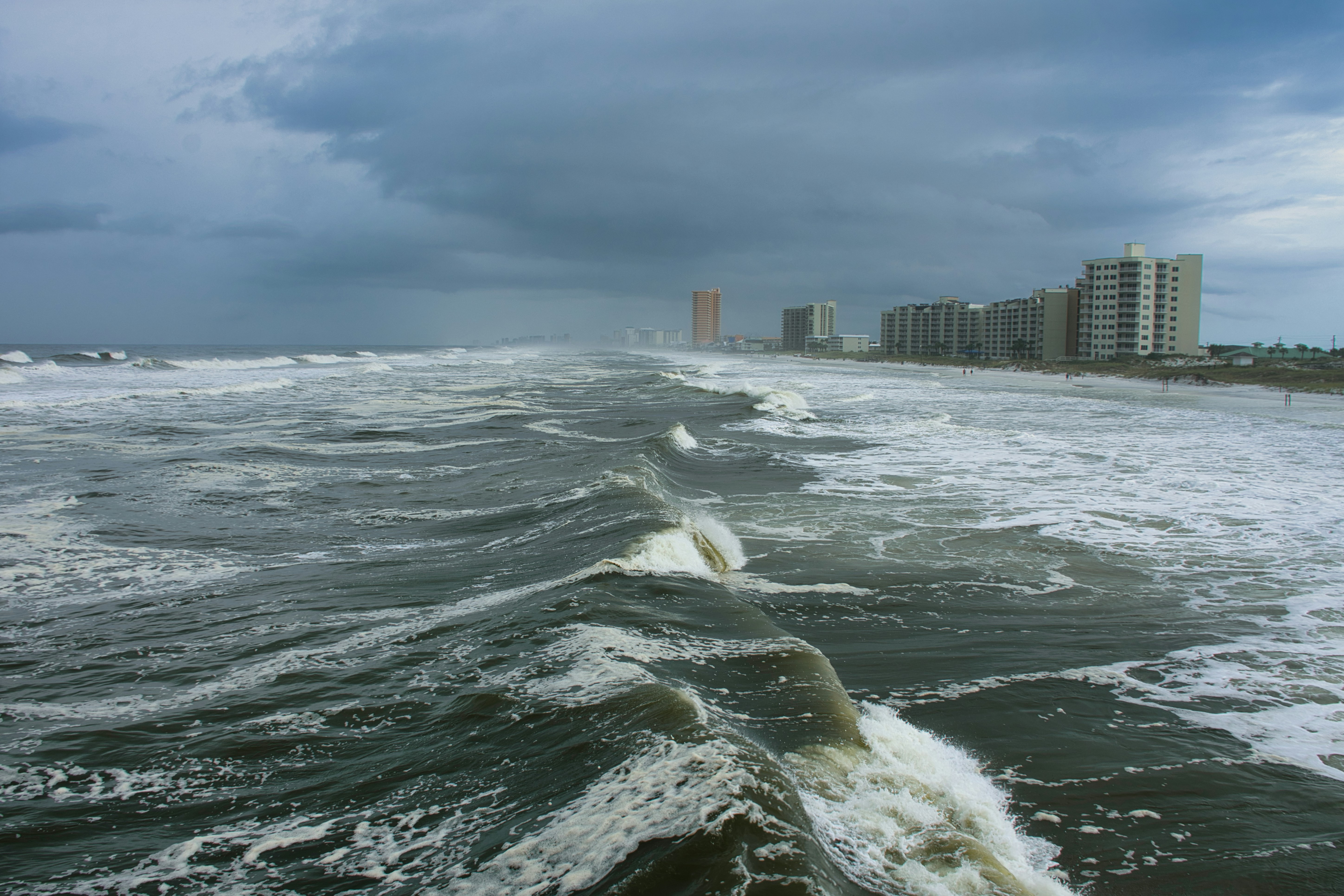
Hurricane Isaias is approaching the Gulf Coast, and several Florida counties have issued evacuation orders, according to First Coast News and The New York Times’ hurricane coverage.
Safety comes before lead response. Follow evacuation orders and official local emergency guidance. Do not send crews into evacuated or unsafe areas, encourage homeowners to enter dangerous conditions for photos, or treat a web form or text message as emergency triage. A contractor acknowledgment is not an inspection, an estimate, insurance advice, or a promise that a crew can respond.
The reports do not establish that Hurricane Isaias has created a measurable increase in contractor leads. But if storm-related inquiries rise, roofing, restoration, tree-service, HVAC, plumbing, and electrical businesses should be ready to acknowledge legitimate requests, screen for serviceability, and set honest expectations without overwhelming the team.
Table of contents
- What to prepare before inquiries increase
- Storm-damage lead intake checklist
- How to screen requests safely
- Storm-damage acknowledgment text templates
- How to route and prioritize leads
- Follow-up after inspection or estimate requests
- Capacity limits and ethical communication
- How to make this workflow reusable
- FAQ
What to prepare before inquiries increase
A storm workflow is not about claiming every job. It is about making a clear decision on every inquiry:
- Is the location currently safe and within your service area?
- Is this a service your company actually provides?
- Does the customer need a human response now, later, or not from your team?
- Do you have capacity to inspect, quote, or complete work?
- What should the customer reasonably expect next?
Before inquiries potentially increase, define those answers internally.
Assign one person to own the queue
Someone should be responsible for reviewing new storm-related messages, even if multiple people can reply. That owner does not need to perform every inspection. They do need to make sure each lead has one clear next status:
- Needs safety or availability response
- Needs more information
- Ready for inspection scheduling
- Estimate requested after inspection
- Outside service area
- Duplicate inquiry
- Declined or referred elsewhere, if appropriate
Without clear ownership, multiple employees may contact the same homeowner—or no one may follow up after the initial acknowledgment.
Create a service-area and service-type list
During normal demand, vague requests are manageable. During a possible weather event, ambiguity creates unnecessary back-and-forth.
Document:
- Counties, cities, or ZIP codes you currently serve
- Services available after the storm, such as roof inspections, temporary protection, water mitigation, tree removal, HVAC assessment, plumbing repair, or electrical work
- Services you do not provide
- Areas your team will not enter until conditions are safe
- Current inspection capacity and realistic scheduling windows
- Who may approve exceptions
Do not tell a prospect that you “can get there today” unless a person has confirmed it.
Keep safety language ready
Your team should have a simple standard response for reports involving hazardous conditions. The key is not to diagnose the situation by text. It is to avoid treating a dangerous report as an ordinary estimate request.
For example:
Thanks for contacting [Business Name]. Please follow current guidance from local officials and avoid entering unsafe areas. Once conditions are safe and we can confirm your location and service needs, our team can review your request.
That message acknowledges the inquiry without giving unqualified safety instructions or implying that your company is an emergency service.
Storm-damage lead intake checklist
Storm inquiries need more detail than a typical “I need a quote” form. The right intake fields can reduce repeated phone calls and help your office identify what needs a human review.
Use this checklist for web forms, call notes, text conversations, or manually entered leads.
Contact and property details
- [ ] Full name
- [ ] Best callback number
- [ ] Email address, if available
- [ ] Property address
- [ ] City, county, and ZIP code
- [ ] Whether the caller is the owner, tenant, property manager, or another contact
- [ ] Preferred response method: call, text, or email
Service request details
- [ ] Requested service category
- [ ] Brief description of visible or reported issue
- [ ] When the issue was first noticed
- [ ] Whether the property is occupied, vacant, or inaccessible
- [ ] Whether the customer is requesting an inspection, temporary protection, repair, replacement, cleanup, or an estimate
- [ ] Whether they have already contacted another provider
Avoid asking customers to diagnose technical damage. “What did you notice?” is usually more useful than “What type of roof failure is this?”
Access and timing details
- [ ] Is the property in your service area?
- [ ] Is it currently safe and accessible for a future visit?
- [ ] Is the customer available for a callback?
- [ ] Are there access limitations, such as a gated community, tenant coordination, or a second contact?
- [ ] Does the customer have a preferred inspection window once conditions allow?
Photos and documentation
Photos can help your team understand the request, but they should never be collected at the expense of safety.
Ask customers to send existing photos only if they can do so safely. Do not ask anyone to climb on a roof, approach damaged structures, or enter an area that officials have deemed unsafe.
A practical request:
If you already have photos you took safely, you can reply here with them. Please do not enter unsafe areas or climb onto the roof to take new photos.
Keep documentation separate from promises. Photos may help with preliminary review, but they do not replace an on-site inspection or confirm the scope of damage.
How to screen requests safely
Every storm inquiry should pass through a short screening step before scheduling.
1. Check for immediate safety concerns
If a message describes an immediate threat, do not attempt to solve it through a marketing or sales workflow. Direct the customer to follow official emergency guidance and prioritize safety over lead qualification.
Your team should not:
- Diagnose whether a structure is safe
- Promise a crew can respond immediately
- Ask the customer to inspect a dangerous area
- Encourage customers in evacuated areas to wait for a contractor rather than follow official instructions
- Use urgent language to pressure someone into booking
2. Confirm location and service fit
Before scheduling, verify:
- The address is inside your current service area
- Your business offers the requested service
- The property can be evaluated when conditions are safe
- Your team has a realistic path to provide the next step
If you cannot serve the request, say so promptly. Leaving an out-of-area lead in a generic follow-up sequence is frustrating for the homeowner and wastes team time.
3. Separate acknowledgment from commitment
An acknowledgment says, “We received your request.” It does not say:
- “You are booked”
- “We will be there today”
- “Your damage is covered”
- “This is an emergency repair”
- “We can guarantee an inspection date”
That distinction matters when roads, weather, crew availability, and official restrictions may change.
Storm-damage acknowledgment text templates
Use these only for people who have appropriately provided their contact information and permission to receive messages. Customize the service area, business name, and hours before sending.
General new inquiry acknowledgment
Hi [First Name], this is [Name] with [Business Name]. We received your storm-damage inquiry for [Property Address]. Our team is reviewing new requests as conditions allow. Please reply with the best callback time and a brief description of what you noticed.
Request for safe, existing photos
Thanks, [First Name]. If you already have photos taken safely, you can reply here with them to help us review your request. Please do not enter unsafe areas or climb onto the roof to take new photos.
Capacity-aware response
Hi [First Name], we received your request. We are currently reviewing storm-related inquiries in [Service Area] and will confirm the next available inspection option after we verify location, access, and crew availability. We do not want to promise a time we cannot keep.
Outside service area response
Thanks for contacting [Business Name]. Based on the property address, this location is outside our current service area. We do not want to delay your search by promising service we may not be able to provide. Please continue following guidance from local officials while conditions are unsafe.
Human callback handoff
Hi [First Name], [Team Member Name] is reviewing your request and will contact you about next steps. This message confirms we received your inquiry; it does not confirm an inspection appointment yet.
For more general first-response options, see our guide to contractor web form auto responses and these lead response templates for service businesses.
How to route and prioritize leads
A storm workflow should prioritize safety, fit, and confirmed capacity—not the loudest or most persistent message.
Use simple priority labels
A small team can use five labels:
| Lead status | What it means | Next action |
|---|---|---|
| Safety/official guidance | The request mentions unsafe conditions or evacuation concerns | Send a safety-first acknowledgment; do not schedule until safe |
| Needs review | Information is incomplete | Request address, service type, and safe existing photos if available |
| Serviceable | In area, relevant service, and ready for human review | Assign an owner and offer the next available inspection option |
| Waitlist/capacity hold | A fit lead, but no confirmed near-term availability | Explain the situation honestly and give a realistic next update |
| Not serviceable | Outside area or outside your services | Close out clearly rather than sending unrelated follow-ups |
Handle duplicate leads carefully
After a storm, one homeowner may submit a website form, call after hours, send a Facebook message, and ask a spouse to submit another form. Treating these as separate opportunities creates confusion.
Match possible duplicates by:
- Phone number
- Property address
- Last name
- Similar damage description
Merge the records where appropriate, keep one owner, and note every communication channel used. Do not send multiple automated acknowledgments if you can avoid it.
Make human handoff explicit
Automation can acknowledge a new inquiry and collect basic details. It cannot safely determine damage severity, inspect a roof, approve an exception, or decide whether your crew can enter an area.
For every serviceable lead, assign:
- A named team member
- A callback or review deadline
- The current status
- The next promised action
- A note on what has already been communicated
This protects customers from receiving a quick text and then no meaningful follow-up.
Follow-up after inspection or estimate requests
Storm-related prospects may be juggling insurers, family obligations, property access issues, and multiple contractor conversations. Keep follow-up organized and specific.
After an inspection request
If the customer has asked for an inspection but is not yet scheduled:
Hi [First Name], this is [Business Name] following up on your inspection request for [Property Address]. We are still confirming availability and safe access in your area. If your contact details or property access situation has changed, reply here and we will update your request.
After an inspection is scheduled
Hi [First Name], your inspection request is scheduled for [Day/Time Window], subject to safe conditions and any applicable local restrictions. If anything changes with property access, please let us know.
Only use this after the appointment has actually been confirmed.
After an estimate is sent
Hi [First Name], this is [Name] from [Business Name]. We wanted to make sure you received the estimate for [Property Address]. If you have questions about the scope, timing, or next steps, reply here and our team will help.
Avoid using storm urgency to pressure a decision. A clear estimate, honest timeline, and responsive human contact are more useful than artificial countdowns.
For a broader estimate follow-up framework, read estimate follow-up text templates for contractors.
Capacity limits and ethical communication
Storm demand can make overpromising tempting. It also makes overpromising more damaging.
If your calendar is full, say so. If you are only collecting requests for later review, say that. If you can offer inspections but not repairs within a specific window, separate those facts.
What honest capacity language sounds like
- “We are reviewing requests in the order we can safely serve them.”
- “We can confirm whether your address is in our active service area before offering a time.”
- “Our next available inspection window is currently [timeframe], subject to safe conditions.”
- “We cannot confirm repair timing until after inspection and scope review.”
- “We do not want to promise an arrival time before our team verifies conditions and availability.”
What to avoid
- “We are dispatching now” when no dispatch has been confirmed
- “Emergency service available” if you are not equipped to provide it
- “Insurance-approved” without a verified basis
- “Guaranteed same-day inspection”
- “Last chance” or pressure-heavy storm messaging
- Soliciting homeowners in areas under evacuation orders
A calm, transparent process can protect your reputation when capacity is limited.
How to make this workflow reusable
Hurricane Isaias is a current reason to review your process, but the workflow should also work for future hurricanes, wind events, hail, floods, and severe storms.
Build one reusable storm-response playbook containing:
- Your approved acknowledgment messages
- Service-area boundaries
- A safety-first escalation note
- Intake fields for location, service, access, and safe existing photos
- Lead-status definitions
- One person responsible for queue review
- Inspection and estimate follow-up templates
- A capacity update process
- Duplicate-lead rules
- A post-event review of unanswered, delayed, and declined inquiries
A consistent workflow will not create crews, confirm damage, or replace professional judgment. It can help ensure that legitimate inquiries do not disappear while your team is focused on safe operations.
Where SecureMyLead fits
If your business expects storm-related inquiries to arrive outside normal hours or from several lead sources, SecureMyLead can help send an immediate SMS acknowledgment and keep follow-up organized until a team member takes over.
Use it as the follow-up layer—not as emergency triage, scheduling, inspection, dispatch, or a substitute for deciding whether your business can safely serve a request. Keep a person responsible for reviewing replies, capacity, and safety-related messages.
Get started free and build a response workflow before the next weather-driven demand period.
Key takeaways
- Hurricane Isaias is approaching the Gulf Coast, and reports document evacuation orders in several Florida counties.
- The available reporting does not prove a measurable contractor lead surge, but businesses in affected areas may want to prepare for possible storm-damage inquiries.
- Put safety and official guidance ahead of sales, scheduling, or photo collection.
- Collect addresses, service needs, access details, and safe existing photos before committing to an inspection.
- Separate acknowledgment from a confirmed appointment, estimate, damage determination, or insurance guidance.
- Be transparent when crews, roads, or safe operating conditions limit capacity.
- Assign clear human ownership for every serviceable storm-related lead.
Frequently asked questions
Should roofers send marketing texts during an evacuation order?
Avoid soliciting people in evacuated or unsafe areas. Focus on monitoring inbound requests, following official guidance, and communicating only when it is appropriate and safe to do so.
Should we promise same-day storm inspections?
No. Only offer an inspection time after confirming service area, property access, safe conditions, and actual crew availability. A quick acknowledgment is useful, but it is not a scheduling commitment.
Can customers send roof photos by text?
They can send photos they already took safely. Do not ask someone to climb on a roof, enter a damaged structure, or approach an unsafe area to collect photos for your estimate process.
Does an acknowledgment count as an inspection or estimate?
No. An acknowledgment confirms that you received the inquiry. It does not verify damage, establish scope, provide insurance advice, or confirm an appointment.
What should contractors do with duplicate storm inquiries?
Check phone numbers, property addresses, names, and message details. Merge matching records, assign one person to own the conversation, and make sure the customer receives one consistent answer.