Hurricane Isaias: Lead Response Playbook for Possible Roofing and Restoration Inquiries
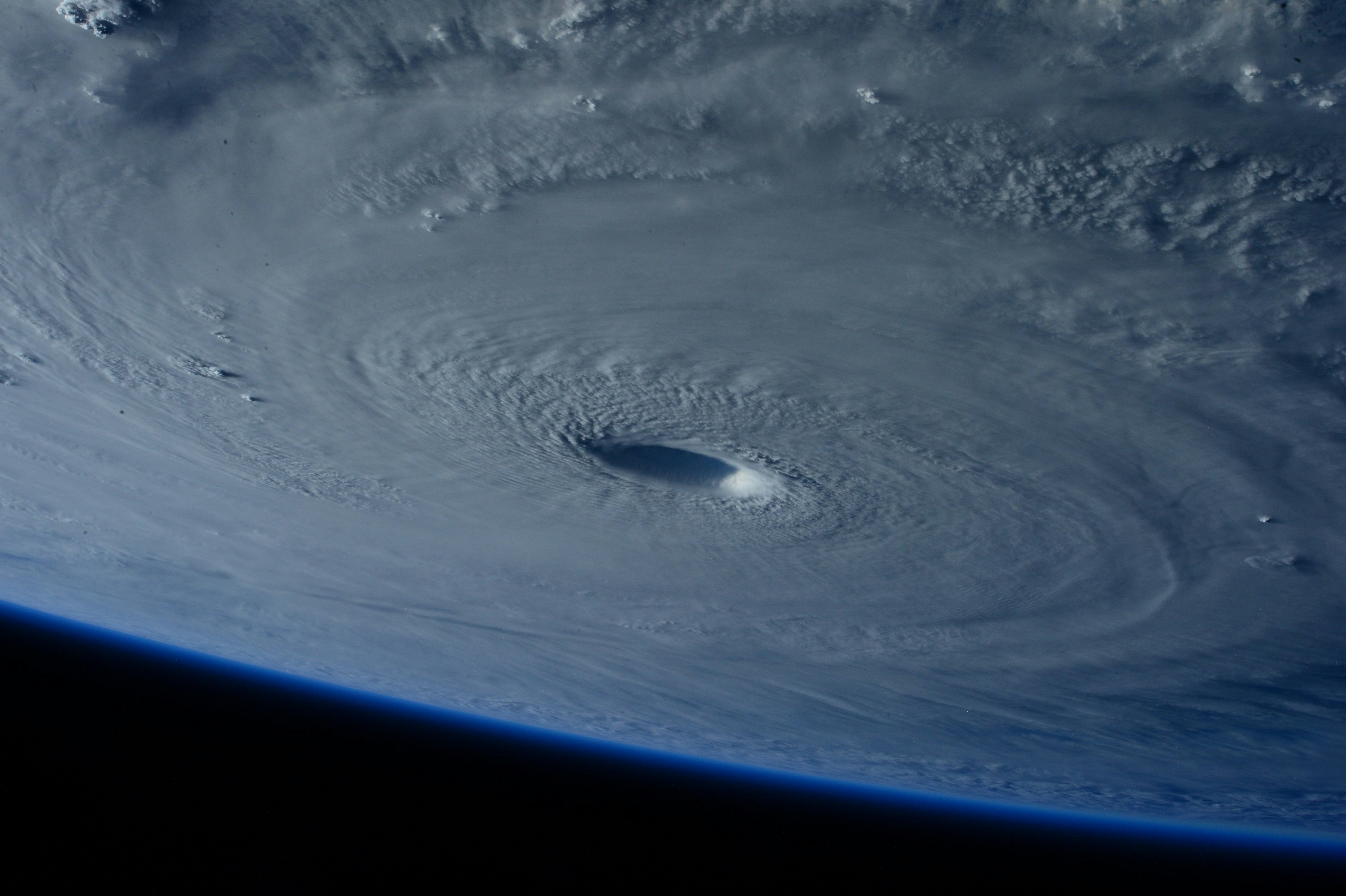
Hurricane Isaias is strengthening as it approaches the Gulf Coast, according to reporting from CNN and NBC News. That does not prove local roofing or restoration inquiries have increased. But businesses in affected areas should prepare for the possibility that calls, web forms, inspection requests, and estimate questions could arrive quickly.
Safety comes first. If an inquiry involves immediate danger, fire, gas, carbon monoxide, downed power lines, medical equipment losing power, or another life-safety concern, emergency services and local emergency-management guidance take priority. Lead follow-up is not emergency triage, dispatch, or a substitute for human judgment.
For roofing and restoration companies, the operational challenge is simple: respond without making promises your crew cannot keep. The right storm-response workflow acknowledges each inquiry, captures the details a human needs, identifies capacity limits, and gives the team a clear next action.
Table of contents
- What to prepare before storm-related inquiries arrive
- Build a safe intake and priority workflow
- Use acknowledgment messages that set realistic expectations
- Check service area and capacity before offering appointments
- Create an after-hours and human-handoff plan
- Follow up on inspections and estimates without overpromising
- Make the workflow reusable after Hurricane Isaias
- How SecureMyLead can support storm-response follow-up
- FAQ
What to prepare before storm-related inquiries arrive
Do not wait until the owner is on a roof, the office is fielding calls, and web forms are accumulating. Prepare a minimum response system now.
1. Decide who owns each type of inquiry
Write down one person or role responsible for:
- Monitoring new calls, forms, and text replies
- Reviewing safety-sensitive messages
- Confirming service-area fit
- Checking available inspection capacity
- Updating customers when availability changes
- Following up after an inspection or estimate
A small company may assign several of these tasks to one person. That is fine. The key is that no inquiry exists without an owner.
2. Define the information you need before scheduling
A storm-related inquiry may be urgent to the customer, but it is not necessarily ready to schedule. Use a short intake checklist so the team can determine the next step.
For roofing and restoration inquiries, capture:
| Intake question | Why it matters |
|---|---|
| Name, phone number, and property address | Lets the team identify the customer and verify the location |
| Type of concern | Separates roof damage, water intrusion, fallen-tree concerns, HVAC issues, and general estimate requests |
| When the issue was noticed | Helps the team understand whether the situation may be changing |
| Whether there is active interior water intrusion | Signals a need for quicker human review, without promising emergency service |
| Whether the property is occupied | Gives context for prioritization and communication |
| Photos, if safe and practical to share | Can help a human reviewer understand the request before a visit |
| Insurance claim status, if relevant | Helps the team prepare for the customer’s next questions |
Do not ask customers to take risks to collect information. A photo is useful only when it can be obtained safely.
3. Set your current status before messages go out
Before a storm-response sequence starts, agree on your real operating status:
- Are crews working, paused, or limited by weather conditions?
- Which areas can you serve?
- Are inspections available today, later this week, or only after conditions improve?
- Is emergency mitigation available, or should your message avoid implying that it is?
- Who can approve exceptions?
This prevents a quick acknowledgment from becoming an accidental booking promise.
For a broader framework on putting ownership, timing, and follow-up in place, see how to build a lead follow-up system that runs automatically.
Build a safe intake and priority workflow
A storm workflow should not treat every lead the same. It should also avoid pretending that an automated message can diagnose damage severity.
Use a simple three-lane system.
Lane 1: Life-safety or emergency language
If a customer reports immediate danger or a situation involving emergency hazards, move the inquiry to a human immediately. The response should direct the customer to follow local emergency-management instructions and use emergency services where appropriate.
Do not use automation to assess whether a condition is safe, tell someone to enter a damaged structure, or promise that a crew is being dispatched.
Lane 2: Active property concern requiring prompt human review
Examples may include a customer reporting active water entering the home, visible roof damage, or a tree-related property concern. These inquiries may need faster human review, but the business should still verify location, weather conditions, team availability, and safe access before confirming anything.
Mark these as priority review, not “guaranteed same-day service.”
Lane 3: Inspection, estimate, or general service request
These include customers asking for:
- A roof inspection
- Damage documentation
- Restoration assessment
- Repair or replacement estimates
- Availability in a specific neighborhood
These leads can receive an immediate acknowledgment and a short qualification message, then move into the next available inspection or estimate process.
A practical decision rule
Your automated workflow should be able to do three things:
- Confirm that the inquiry was received.
- Collect the information your team needs.
- Tell the customer when they can expect a human update.
It should not diagnose, dispatch, promise arrival times, or independently decide what is safe.
Use acknowledgment messages that set realistic expectations
The first message should reduce uncertainty without creating a commitment your team cannot fulfill.
Here are copy-and-paste examples. Adjust them to your actual operating status, service area, and consent practices.
New roofing or restoration inquiry
Hi [First Name], this is [Business Name]. We received your request about the property at [Address]. Our team is reviewing new inquiries as conditions allow. Please reply with the type of issue you’re seeing and the best callback number. If there is an immediate safety concern, follow local emergency guidance and contact emergency services as appropriate.
Inspection request
Thanks for contacting [Business Name], [First Name]. We received your inspection request. To check availability, please reply with your property address, the type of damage or concern, and whether there is active water coming into the property. A team member will review your request and follow up with the next available option.
After-hours acknowledgment
Hi [First Name], [Business Name] received your message. Our team will review new requests when we are back on duty or when conditions allow. Reply with your address and a brief description of the issue so we can route your request correctly. For immediate safety concerns, follow local emergency instructions and contact emergency services as appropriate.
Capacity-delay update
Hi [First Name], thank you for your patience. We’re reviewing requests in the order of priority and available capacity. We have your information and will update you as soon as we can confirm the next step. Please reply if the situation at the property changes.
Notice what these messages do not say:
- “We will be there today.”
- “You are booked.”
- “Your damage is covered.”
- “This is an emergency.”
- “Our crew is on the way.”
Those statements require human review and operational confirmation.
For additional first-response options, use these contractor auto-reply messages.
Check service area and capacity before offering appointments
A possible spike in storm-related inquiries can create a second problem: accepting more work than the business can realistically inspect, estimate, or complete.
Before offering a time slot, confirm four things.
Service area
Verify that the address falls within your current coverage area. Storm conditions can affect routes, crew availability, and the practical distance you can serve.
If the address is outside your area, respond clearly rather than leaving the customer waiting:
Thanks for reaching out, [First Name]. We reviewed the property location and are not currently able to serve that area. We don’t want to keep you waiting for an appointment we can’t confirm.
Service fit
Roofing, water mitigation, tree work, HVAC, and general restoration may overlap during severe weather, but they are not interchangeable. Confirm what the customer needs before routing the inquiry.
For example:
- A roof inspection request may go to the roofing estimator.
- A water-intrusion request may need restoration review.
- A tree-on-structure report may require a different service partner or a human assessment of your scope.
- An HVAC request should not be placed in the roofing queue simply because it arrived during the same storm.
Current capacity
Use a visible capacity board, calendar, or even a simple daily list:
- Open inspection slots
- Requests awaiting review
- Requests needing a callback
- Jobs already confirmed
- Areas temporarily unavailable
- Customers who need a status update
Capacity is not just crew count. It includes safe travel conditions, daylight, access, equipment, and the time required to communicate honestly with each customer.
Booking authority
Decide who can actually confirm an inspection. If a receptionist, office manager, or automated workflow cannot see live availability, their job is to collect details and set expectations—not promise a slot.
This distinction helps prevent overbooking while customers are understandably looking for answers.
Create an after-hours and human-handoff plan
Storm-related questions may arrive outside normal office hours. A good after-hours process does not need to be complicated, but it does need a handoff point.
Use a clear handoff trigger
A lead should be moved to human review when it includes:
- Immediate-safety language
- Active water intrusion or changing property conditions
- A request that does not fit the automated intake questions
- A service-area exception
- A customer reply asking for a specific appointment
- A complaint, escalation, or repeated message
Keep these messages visible to the person assigned to review them. Automation can acknowledge and collect details, but a person should own the decision.
Set a response window you can meet
If your team cannot provide a same-night call back, do not imply that it can. A realistic message is better than silence and better than a promise that fails.
For a general approach to evening and weekend inquiries, read after-hours lead response: how to win jobs while you sleep.
Follow up on inspections and estimates without overpromising
The inquiry is only the first stage. After the inspection or estimate, customers may be comparing options, waiting on other decisions, or unsure about the next step.
Keep the follow-up specific to the storm-related process.
After an inspection
Hi [First Name], this is [Business Name]. Thanks for meeting with our team today. We’re preparing the next information for your property at [Address]. If you have questions or there has been a change at the property, reply here and we’ll route it to the team.
After sending an estimate
Hi [First Name], [Business Name] here. We’re following up on the estimate for [Address]. Have you had a chance to review it, or is there a question our team can help clarify?
If the customer does not reply
Hi [First Name], just checking in on your request for [Address]. If you still need help, reply here and we’ll let you know the next available step based on current capacity.
Do not turn a storm-related follow-up into pressure. The useful goal is to keep the conversation open, document the next action, and make sure the customer is not forgotten.
For more estimate-stage templates, see estimate follow-up text templates for contractors.
Make the workflow reusable after Hurricane Isaias
The immediate event may pass, but the workflow should remain useful for future severe-weather periods.
After the team is through the busiest period, review:
- Which lead sources produced the most inquiries?
- Which intake questions were missing?
- Where did customers misunderstand your availability?
- Which requests were routed to the wrong team?
- Did anyone promise an appointment before capacity was confirmed?
- Which messages reduced repetitive back-and-forth?
- How many inquiries still need a human update?
Then save a reusable “storm mode” version of your workflow:
- Turn on storm-specific acknowledgment messages.
- Route priority language to a human reviewer.
- Collect address, issue type, and callback details.
- Confirm service area and capacity manually.
- Send inspection or estimate follow-up only after the next step is clear.
- Turn off or revise storm messaging when conditions normalize.
That gives the business a practical response system for future hurricanes, wind events, heavy rain, or other periods when inquiries may become harder to manage.
How SecureMyLead can support storm-response follow-up
SecureMyLead can serve as the follow-up layer between a new inquiry and the human roofing or restoration conversation. It can automatically send an SMS acknowledgment when a lead arrives, collect basic reply information, and continue a configured follow-up sequence while the team is handling inspections and field work.
It should not be used as emergency triage, dispatch, a capacity-management system, or a substitute for a person reviewing urgent messages. Businesses also remain responsible for obtaining appropriate consent before sending messages.
If you want a more consistent way to acknowledge and work new inquiries without letting them sit unanswered, get started free.
Key takeaways
- Hurricane Isaias is strengthening near the Gulf Coast, but reported conditions do not prove that local service businesses have already seen more leads.
- Roofing and restoration businesses can prepare for possible inquiries with a clear intake, prioritization, capacity, and handoff process.
- Safety-sensitive messages need human attention and should follow local emergency guidance.
- Fast acknowledgment is useful only when it avoids unverified promises about safety, dispatch, availability, or booking.
- A reusable “storm mode” workflow can help the business prepare for future severe-weather events.
FAQ
Has Hurricane Isaias caused a documented surge in roofing or restoration leads?
The cited reporting establishes that Hurricane Isaias is strengthening near the Gulf Coast. It does not document a measured increase in calls, jobs, inspection requests, or revenue for roofing, restoration, HVAC, tree-service, or similar businesses. Companies should treat increased demand as a possibility and prepare accordingly.
What should a roofing company ask in a storm-related lead form?
At minimum, ask for the customer’s name, phone number, property address, a description of the concern, when it was noticed, and whether there is active interior water intrusion. Ask for photos only if they can be shared safely. Do not rely on a form or automated message to determine emergency severity.
Should a business promise same-day roof inspections after a storm?
Only if a person has checked current conditions, service area, crew capacity, and safe access—and the business can actually honor that promise. Otherwise, acknowledge the request, gather the right information, and provide a realistic update window.
Can automated SMS messages handle storm-damage inquiries?
Automated messages can acknowledge an inquiry, request basic details, and keep a follow-up process from being forgotten. They cannot safely assess emergencies, confirm capacity, dispatch crews, or replace a human decision about priority.
Related reading
- Automated lead follow-up systems for contractors
- Contractor web form auto response: what to send the second a new lead hits your site
- 7 lead follow-up mistakes that quietly kill conversion