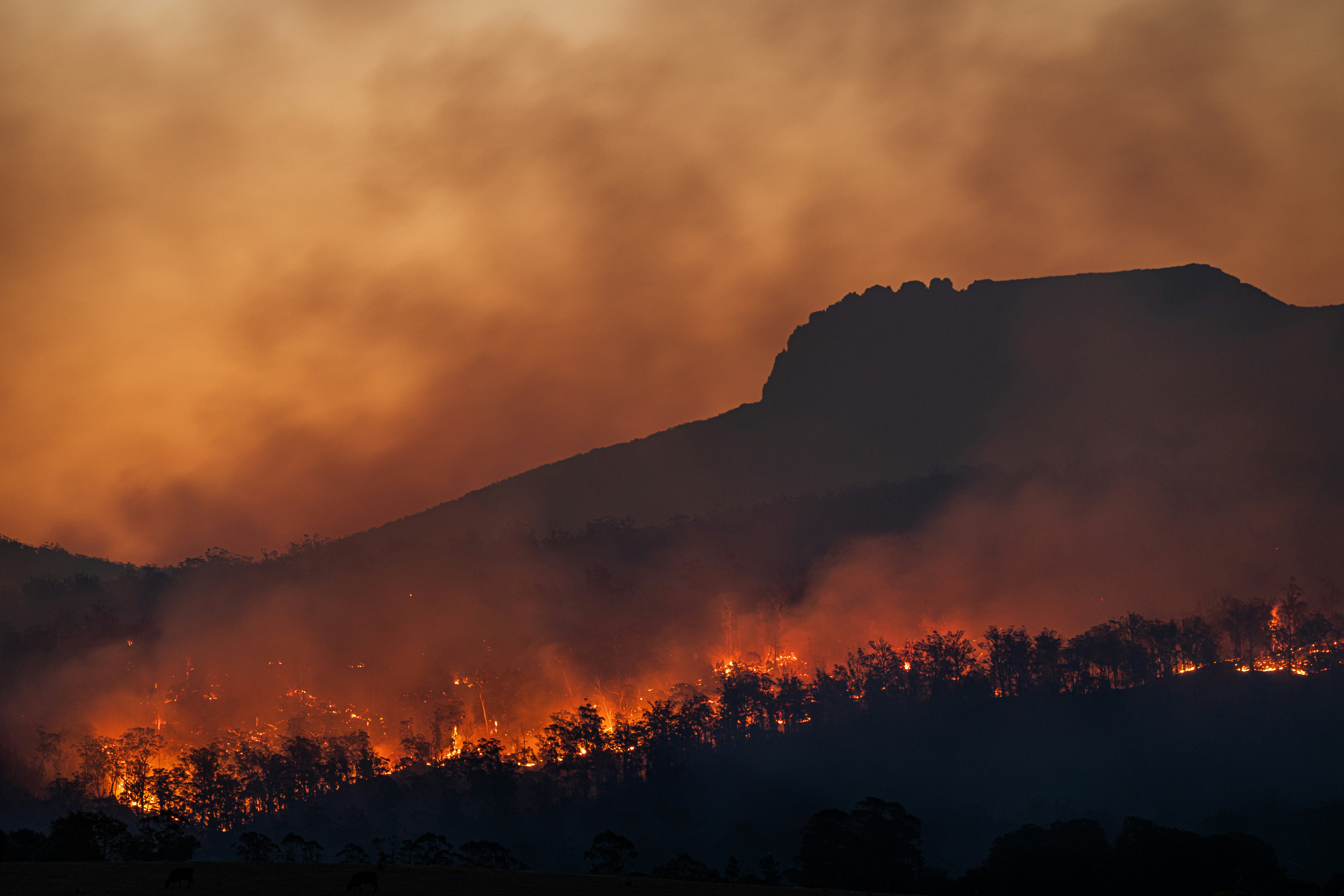
How Service Businesses Can Prepare for Possible Wildfire-Driven Lead Surges
If a caller reports an active fire, downed power line, gas leak, carbon monoxide concern, medical equipment losing power, or another immediate danger, direct them to qualified emergency authorities. Do not use a text workflow, quote form, or automated reply as emergency triage.
A local wildfire can change the type and urgency of incoming service inquiries quickly. Restoration companies, roofers, cleanup crews, tree services, HVAC businesses, and other local operators may receive more questions about damage, smoke, access, inspections, or availability.
That does not mean every wildfire creates a documented business lead surge. For example, local reporting confirmed that a vegetation fire was underway in Berkeley and that a fire near I-580 led to a Frontage Road closure, but the supplied reporting does not document increased call volume or lead volume for nearby businesses. Berkeley Scanner and Berkeleyside reported the event and closure.
The practical lesson is preparation: if inquiries rise during a wildfire-related disruption, your business needs a safe way to acknowledge leads, collect only the information your team needs, set realistic expectations, and get urgent—but non-emergency—requests to a human.
Table of contents
- What makes wildfire-related inquiries different
- Set emergency boundaries before leads arrive
- Build a wildfire-specific intake workflow
- Update availability and service-area messaging
- Use after-hours acknowledgment without overpromising
- Create capacity limits and human handoff rules
- Follow up when an estimate cannot happen immediately
- A practical wildfire lead-surge checklist
- FAQ
What makes wildfire-related inquiries different
A normal service lead may ask for a routine quote, appointment, or replacement timeline. A wildfire-related inquiry may arrive with incomplete information, changing local conditions, access limitations, and a customer who needs an answer without being promised work your team cannot safely perform.
That changes the intake job.
Your first response should not try to diagnose damage, determine safety, confirm insurance coverage, or promise a same-day visit. Its job is to:
- Confirm the inquiry was received.
- State that immediate hazards require qualified emergency authorities.
- Collect a few operational details for a human reviewer.
- Set a realistic expectation for the next update.
- Avoid committing crews, arrival times, prices, or scope before review.
This is distinct from a standard speed-to-lead workflow. A fast acknowledgment still matters because it keeps an inquiry from sitting unanswered, but wildfire conditions require more careful boundaries than “book the next available slot.”
For general response principles, see After-Hours Lead Response: How to Win Jobs While You Sleep and Best Lead Response Templates for Service Businesses.
Set emergency boundaries before leads arrive
Before changing your ads, forms, or automations, decide what your business will not handle through its lead workflow.
Put safety language in every relevant first response
Your acknowledgment should clearly separate emergency situations from service requests. Keep it short and avoid giving operational safety instructions your business is not qualified to provide.
Example acknowledgment:
Thanks for contacting [Business Name]. We received your request. If there is an immediate danger or emergency, please contact qualified emergency authorities. For non-emergency service requests, reply with your address, the type of help needed, and photos if it is safe and appropriate to share them. A team member will review availability and follow up.
This message does not assess the situation. It does not suggest that your team is on the way. It simply establishes the boundary and gives the customer a path for a non-emergency request.
Train staff not to improvise emergency advice
A team member answering calls, texts, web leads, or social messages should know when to stop trying to qualify the lead and direct the person to qualified authorities.
Create a short internal escalation rule:
- Immediate danger mentioned: Do not diagnose, dispatch, or troubleshoot by text. Direct the person to qualified emergency authorities.
- Non-emergency damage or cleanup request: Gather intake details and route to the assigned human reviewer.
- Unclear situation: Do not guess. Escalate internally to the owner, manager, or designated decision-maker.
The goal is not to make your team into emergency responders. It is to prevent a sales or service intake process from being mistaken for emergency support.
Build a wildfire-specific intake workflow
During a possible wildfire-related increase in inquiries, generic forms can create more work. “Tell us about your project” may not give your team enough information to decide whether the request belongs in today’s queue, a later estimate queue, or an out-of-area decline queue.
Use a short intake structure that supports a safe human review.
Ask only operational questions
For non-emergency inquiries, useful questions may include:
| Intake question | Why it helps |
|---|---|
| What service do you need? | Sorts restoration, roofing, tree, cleanup, HVAC, or other requests. |
| What is the service address? | Helps confirm whether the property is in your current service area. |
| Is the property currently accessible? | Flags requests that may need to wait for access conditions to change. |
| What is the visible issue or damage? | Gives the reviewer basic context without asking the customer for a diagnosis. |
| Can you share photos if safe and appropriate? | May help a human prepare for the conversation or estimate process. |
| What is the best callback number and time? | Makes human follow-up more reliable. |
Avoid questions that imply your business can make a safety determination from a form or photo. You can collect context; a qualified human must decide what your business can responsibly do next.
Add simple tags for review
If your lead system supports tags or labels, create temporary categories before you need them:
- Wildfire-related inquiry
- Needs human review
- Outside current service area
- Access unclear
- Estimate pending
- Follow-up after conditions change
- Not accepting new work today
Tags help prevent every inquiry from being treated like a normal quote request. They also make it easier to review the backlog after conditions stabilize.
Keep the lead owner visible
Every incoming request should have a clear human owner, even if the first acknowledgment is automated.
For a small team, that may be the owner or office manager. For a larger operation, it may be a rotating on-call person. What matters is that someone is responsible for reviewing new wildfire-related inquiries, updating customers, and deciding whether the business can proceed.
Automation can acknowledge the lead and collect basic details. It should not decide whether conditions are safe, whether a crew should be dispatched, or whether a request fits your capacity.
Update availability and service-area messaging
Road closures and changing local conditions can make yesterday’s service map inaccurate today. The Berkeley fire coverage, for example, included a Frontage Road closure near I-580. A closure does not automatically mean your business cannot serve an area, but it is a reminder to verify current access before making commitments. Berkeleyside
Use conditional language
Avoid:
We can be there today.
Use:
We are reviewing current availability and access conditions. A team member will confirm whether we can schedule an assessment.
Avoid:
We serve all affected areas.
Use:
We are currently reviewing requests within [service area]. Please send the property address so our team can confirm availability.
This language is not less helpful. It is more trustworthy because it reflects what you actually know.
Update all lead entry points
When your team changes its availability, update the places where customers contact you:
- Website contact forms
- Google Business Profile messaging or posts, if used
- Social media direct-message replies
- Paid-ad landing pages
- Voicemail greetings
- After-hours text replies
- Staff call scripts
A mismatch creates frustration. If your website says “same-day service” while your team is temporarily full, customers may feel misled before anyone has spoken with them.
Create a temporary service-area rule
Write a simple, time-limited policy such as:
We are accepting non-emergency requests within our normal service area, subject to current access and crew availability. Requests outside that area will be reviewed individually.
Review it at least daily while conditions are changing. Do not leave temporary wildfire messaging live after it no longer reflects your operations.
Use after-hours acknowledgment without overpromising
Wildfire-related inquiries may arrive outside normal hours, especially when customers are checking properties, speaking with family, or searching for help after a disruption.
An after-hours response can reassure the customer that the message was received. It should not turn into an implied emergency hotline or promise an overnight reply you cannot provide.
After-hours wildfire inquiry template
Thanks for contacting [Business Name]. We received your message outside normal business hours. If there is an immediate danger or emergency, please contact qualified emergency authorities. For non-emergency service requests, reply with the property address, the service needed, and any details our team should review. We will follow up when our team is available and can confirm current capacity.
When to pause the normal sequence
A standard new-lead sequence may be written for ordinary estimate requests. During a possible wildfire-related surge, review whether those messages still fit.
For example, a generic “Want to book your estimate?” message may be inappropriate if your team cannot yet confirm access, staffing, or the scope of work. Use a temporary sequence that focuses on acknowledgment, information collection, and a realistic next update.
If you use SecureMyLead, its automated SMS first response can acknowledge a new inquiry quickly, while a team member remains responsible for reviewing the request and determining the next step. Because ordinary replies do not automatically pause scheduled sequence messages, review your sequence settings and ensure that a human-owned conversation does not receive irrelevant automated follow-ups.
Create capacity limits and human handoff rules
The fastest way to overbook is to let every incoming request follow the same “schedule now” path. During a possible surge, set capacity limits before the queue gets crowded.
Decide what “full” means
Your team needs a shared definition of capacity. It may be based on:
- Number of assessments your team can review each day
- Number of jobs crews can safely take on
- Geographic limits
- Available staff for callbacks
- Current access conditions
- Types of work you are temporarily accepting
Do not advertise unlimited availability if you have one estimator, two crews, or a restricted service area.
Use three practical lead outcomes
Every non-emergency inquiry should land in one of three paths:
- Review for near-term service The request is in your service area, your team can evaluate it, and a human can discuss the next available step.
- Waitlist or follow-up path The request may be a fit, but you cannot inspect, estimate, or schedule immediately. Give a specific expectation for the next update rather than a vague promise.
- Respectful decline or referral path The request is outside your area, outside your current capacity, or outside the service you provide. Do not leave it unanswered just because you cannot take the job.
A capacity-hold message
Thank you for the details. We are currently reviewing requests based on service area, access, and team availability. We cannot confirm an appointment yet, but we will update you by [day/time] after a team member reviews your request.
Only include a deadline your team can actually meet. If you cannot commit to a specific time, say when the next review window will occur.
Follow up when an estimate cannot happen immediately
Not every viable lead can receive an immediate assessment. That does not make it a lost lead—provided you communicate clearly and continue the follow-up your team can support.
Send a status update, not a sales push
For delayed estimates, customers need clarity more than urgency language.
Template:
Hi [First Name], this is [Name] from [Business Name]. We’re following up on your request for [service]. We are still reviewing current availability and access before confirming next steps. If anything has changed at the property, you can reply here with an update. We’ll contact you again by [day/time].
Confirm before offering a time slot
Once a human reviewer determines that the request is appropriate for your business, move the lead into your normal estimate or booking workflow.
At that point, a more standard follow-up message may be appropriate:
Hi [First Name], we’ve reviewed your request and can offer a [call/assessment/estimate] on [option 1] or [option 2]. Which works better for you?
For more estimate follow-up language, see Estimate Follow-Up Text Templates for Contractors and How to Follow Up on Quotes Without Losing the Customer.
Close the loop when you cannot serve the request
Silence is often worse than a clear answer.
Template:
Hi [First Name], thank you for contacting [Business Name]. After reviewing the request, we are not able to take on this work at this time. We did not want to leave you waiting for an answer. We hope you are able to connect with a qualified provider who can help.
Do not imply that another provider is available unless you have verified that information.
A practical wildfire lead-surge checklist
Use this checklist before, during, and after a possible wildfire-driven influx of inquiries.
Before inquiries rise
- [ ] Assign a human owner for wildfire-related leads.
- [ ] Create a first-response message with emergency boundaries.
- [ ] Review your normal automated sequences for inappropriate promises.
- [ ] Define your active service area and temporary exceptions.
- [ ] Decide how many new assessments or jobs you can realistically review.
- [ ] Create tags for review status, service area, access, and estimate timing.
- [ ] Give staff one escalation script for immediate-danger language.
- [ ] Update voicemail, forms, and website messaging if capacity changes.
While conditions are changing
- [ ] Review new inquiries at defined intervals.
- [ ] Confirm access and availability before offering appointments.
- [ ] Keep every message conditional until a human verifies the next step.
- [ ] Send status updates to leads waiting for review.
- [ ] Pause or revise promotional messages that no longer match current capacity.
- [ ] Record why a lead was deferred, declined, or moved to a later follow-up.
- [ ] Check that staff are not making unsupported promises in texts or calls.
After the immediate period
- [ ] Contact unresolved leads with a clear update.
- [ ] Move eligible leads into the normal estimate workflow.
- [ ] Remove temporary wildfire-specific messaging when it is no longer accurate.
- [ ] Review missed calls, unassigned leads, and unanswered messages.
- [ ] Note which intake questions created clarity and which created unnecessary friction.
- [ ] Adjust the plan for future wildfire-related disruptions.
Where SecureMyLead fits
SecureMyLead can support the acknowledgment and follow-up portion of this workflow: a new non-emergency inquiry can receive a prompt SMS response, and your team can use follow-up sequences to keep appropriate leads from being forgotten.
But the human handoff remains essential. Your team must set the service area, review capacity, determine whether a request is appropriate, and avoid treating automated messages as emergency support or dispatch.
If you want a follow-up layer that helps new leads receive a prompt acknowledgment while your team handles the actual review, Get started free.
Key takeaways
- A wildfire event may create additional service inquiries, but do not assume or claim a surge without evidence.
- Lead intake must begin with clear emergency boundaries and a handoff to qualified authorities for immediate dangers.
- Use short, operational intake questions instead of trying to diagnose safety or damage through automation.
- Confirm service area, access, and capacity before promising appointments or arrival times.
- Treat after-hours messages as acknowledgments—not emergency support.
- Keep a human responsible for reviewing wildfire-related leads, especially when conditions and capacity are changing.
- Follow up on delayed estimates with clear status updates rather than vague promises.
FAQ
Should a service business advertise emergency availability during a wildfire?
Only if the business can genuinely provide the service being advertised and can safely support that commitment. Do not use “emergency” language in a way that suggests your business is an emergency authority, can assess danger remotely, or can guarantee immediate dispatch.
What should an automated wildfire-related reply say?
It should acknowledge receipt, direct immediate dangers to qualified emergency authorities, request basic non-emergency service details, and avoid promising availability. Keep the message brief enough that a customer can understand what happens next.
How should a business handle leads when crews are at capacity?
Use a clear review or waitlist path. Tell the customer that you cannot confirm an appointment yet, explain when they can expect an update, and follow through. Do not continue offering booking links or same-day language after capacity has changed.
Can automation triage wildfire damage requests?
No. Automation can acknowledge an inquiry, gather basic information, and route it for review. It should not assess danger, determine property safety, decide whether to dispatch a crew, or replace a qualified human decision.
What should businesses do with leads they cannot inspect right away?
Send a status update, keep the lead assigned to a human owner, and set a realistic next-contact date. If the request is eventually outside your capacity or service area, send a clear response rather than leaving the customer without an answer.