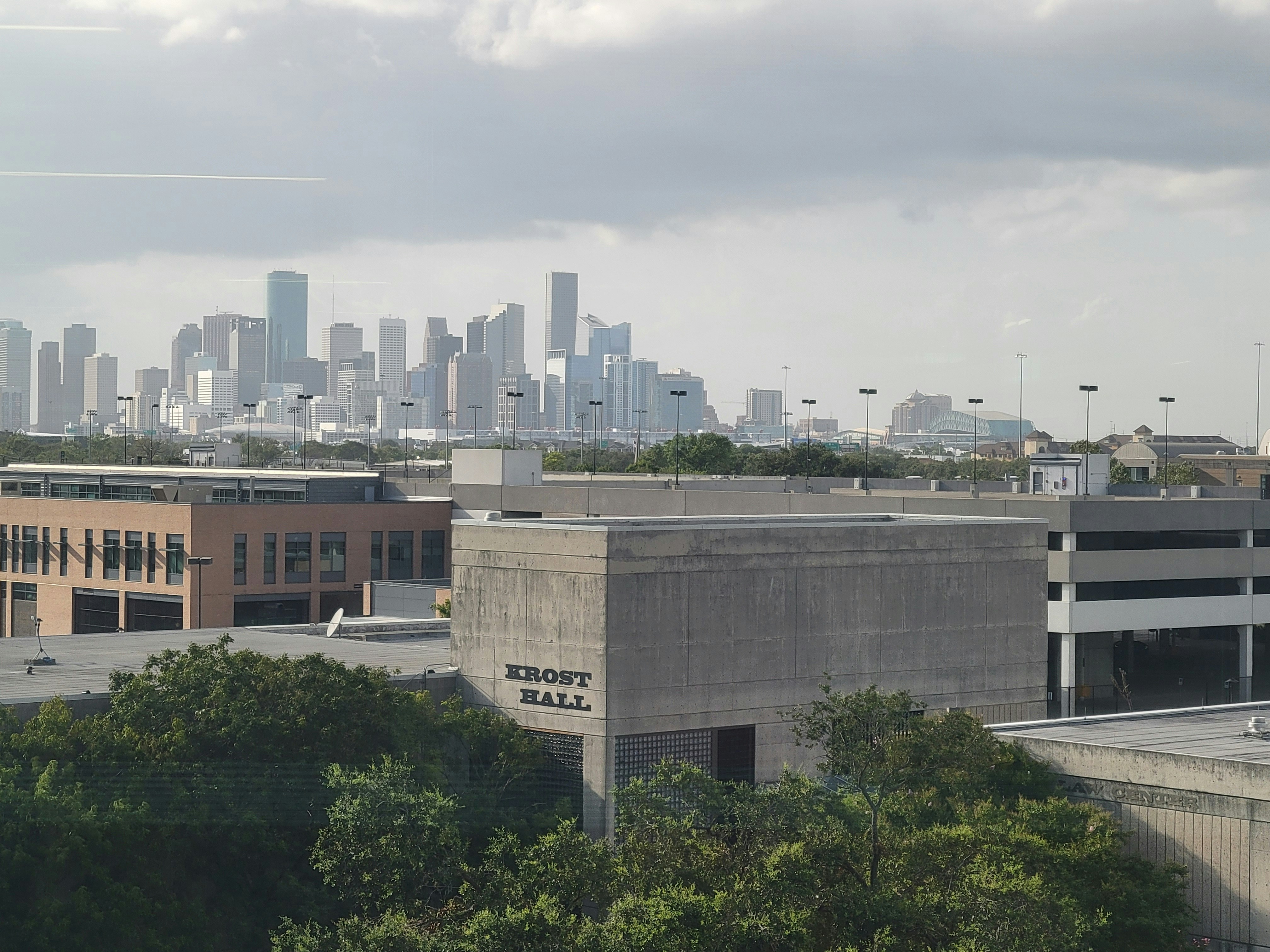
Houston Scattered Storms: Lead Response Playbook for Local Contractors
Scattered showers and thunderstorms are moving through Houston, with a healthy chance of precipitation forecast for Monday, August 10, 2026. For local contractors — roofers, water-damage restoration crews, tree services, and general home-repair businesses — this kind of weather pattern can create a sudden, uneven wave of inbound inquiries.
A few leaks here. A downed limb there. A homeowner who just noticed water staining the ceiling and wants someone to look at it before it gets worse.
The challenge isn’t the work itself. It’s that the calls, texts, and form submissions tend to arrive all at once — often while you’re already on a job site, driving between estimates, or off the clock.
This playbook gives Houston contractors a practical, same-day lead-response workflow for the current storm system. It covers immediate triage, auto-reply templates for after-hours damage calls, and a simple system to keep new leads from slipping through the cracks when inquiry volume spikes.
Why scattered storms create a messy lead pattern
Scattered storms don’t produce the uniform, widespread damage of a hurricane or a major flood event. Instead, they create a patchy, unpredictable pattern:
- One neighborhood gets heavy wind and a downed tree limb.
- A few blocks away, a roof leak opens up after a brief but intense downpour.
- Another area stays mostly dry and generates no calls at all.
For a contractor, this means lead volume may surge in short bursts rather than building steadily throughout the day. A single storm cell passing over a densely populated part of Houston can trigger a dozen inquiries in 30 minutes, followed by hours of quiet.
That uneven pattern creates a specific operational risk: the leads that arrive during the busiest 45 minutes of your day are the ones most likely to get a slow response or no response at all.
And in home services, a slow response often means the homeowner has already called someone else.
Step 1: Triage every inbound lead immediately (even if you can’t quote yet)
When a storm-related lead arrives, the first goal isn’t to provide a final estimate. It’s to acknowledge the inquiry, set expectations, and keep the homeowner from continuing to dial competitors.
A simple triage framework for the current Houston weather pattern:
Emergency vs. non-emergency
| Situation | Response priority | Example |
|---|---|---|
| Active water intrusion, structural risk, or safety hazard | Immediate acknowledgment + quick follow-up call | Water pouring through a ceiling, large tree limb on roof |
| Non-urgent damage or inspection request | Acknowledgment within minutes, estimate scheduled same-day or next morning | Small leak, missing shingles, gutter inspection |
| General inquiry or price check | Standard business-hours response | “How much to inspect a roof after a storm?” |
Safety note: If a caller reports downed power lines, gas odors, or structural collapse risk, direct them to call 911 or CenterPoint Energy immediately. Do not attempt to triage those situations yourself. Your role begins after the immediate danger is addressed.
For the urgent-but-not-life-threatening inquiries, the next step is an auto-reply that buys you time to finish the job you’re on without losing the lead.
Step 2: Set up a storm-specific auto-reply (copy-paste templates)
An auto-reply text sent within seconds of a lead submission accomplishes three things:
- It tells the homeowner their message was received.
- It sets a realistic expectation for when they’ll hear from a human.
- It reduces the chance they’ll immediately submit the same request to three other contractors.
Below are templates written for the current Houston scattered-storm pattern. They’re designed to sound human, acknowledge the weather situation, and create a clear next step.
Template A: General storm-damage inquiry (business hours)
Hi [Name], this is [Your Name] with [Company Name]. We received your message about possible storm damage and we’re working through a high volume of inquiries right now. I’ll personally follow up within [timeframe, e.g., 2 hours] to ask a few quick questions and get you on the schedule. If this is an active emergency with water coming in, reply EMERGENCY and I’ll call you right away. Thanks for reaching out — talk soon.
Template B: After-hours or weekend inquiry
[Name], this is [Company Name]. We got your message about possible storm damage and will follow up first thing [tomorrow morning / Monday morning]. If water is actively entering your home right now, reply URGENT and I’ll call you as soon as I see it. Otherwise, sit tight — we’ll get you taken care of.
Template C: Tree service / downed limb inquiry
Hi [Name], [Company Name] here. We received your inquiry about [a downed limb / tree damage] and we’re currently working through storm-related calls across Houston. I’ll follow up within [timeframe] to get details and schedule a crew. If the situation changes or becomes unsafe, please let me know immediately.
Important: These templates assume you have a system that can automatically insert the lead’s name and send the reply within seconds of form submission or missed-call detection. If you’re manually copying and pasting texts, you’ll still be slower than the homeowner’s next Google search.
Step 3: Build a simple surge workflow that works while you’re on a job site
Most Houston contractors running storm calls are not sitting at a desk. They’re on a roof, in an attic, or clearing debris. The workflow has to function from a phone, with minimal taps, between tasks.
The 3-touch surge workflow
Touch 1 — Instant (automated)
- Auto-reply text fires the moment a lead is captured.
- Lead receives acknowledgment + expectation-setting message.
- No manual action required from you.
Touch 2 — Quick triage (within 1–2 hours)
- You open the lead, scan the message, and send a short personal follow-up.
- Ask 2–3 qualifying questions: What happened? Is it actively leaking? Do you have insurance info handy?
- Move the lead to “estimate scheduled” or “needs callback.”
Touch 3 — Estimate or dispatch (same day or next morning)
- Schedule the site visit or send a crew.
- If you’re booked solid, communicate that honestly and offer a specific window: “I can have someone there Thursday between 8 and 11 a.m. Does that work?”
The key is that Touch 1 happens automatically, so the lead never sits in silence. Touch 2 and Touch 3 are where your expertise and availability come in — but the homeowner already knows you received their message and that someone is paying attention.
Step 4: Prepare for the “next-day” wave
Scattered storms often produce a second, smaller wave of inquiries the following day. Homeowners who were at work during the storm come home, notice a problem, and start searching for help that evening or the next morning.
If Monday’s storms follow the typical Houston pattern, expect:
- A spike during and immediately after the heaviest cells on Monday.
- A secondary bump Monday evening and Tuesday morning as people assess damage.
- A longer tail of inspection requests from homeowners who want peace of mind even if they didn’t see obvious damage.
Your Monday workflow should leave enough capacity — or at least a clear communication plan — for the Tuesday morning inquiries. If you’re fully booked by Monday at 2 p.m., your auto-reply should start setting expectations for Wednesday availability rather than going silent.
Step 5: Don’t let the leads you worked hard to capture go cold after the storm passes
The most common follow-up failure during weather-driven surges isn’t the first response. It’s what happens after the initial acknowledgment.
A common pattern:
- Homeowner submits an inquiry during the storm.
- Contractor sends a quick reply.
- Homeowner says they’ll “get back to you after they talk to their insurance.”
- Contractor gets busy with active jobs.
- The lead goes cold.
A simple follow-up sequence prevents that:
- Day 1: Auto-reply + personal triage message.
- Day 2: Quick check-in: “Hi [Name], just following up — were you able to reach your insurance adjuster? Happy to answer any questions in the meantime.”
- Day 4: Final nudge: “[Name], wanted to check in one more time. If you still need an estimate for the storm damage, I have availability [Thursday/Friday]. If you’ve already got it handled, no worries at all.”
Most homeowners aren’t ignoring you. They’re waiting on an adjuster, dealing with other priorities, or unsure of next steps. A low-pressure follow-up keeps you in the conversation without being pushy.
What Houston contractors should do right now (Monday checklist)
- [ ] Activate an auto-reply for all new lead sources (website forms, Facebook leads, missed calls).
- [ ] Customize one of the templates above with your business name and a realistic response timeframe based on today’s schedule.
- [ ] Brief your team on the triage categories so everyone knows which leads need an immediate callback and which can wait for a scheduled estimate.
- [ ] Set a reminder for Tuesday morning to check for the overnight/secondary wave of inquiries.
- [ ] Pre-load a short follow-up sequence (3 messages over 4 days) for any leads that go quiet after the initial contact.
How automation fits into a storm-response workflow
The operational bottleneck during a weather-driven surge is almost never the actual repair work. It’s the 90-minute window when inquiries are pouring in and you’re physically unable to respond to each one individually.
An automated lead-response system handles Touch 1 — the instant acknowledgment — so that every lead hears back within seconds, regardless of what you’re doing at that moment. From there, you work the prioritized list during gaps in your day.
SecureMyLead is built for exactly this pattern: it texts new leads automatically within seconds of capture and runs follow-up sequences so that no inquiry gets forgotten when things get busy. If your current system relies on you manually responding to every lead before the homeowner moves on, the scattered-storm pattern will expose that gap quickly.
Get started free — no credit card required, setup takes about 10 minutes.
Key takeaways
- Scattered storms create bursty, uneven lead volume — not the steady flow of a major disaster, but enough to overwhelm manual response if you’re on a job site.
- Instant acknowledgment is the single highest-leverage action you can take during a surge. It reduces the chance the homeowner calls a competitor before you can respond.
- Triage, don’t try to quote everyone immediately. Separate active emergencies from inspection requests and set clear expectations for each.
- After-hours leads need a specific plan. A well-written auto-reply that offers an URGENT or EMERGENCY reply path covers both urgent and non-urgent situations.
- Don’t stop after the first message. A short, low-pressure follow-up sequence catches the homeowners who got busy, waited on insurance, or simply forgot to reply.
- Prepare for the next-day wave. Tuesday morning often brings a second round of inquiries from homeowners who noticed damage after returning home Monday evening.
FAQ
How is this different from a hurricane-response plan? Scattered storms produce localized, unpredictable damage rather than widespread destruction. Your lead volume will be spikier, and the inquiries will range from minor leaks to urgent repairs. The workflow needs to handle that variability without over-committing resources.
What if I’m already fully booked from previous storm work? Use your auto-reply to set honest expectations about availability. “We’re currently booked through Wednesday but can schedule an estimate for Thursday morning” is far better than silence. Homeowners with non-urgent issues will often wait if they know when to expect you.
Should I change my Google Ads or Facebook Ads during the storm? That’s a question for your marketing provider, but generally: if you have capacity, storm-triggered search volume can be high-intent. If you’re already overbooked, you may want to pause or reduce spend rather than pay for leads you can’t service promptly.
What if a lead mentions downed power lines or gas odors? Direct them to call 911 or CenterPoint Energy immediately. Do not attempt to assess those situations yourself. Your role begins once the immediate safety hazard is addressed.
Related reading
- 15 Auto Reply Messages Contractors Can Use for New Leads
- After-Hours Lead Response: How to Win Jobs While You Sleep
- How to Follow Up with Home Service Leads Automatically: A Practical Playbook
- How Much Revenue Are You Losing from Slow Lead Response?
Ready to stop losing storm-related leads to slow follow-up? Get started free with SecureMyLead and have your auto-reply running before the next cell moves through Houston.