Commercial Fire Lead Response Playbook for Restoration Contractors
A commercial-building fire can create a difficult operating environment for restoration contractors: calls, web forms, and text inquiries may arrive outside business hours, while your team is already managing current work.
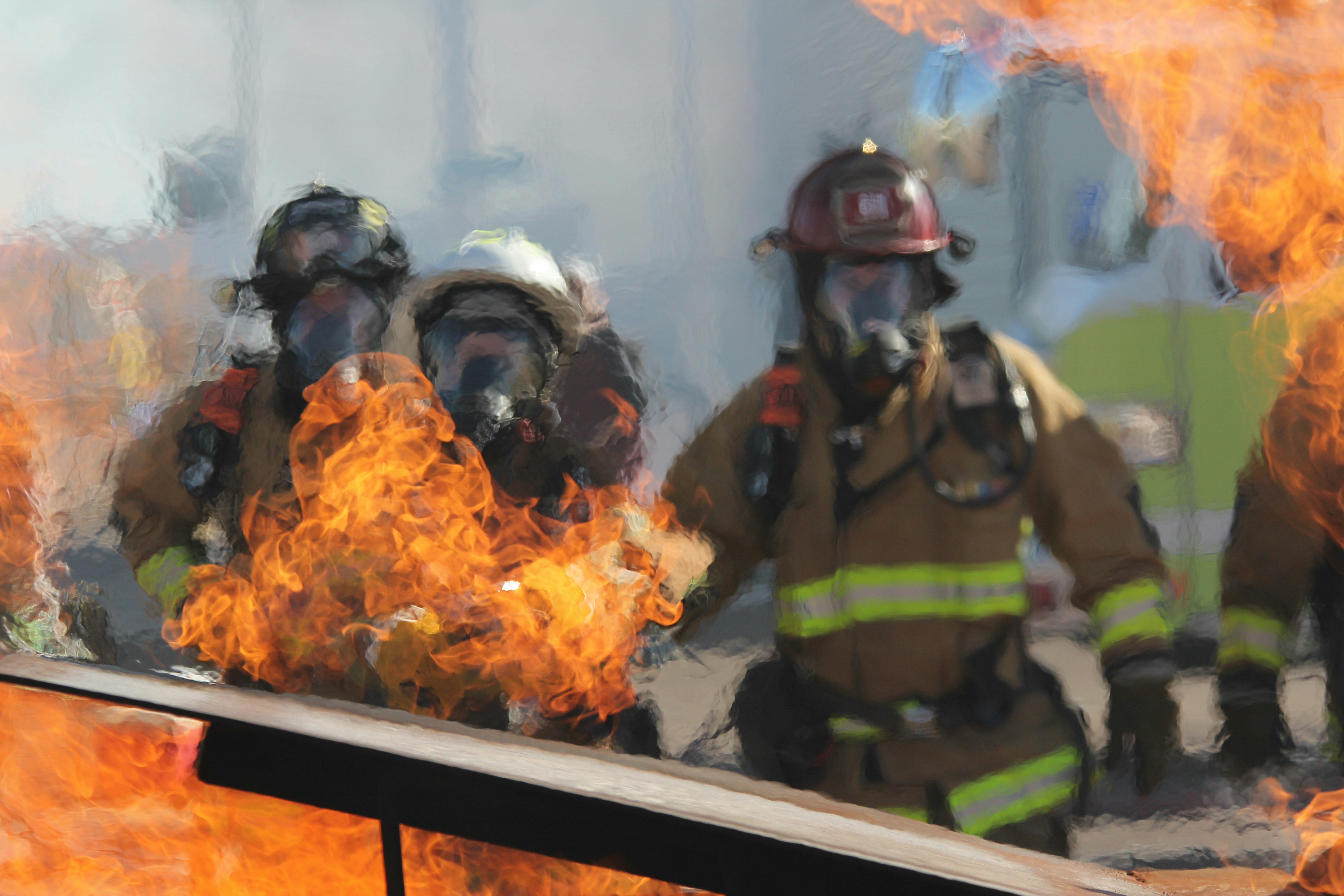
Local news outlets reported that crews battled a structure fire involving a large commercial building in Los Angeles’s Chinatown. NBC Los Angeles and CBS News Los Angeles covered the incident.
Those reports do not document an increase in restoration inquiries or bookings. Still, a significant commercial fire can create the possibility of future requests for cleanup, smoke and soot remediation, temporary protection, inspections, and related property services. Restoration businesses in an affected market should prepare for inquiries without assuming demand will rise.
The goal is not to automate emergency decision-making. It is to make sure a legitimate inquiry gets acknowledged, documented, and handed to the right human without being forgotten.
Contents
- Start with emergency and safety boundaries
- Build a commercial fire intake workflow
- Use an after-hours acknowledgment that does not overpromise
- Route urgent conversations to a human
- Set inspection expectations clearly
- Follow up when the prospect goes quiet
- Prepare your team before inquiries arrive
- FAQ
Start with emergency and safety boundaries
If someone reports an active fire, immediate danger, a downed power line, a gas leak, carbon monoxide concern, or life-sustaining medical equipment without power, direct them to emergency services immediately.
A restoration lead-response workflow must never replace emergency guidance, fire officials, utility providers, structural professionals, insurers, or qualified on-site assessment.
Your automated replies should not:
- Tell someone it is safe to enter or remain in a building.
- Assess structural damage, air quality, electrical hazards, gas hazards, or contamination.
- Advise on fire suppression, evacuation, cleanup safety, or insurance coverage.
- Promise an emergency crew, inspection time, scope of work, or insurance outcome.
- Attempt to decide whether a situation is safe based on a text message.
Instead, use automation for the narrow job it can do well: acknowledge the message, collect basic non-safety details, and alert a person on your team to take over.
Build a commercial fire intake workflow
Commercial fire inquiries are different from ordinary quote requests. A caller may be a property manager, tenant representative, building owner, facilities employee, broker, or another vendor trying to reach the responsible party.
Your intake process should capture enough information for a human to understand the request before calling back—without turning the first response into a lengthy interrogation.
Use a dedicated fire-damage intake checklist
Have the team collect these operational details:
| Intake item | Why it matters |
|---|---|
| Caller name and role | Helps identify whether the person can authorize access or make decisions. |
| Best callback number and email | Gives your team more than one way to reconnect. |
| Property address | Lets your team identify the location and service area. |
| Property type | A retail space, restaurant, warehouse, office, and multifamily building may require different planning. |
| Relationship to the property | Clarifies whether the person is an owner, manager, tenant, or representative. |
| Current property status | Helps describe whether the site is occupied, closed, restricted, or awaiting access approval. |
| Requested service | Separates cleanup, smoke/soot concerns, temporary protection, inspection requests, and general questions. |
| Access contact | Identifies who can coordinate a site visit if one is appropriate. |
| Preferred callback window | Helps your team avoid repeated missed connections. |
| Photos or documents offered by the caller | Useful for review by the appropriate human, but not a substitute for an on-site assessment. |
Keep a separate internal field for the lead owner. Every inquiry should have one person responsible for the next human response.
Ask only questions you can act on
Avoid collecting information just because it might be useful later. In a stressful situation, a long form can discourage people from completing it.
A practical first intake may be as simple as:
- Where is the property?
- What type of commercial property is it?
- What service are you looking for?
- Who should our team contact?
- When is the best time for a call?
Once a qualified team member speaks with the prospect, they can gather the additional details needed for your own estimating or site-visit process.
Use an after-hours acknowledgment that does not overpromise
After-hours is where restoration inquiries can be missed. An acknowledgment message can confirm that the inquiry was received and give the prospect a clear next step, but it should not imply that the message has been assessed for safety or that a crew is already on the way.
After-hours commercial fire inquiry template
Hi [First Name], this is [Business Name]. We received your request regarding the commercial property at [Property Address]. If there is an active fire or immediate danger, please contact emergency services. A member of our team will review your request and contact you at [Callback Number]. What is the best time to reach you?
This message does four useful things:
- Confirms receipt.
- Keeps emergency matters with emergency services.
- Sets a realistic expectation for human follow-up.
- Prompts for a callback preference.
It does not diagnose the situation, make safety claims, or promise a specific arrival time.
Web-form confirmation template
Thanks for contacting [Business Name]. We received your commercial fire-damage inquiry. Please do not enter or assess a property if emergency officials have restricted access. For immediate danger or an active emergency, contact emergency services. A team member will follow up using the contact details you provided.
If you send automated text messages, ensure your business has the appropriate permission to message that contact. The business—not the software—is responsible for using messaging lawfully and honoring communication preferences.
Route urgent conversations to a human
Not every fire-related inquiry has the same urgency. A general request for information can follow a normal callback process. A property manager seeking immediate contact about a recently affected commercial site may require faster human review.
The key is to use human-defined routing rules, not automated safety judgments.
Create internal priority labels
A simple lead-labeling system can help your team see what needs attention:
- Emergency instruction given: The prospect mentioned active danger or an emergency concern and was directed to emergency services.
- Human callback needed: A person requested restoration-related information, a site visit, or a discussion of next steps.
- Awaiting property details: The inquiry is legitimate but missing address, contact, or service information.
- Scheduled discussion: A team member has agreed on a callback or inspection conversation.
- No response: The prospect has not replied after acknowledgment or attempted contact.
These labels organize your follow-up. They do not replace professional judgment, emergency response, or site assessment.
Make escalation ownership explicit
Before a commercial-fire event creates possible demand, decide:
- Who monitors after-hours leads?
- Who receives alerts for commercial-property inquiries?
- Who can call a prospect back?
- Who can explain your actual availability?
- Who can approve or decline a site visit?
- Who handles a request that falls outside your service area or capacity?
If nobody owns the next action, a fast acknowledgment can still turn into a slow customer experience.
Set inspection expectations clearly
Commercial prospects often want an immediate answer: “Can you come out today?” Your team should avoid guessing.
A better approach is to acknowledge the request, gather the necessary operational details, and have an authorized person confirm what your business can actually do next.
What to communicate during the human follow-up
A team member can explain:
- Whether the request is within your service area.
- What information is needed before discussing a site visit.
- Who needs to approve access.
- What the next contact point will be.
- Whether the prospect should expect a callback, document request, or scheduling discussion.
Do not use an automated sequence to promise inspection windows or restoration outcomes. Availability can change quickly, especially if multiple inquiries arrive at once.
A human callback framework
Use a conversational structure such as:
Thanks for reaching out to [Business Name]. I’m calling about the commercial property at [Address]. I’d like to understand the property type, who can coordinate access, and what service you’re requesting. Once I have those details, I can explain the next step our team can offer.
This keeps the discussion focused on operational facts rather than unverified claims about damage, safety, or scope.
Follow up when the prospect goes quiet
A commercial contact may submit an inquiry while dealing with tenants, property access, emergency officials, internal stakeholders, or insurance communications. Silence does not always mean the inquiry was unqualified.
Use a short, respectful follow-up sequence that makes it easy to respond when they are ready.
Follow-up message: no reply after acknowledgment
Hi [First Name], this is [Business Name] following up on your request for the property at [Property Address]. If you still need to discuss restoration-related services, reply with the best callback time and the property type. If your plans have changed, no problem.
Follow-up message: missing intake details
Hi [First Name], we’re following up on your inquiry. To help our team review the request, please send the property address, your role at the property, and the best number and time for a call.
Follow-up message: after an attempted call
Hi [First Name], we tried to reach you regarding the commercial property inquiry. When you have a moment, reply with a good time to connect or call [Business Phone Number].
Avoid aggressive urgency, repeated daily messages, or language that suggests your company has assessed the property. The purpose is to keep the door open for a human conversation—not pressure a person during a stressful event.
For broader guidance on building a consistent follow-up process, see how to build a lead follow-up system that runs automatically.
Prepare your team before inquiries arrive
The best time to decide how to handle sensitive, time-sensitive inquiries is before the phone starts ringing.
Commercial fire response readiness checklist
- [ ] Create a dedicated commercial fire-damage intake form or checklist.
- [ ] Add a safety boundary to every automated first response.
- [ ] Identify the human owner for after-hours commercial inquiries.
- [ ] Define which details qualify a lead for prompt human review.
- [ ] Confirm how the team records property address, caller role, and access contact.
- [ ] Write a realistic callback and no-response sequence.
- [ ] Ensure automated messages do not promise inspections, dispatch, coverage, or outcomes.
- [ ] Review your real service area and current capacity with the people answering leads.
- [ ] Make sure staff know when to stop messaging and hand the conversation to a qualified human.
- [ ] Review your consent and opt-out process before sending SMS follow-ups.
A lead workflow is especially useful when several inquiries arrive while field staff are on jobs, driving, or unavailable. The workflow should create order—not pretend to solve the property emergency.
Where SecureMyLead fits
SecureMyLead can serve as the follow-up layer between a new inquiry and your team’s human response. It can automatically acknowledge new leads by SMS and continue a configured follow-up sequence so a commercial inquiry is less likely to sit unanswered.
For fire-related inquiries, keep the automation conservative: confirm receipt, reinforce emergency boundaries, request basic contact details, and assign a person to take over. SecureMyLead does not dispatch crews, assess property safety, schedule restoration work, or replace the judgment of your restoration team.
Get started free to build a more consistent lead-response workflow.
Key takeaways
- News reports confirmed a large commercial-building fire in Los Angeles’s Chinatown, but they do not establish that restoration lead volume increased.
- Restoration contractors can prepare for a possible increase in inquiries after future commercial fires without assuming a lead surge occurred.
- Put emergency and safety boundaries before any business or booking language.
- Use automation to acknowledge, document, and route inquiries—not to provide safety, structural, insurance, or emergency advice.
- Assign every commercial fire inquiry to a human owner and set only expectations your team can meet.
- Follow up respectfully when a prospect goes quiet, since commercial contacts may be managing several urgent responsibilities.
FAQ
Should a restoration contractor use automated texts after a commercial fire?
An automated text can be useful for acknowledging that an inquiry was received and collecting basic callback information. It should not assess safety, provide emergency instructions beyond directing immediate danger to emergency services, promise crew dispatch, or confirm inspection timing.
What should a commercial fire-damage intake form include?
At minimum, collect the caller’s name, role, callback information, property address, property type, requested service, access contact, and preferred callback time. Keep the initial form short enough for a stressed prospect to complete.
Should an automated message tell a prospect it is safe to enter the property?
No. Automated messages should not provide structural or safety assessments. If there is active danger, an active fire, or another immediate emergency concern, direct the person to emergency services.
How many times should a restoration contractor follow up with a no-response lead?
The right cadence depends on your business and the prospect’s communication preferences. Start with a confirmation, one follow-up for missing details or a missed call, and a final polite check-in if appropriate. Avoid pressure tactics or messages that imply an assessment has been completed.
Can SecureMyLead schedule restoration inspections?
SecureMyLead is a lead-follow-up automation tool. It can help acknowledge new inquiries and continue configured SMS follow-up, but it does not dispatch crews, assess emergencies, or independently schedule restoration work.