Wildfire Lead Response Playbook for Reno-Area Service Businesses
If an inquiry involves an immediate threat to life or safety—such as a downed power line, gas leak, fire, carbon monoxide concern, or medical equipment that has lost power—do not handle it as a normal service lead. A person should review it immediately and direct the caller or texter to emergency services or the appropriate emergency authority. Automation should never assess danger, dispatch crews, or replace human judgment.
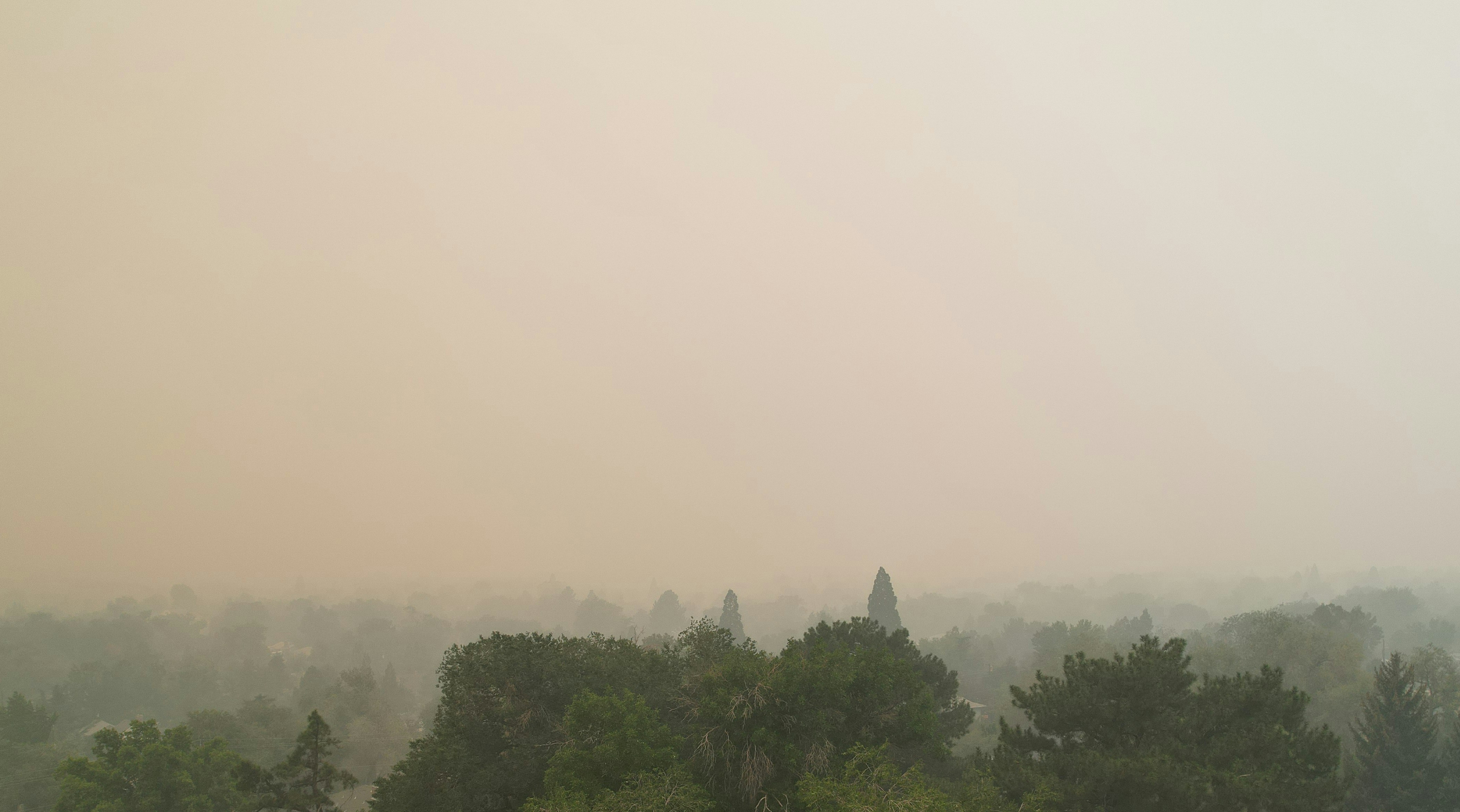
A Nevada wildfire has drawn attention around Reno. The New York Times reported that thousands of people were forced to evacuate the Reno area, while local reporting said Hawk Fire crews were making progress and investigators were working to determine what sparked the blaze. Read the New York Times report and local Hawk Fire coverage from MyNews4.
Those reports establish the wildfire and evacuations—not a documented increase in calls, jobs, or revenue for service businesses. Still, Reno-area restoration companies, roofers, HVAC providers, electricians, plumbers, cleaners, and similar operators should prepare for the possibility of time-sensitive inquiries while crews are occupied and normal schedules may be disrupted.
This playbook helps you respond clearly, protect your team’s capacity, and keep ordinary inspection or estimate requests from being forgotten.
Table of contents
- Start with a safety-first intake rule
- Build a simple wildfire inquiry workflow
- What to collect from each non-emergency inquiry
- Set availability expectations without overpromising
- SMS templates for wildfire-related inquiries
- Keep follow-up going after the immediate event
- Where SecureMyLead fits
- FAQ
Start with a safety-first intake rule
During a wildfire or evacuation event, not every message belongs in the same queue. A customer asking for a future roof inspection is different from someone reporting a dangerous electrical condition. Your team needs a clear dividing line before messages begin arriving.
Create two intake paths
1. Immediate safety concerns
These require human attention, not an automated workflow. Examples include messages about:
- A downed power line
- A suspected gas leak
- Active fire or smoke inside a structure
- Carbon monoxide concerns
- A person whose medically necessary equipment has lost power
Your written process should tell staff not to diagnose the problem over text, promise a response time, or treat the message as a standard booking request.
2. Non-emergency service requests
These may include:
- Inspection requests
- Smoke or ash cleanup questions
- Roofing, siding, gutter, or exterior concerns
- HVAC filter, ventilation, or equipment questions
- Electrical, plumbing, restoration, or cleaning estimate requests
- Requests to join an availability list for later evaluation
These requests can receive a prompt acknowledgment, but they still need a named person responsible for the next step.
Build a simple wildfire inquiry workflow
The goal is not to create a complicated disaster-response operation. It is to make sure each request has a safe path: acknowledge it, gather enough context, assign ownership, and provide an honest next update.
1. Acknowledge every non-emergency inquiry
A fast acknowledgment does not mean you are promising a same-day visit. It simply tells the person their message arrived and gives them a next step.
At a minimum, the first reply should:
- Identify your business
- Confirm receipt of the request
- Ask for the property address or neighborhood
- Ask what service they need
- Avoid guarantees about arrival, inspection, pricing, or repair timing
This is especially important when an owner, dispatcher, or crew is already handling active jobs. An unanswered web form or missed call can otherwise sit unnoticed until the situation changes—or the customer contacts someone else.
For more general first-response examples, see auto reply messages for leads and lead response templates for service businesses.
2. Collect the details that affect the next step
Do not ask for every possible detail in the first message. Get enough information to decide who should review the request and whether it is appropriate for your current availability.
For a non-emergency inquiry, collect:
| Information to collect | Why it matters |
|---|---|
| Property address or neighborhood | Helps confirm service area and identify whether travel or access may be affected |
| Service needed | Separates, for example, cleaning inquiries from roofing or electrical requests |
| Best callback number | Gives the assigned team member a direct way to follow up |
| Brief description of the concern | Gives the reviewer useful context without attempting remote diagnosis |
| Preferred contact method | Helps avoid repeated calls when text is preferred |
| Photos, if safe and appropriate | May help with later review, but should not replace an in-person assessment when one is needed |
For restoration and cleaning businesses, ask whether the customer is looking for an assessment, cleanup information, or an estimate. For roofers, distinguish an inspection request from a request for emergency temporary work. For HVAC and electricians, avoid interpreting a text description as a safety assessment.
3. Tag and assign the request
A simple set of labels can prevent wildfire-related inquiries from disappearing into a general inbox:
Safety review neededInspection requestedEstimate requestedAvailability waitlistNeeds callbackOutside service areaFollow up after access returns
Then assign one person to each lead. “The office will get back to you” is not ownership. A name, role, or on-call rotation is.
If your team is small, this can be as simple as one person reviewing the queue at set intervals and assigning the next action. The point is to eliminate ambiguity while regular work continues.
4. Use a capacity board, not vague promises
During uncertain conditions, availability changes quickly. Keep one current internal view of:
- Crews available today
- Jobs already committed
- Areas your team can reasonably serve
- Requests awaiting a return call
- Leads waiting for inspections or estimates
- Requests that need a later follow-up date
Do not tell every prospect “we can get there soon” if you have not confirmed capacity. It is better to say that the request is under review and provide a specific next-update window you can meet.
What to collect from each non-emergency inquiry
Wildfire-related leads can be emotionally urgent even when they are not life-safety emergencies. A calm, consistent intake prevents your team from missing key context or turning every request into an open-ended text conversation.
For restoration and cleaning companies
Collect:
- Address or neighborhood
- Type of help requested: smoke odor, ash cleanup, debris, interior cleaning, or another concern
- Whether the customer is requesting an inspection, estimate, or general availability information
- Best time for a call back
Avoid claiming that a particular condition is safe, covered by insurance, or eligible for a specific service before a qualified person reviews it.
For roofers and exterior contractors
Collect:
- Property location
- Whether the request is for an inspection, estimate, or a concern about visible exterior conditions
- A brief description and safe photos, if the customer already has them
- Whether the property is currently accessible
Do not encourage homeowners to climb onto a roof or inspect hazardous areas for the sake of providing better lead information.
For HVAC, electrical, and plumbing businesses
Collect:
- Property location
- The equipment or system involved
- Whether the customer is requesting a service visit, inspection, or estimate
- A callback number
- A short description of the issue
Keep the first exchange focused on arranging appropriate human review. Text automation is not a substitute for diagnosing electrical, gas, ventilation, or carbon monoxide risks.
Set availability expectations without overpromising
In a rapidly changing local situation, the strongest message is usually the most honest one.
Use language like:
- “We received your request and are reviewing current availability.”
- “A team member will contact you after reviewing your location and service needs.”
- “We cannot confirm a visit time yet, but we will update you by [time or day].”
- “We are currently scheduling inspections as capacity allows.”
- “If conditions change or access is limited, we will let you know before confirming an appointment.”
Avoid:
- “We’ll be there today” unless a person has confirmed it.
- “We can handle this immediately” when capacity is unknown.
- “You’re on the schedule” before the appointment is actually booked.
- “This is covered” or “this is safe” without an appropriate review.
Clear expectations protect customers and prevent your team from creating a backlog of promises it cannot keep.
SMS templates for wildfire-related inquiries
Use these messages only for contacts who have provided appropriate consent to receive texts. Include required opt-out language where applicable, and make sure a team member can review replies. Replace bracketed fields before using.
1. New non-emergency inquiry acknowledgment
Hi [First Name], this is [Name] from [Business]. We received your request regarding [service type] at [property address/neighborhood]. We’re reviewing current availability and will follow up after a team member reviews the details. Reply with the property address and a brief description of what you need. Reply STOP to opt out.
2. Information-gathering message
Thanks, [First Name]. To help us route this correctly, please send: 1) the property address, 2) the service you need, and 3) the best number and time for a call. Please do not enter unsafe areas or attempt to inspect hazardous conditions for photos. Reply STOP to opt out.
3. Availability update when capacity is uncertain
Hi [First Name], this is [Business] with an update on your [service] request. We’re still reviewing crew availability and access in your area. We can’t confirm a visit time yet, but we’ll update you by [day/time]. Reply STOP to opt out.
4. Inspection or estimate follow-up
Hi [First Name], checking back from [Business] about your request for a [inspection/estimate] at [address]. If you still need help, reply with the best time for a call and we’ll review next steps and availability. Reply STOP to opt out.
5. Waitlist confirmation
Hi [First Name], we’ve added your request for [service] to our availability list. This is not a confirmed appointment. A team member will contact you if we can offer an inspection or service window. Reply STOP to opt out.
6. Post-event reactivation message
Use this only when it is appropriate, consent exists, and the person previously contacted your business.
Hi [First Name], this is [Business] following up on your earlier [inspection/estimate/service] request. If you still need help, reply YES and we’ll review current availability. If your needs have changed, no action is needed. Reply STOP to opt out.
For additional wording for missed calls and after-hours requests, read after-hours lead response: how to win jobs while you sleep.
Keep follow-up going after the immediate event
A wildfire-related inquiry may not turn into a booked visit on the first day. Access, customer availability, insurance questions, and your own crew capacity can all delay the next step.
That does not mean the lead should be abandoned.
Use follow-up stages that match the situation
A practical sequence might look like this:
- Immediate acknowledgment: Confirm receipt and gather essentials.
- Human review: Decide whether the request is non-emergency, serviceable, and ready for scheduling.
- Availability update: Give an honest status if you cannot yet offer a time.
- Inspection or estimate follow-up: Reconnect when you can schedule or quote.
- Later reactivation: Check back once conditions and capacity are more stable.
The timing should reflect your real operation. If you cannot review requests for several hours, do not automate a message that implies instant human action. If a person replies, make sure someone owns the conversation rather than continuing to send generic messages.
A broader follow-up system can help with the mechanics. See how to build a lead follow-up system that runs automatically and how to follow up on quotes without losing the customer.
Where SecureMyLead fits
SecureMyLead can serve as the follow-up layer for ordinary, consented service inquiries: acknowledging a new lead, collecting a basic reply, and continuing scheduled follow-up for inspection or estimate requests while your team is busy.
It is not emergency dispatch, damage assessment, crew scheduling, or a replacement for human review. Keep life-safety messages out of automated workflows and assign a person to monitor replies.
For routine leads, SecureMyLead can send an initial SMS when a lead arrives and run follow-up sequences. If a customer replies, your team can continue the conversation in the dashboard. Because ordinary replies do not automatically pause scheduled sequence messages, staff should review and update the lead’s sequence when the conversation changes.
Get started free to build a more consistent follow-up process for non-emergency inquiries.
Key takeaways
- The Reno-area wildfire and evacuations are documented, but a service-business lead surge is not.
- Prepare for a possible increase in time-sensitive inquiries without promising capacity you have not confirmed.
- Separate life-safety concerns from normal inspection, estimate, and service requests immediately.
- Acknowledge non-emergency inquiries quickly, collect only the details needed for human review, and assign clear ownership.
- Use waitlist and availability updates instead of vague promises.
- Continue follow-up after the immediate event, especially for inspections and estimates that could not be scheduled right away.
- Use SMS automation to support routine lead follow-up—not to make emergency decisions.
FAQ
Did the Reno wildfire create a documented lead surge for local service businesses?
No. The supplied reporting documents the wildfire, Hawk Fire response, and Reno-area evacuations, but it does not establish the number of service inquiries, jobs, conversions, or revenue outcomes for local businesses. Companies can prepare for a possible increase in inquiries without treating it as a proven demand surge.
Should a business automate responses to all wildfire-related messages?
No. Any message involving immediate danger, fire, gas, downed lines, carbon monoxide, or medical equipment losing power should receive human attention and should not be handled as a standard automated lead. Automation is more appropriate for ordinary, consented inspection, estimate, cleaning, or service inquiries.
What should a first wildfire-related service response say?
Confirm that you received the request, identify your business, request the property location and service needed, and explain that a team member is reviewing availability. Do not promise a visit time, insurance outcome, price, or safety assessment before a person reviews the request.
How often should a service business follow up?
Follow up based on the customer’s request and your real availability. A useful pattern is an acknowledgment, a status update, a scheduling or estimate follow-up, and a later check-in if the request remains unresolved. Avoid repeated messages that do not provide new information.
Can SecureMyLead replace a dispatcher or emergency response process?
No. SecureMyLead helps businesses automate routine SMS acknowledgment and follow-up for leads. It does not replace emergency services, dispatch, scheduling decisions, on-site assessment, or human customer-service judgment.