How Home-Service Businesses Can Prepare for a Possible Weather-Driven Lead Surge
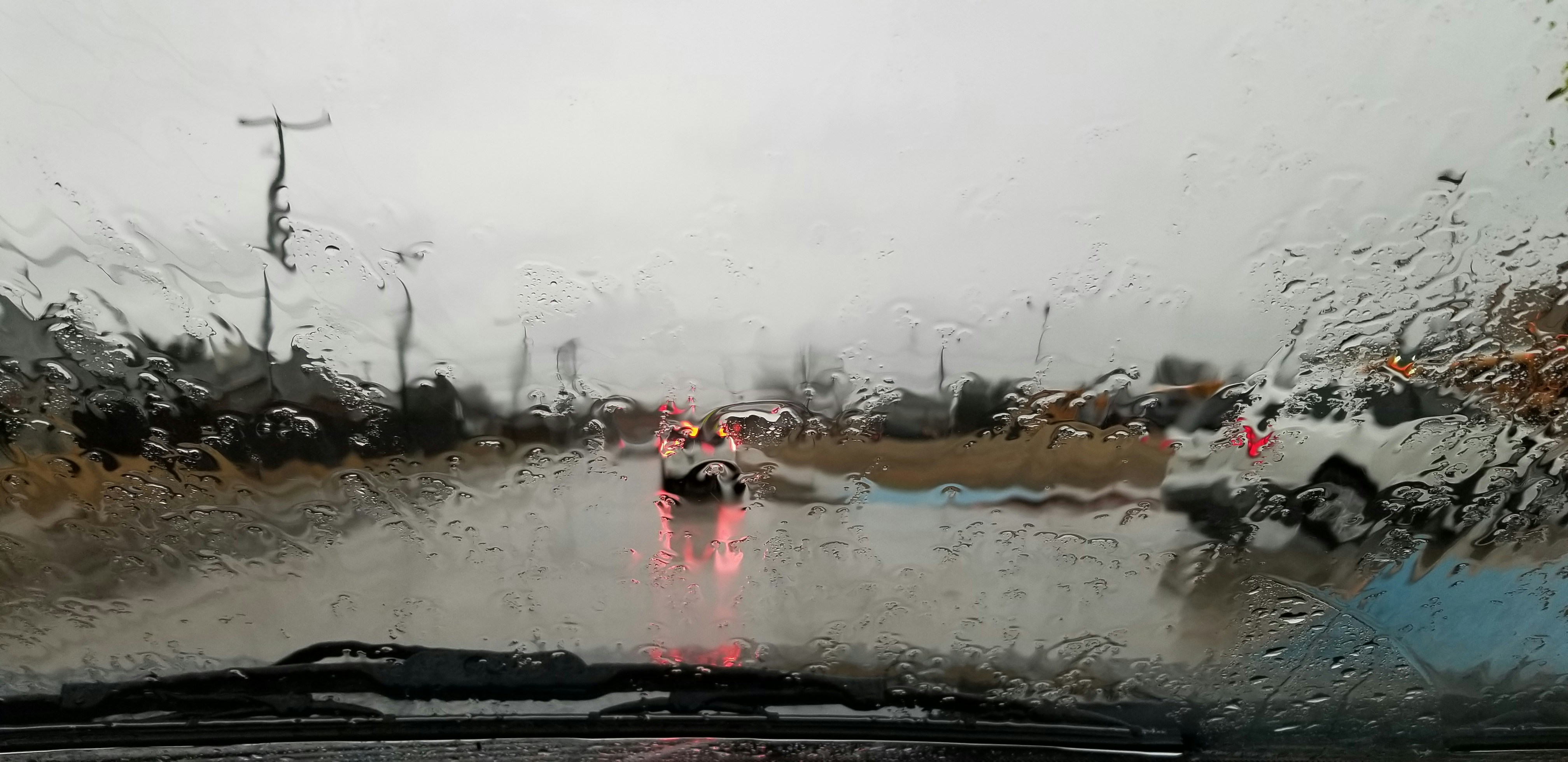
A late-week storm threat and potential season-first snow in parts of the Northeast are a useful reminder for home-service businesses to review their response process before weather-related inquiries arrive. Forecast conditions can change, and they do not prove that a particular business will receive more calls, quote requests, or bookings. But HVAC companies, plumbers, roofers, restoration teams, snow-removal providers, and similar businesses can prepare for the possibility.
Safety comes first. If an incoming inquiry involves a downed power line, gas leak, carbon monoxide concern, fire, medical equipment affected by an outage, or an immediate threat to life or property, do not use an automated message to assess the situation or promise help. Direct the customer to current official emergency guidance from local authorities, emergency services, or their utility provider, as appropriate.
For every other inquiry, a simple pre-storm workflow can help your team acknowledge the lead, set honest expectations, route it to the right person, and avoid losing track of people while crews are busy.
Table of contents
- Why weather readiness matters
- The pre-storm lead-response checklist
- Build a simple urgency and routing system
- Messages to prepare before inquiries arrive
- How to operate when the team is busy
- Where automation fits — and where people must decide
- After the weather passes: follow up without overpromising
- FAQ
Why weather readiness matters
Weather does not need to become a major emergency to disrupt a service business’s normal lead workflow. A cold snap may lead homeowners to ask about heating issues. Snow or wind may prompt questions about roofs, frozen pipes, drainage, access, cleanup, or inspections. Even when an inquiry is not urgent, several requests arriving while crews are on jobs can create a communication backlog.
Current reports describe a late-week storm threat in the Northeast, potential first snow of the season, and a broader divide between colder and warmer conditions across the United States. Businesses should watch updated local forecasts and official alerts rather than treat an early forecast as certainty. FOX Weather and LocalSYR provide the forecast context for this preparation exercise.
The operational question is straightforward:
If more people contact us than usual, can each person receive a clear acknowledgment and a realistic next step?
If the answer is no, fix that before conditions worsen.
The pre-storm lead-response checklist
Use this checklist the day before a forecasted weather event or whenever local conditions may affect demand.
1. Confirm what work you can actually take on
Before changing ads, sending promotions, or telling callers you are available, confirm:
- Which services you are currently offering
- Which areas your crews can safely reach
- Who is on call or monitoring new inquiries
- What your real appointment or inspection availability looks like
- Whether weather conditions could delay travel or site visits
- Who has authority to approve overtime, subcontractors, or schedule changes
- What you will say when capacity is full
Do not let an automated response imply same-day service, emergency dispatch, or open appointment slots unless a person has confirmed those details.
A useful internal status note might be:
| Operational status | What the team should communicate |
|---|---|
| Available | “We’re reviewing requests and can discuss the next available option.” |
| Limited capacity | “Our schedule is limited due to current conditions. We’ll confirm the next available option after reviewing your request.” |
| Temporarily full | “We’ve received a high volume of requests. We can add you to our follow-up list and contact you when availability changes.” |
| Unsafe conditions | “For safety, site visits may be delayed until conditions allow. We’ll update you after reviewing your request.” |
This gives the team language that is consistent without promising more than it can deliver.
2. Make sure every lead source reaches one owner
Weather-related requests may arrive through your website, Google Business Profile, paid ads, missed calls, Facebook messages, referrals, or existing customers replying to old texts. Decide where each source goes and who owns the next response.
At minimum, assign:
- A primary person to monitor new leads
- A backup if that person is on a job, driving, or unavailable
- A person responsible for checking missed calls
- A person who can update capacity language if the schedule changes
- A clear escalation path for potentially hazardous messages
Small teams do not need a complicated dispatch system. They do need an unambiguous answer to: “Who responds next?”
For a broader setup, see how to follow up with home service leads automatically and automated lead follow-up systems for contractors.
3. Review your missed-call process
When crews are in homes, on roofs, in crawlspaces, or traveling between jobs, live calls may go unanswered. That does not mean the customer should receive silence.
Set up a missed-call acknowledgment that:
- Identifies your business
- Confirms that the call was received
- Invites a short description of the issue
- Avoids promising an arrival time
- Avoids diagnosing the issue by text
- Tells the customer what happens next
A missed call is not automatically an emergency. Treat it as a lead that needs a prompt human review.
4. Prepare your team’s internal handoff notes
A short, repeatable note format prevents leads from being passed around without context. Ask staff to capture:
- Customer name and preferred callback number
- Property address or service area
- Service requested
- Brief description of the issue
- Whether the customer says there is an immediate safety concern
- Photos, if the customer voluntarily shares them
- Availability for a call, inspection, or service window
- Current owner of the conversation
- Next promised action and due time
Avoid having multiple people send conflicting messages. One person should own each conversation until it is formally handed off.
Build a simple urgency and routing system
Not every storm-related inquiry belongs in the same queue. A customer asking for a future roof inspection should not receive the same treatment as a homeowner reporting water entering the house.
The point is not to let software diagnose emergencies. The point is to help people recognize that different requests need different human review paths.
Use three practical categories
| Category | Example inquiry | Appropriate next step |
|---|---|---|
| Potentially hazardous or emergency-related | A message mentions gas, carbon monoxide, downed lines, fire, medical equipment affected by an outage, or immediate danger | Follow official emergency guidance first; human review only. Do not diagnose, promise dispatch, or automate urgency decisions. |
| Time-sensitive service request | No heat, an active leak, roof water intrusion, or a garage door that will not secure | Acknowledge quickly, collect essential details, and route to the designated human decision-maker. Availability and dispatch must be confirmed by staff. |
| Non-urgent request | Inspection request, estimate request, snow-removal question, maintenance question, or a future repair | Acknowledge, explain when someone will review it, and continue follow-up if the person does not respond. |
Keep qualification questions short
During a busy period, do not send customers a long form by text. Ask only for information that helps a person decide what to do next.
For example:
- “What service do you need help with?”
- “What is the property address or ZIP code?”
- “Are you currently without heat, water, or power?”
- “Is there active water entering the property?”
- “What is the best time for our team to call?”
Do not ask customers to self-diagnose technical issues. Their answer should help your team start the right conversation, not replace an assessment by a qualified professional.
Messages to prepare before inquiries arrive
The best weather-response templates set expectations without pretending your team has confirmed availability.
Use these only for contacts who have given appropriate consent to receive text messages. Your business remains responsible for following applicable messaging, consent, and opt-out requirements.
New inquiry acknowledgment
Hi [First Name], this is [Business Name]. We received your request about [service]. Our team is reviewing new inquiries as conditions develop. Please reply with your address or ZIP code and a brief description of what you need, and we’ll follow up with the next available option.
Limited-capacity response
Hi [First Name], thanks for contacting [Business Name]. We’re currently handling a high volume of requests, so availability may be limited. If you reply with the property address and the issue you’re experiencing, our team will review it and let you know the next step.
Weather-related inspection request
Hi [First Name], this is [Business Name]. We received your request for a [roof/HVAC/plumbing/etc.] inspection. Weather may affect when we can safely visit properties, but we can review your request now. What is the address, and what have you noticed?
Missed-call text
Hi [First Name], this is [Business Name]. Sorry we missed your call. Please reply with the service you need and the property address, and a team member will review your request and get back to you.
No-response follow-up
Hi [First Name], following up on your request to [Business Name]. If you still need help with [service], reply with a few details about the property and we’ll review the next available option.
Capacity-full response
Hi [First Name], thank you for reaching out. Our current schedule is full, and we do not want to promise a time we cannot keep. If you’d like, reply YES and we can contact you if availability opens up.
For more general first-response copy, see 15 auto reply messages contractors can use for new leads and best lead response templates for service businesses.
How to operate when the team is busy
A weather-related spike can expose the weak point in an otherwise solid process: the first reply goes out, but no one follows through.
Use a simple operating rhythm.
First: acknowledge every legitimate inquiry
An acknowledgment is not a booking confirmation. It simply tells the customer their message was received and gives them a next action.
This is especially useful after hours or when every available person is working in the field. Learn more in after-hours lead response: how to win jobs while you sleep.
Second: review and assign on a set cadence
During a potentially busy window, designate someone to review new messages at a practical interval for your team. That person should:
- Check for safety-related language requiring immediate official guidance.
- Assign each non-emergency lead to the right person.
- Confirm whether the team can offer a call, inspection window, waitlist position, or later follow-up.
- Update the customer with only confirmed information.
Do not leave every decision to the crew member who happened to see the message first.
Third: keep a visible “waiting for us” list
The leads most likely to be forgotten are not always the newest. They are the people who replied with an address, sent photos, asked for a callback, or requested another time.
Maintain a list of leads waiting for your next action, with:
- Lead name
- Request type
- Conversation owner
- Last customer message
- Next action
- Due time
- Current capacity status
This can be a CRM, job-management tool, shared inbox, or a simple internal tracker. The important part is that no lead becomes “someone else’s problem.”
Fourth: use honest delay language
If you cannot respond in detail yet, say so clearly. A vague promise like “We’ll be right there” creates avoidable frustration.
Better language:
- “A team member will review your request.”
- “We’ll confirm the next available option after checking our schedule.”
- “Conditions may affect site-visit timing.”
- “We’ll update you once we know whether we can safely schedule the visit.”
Where automation fits — and where people must decide
Automation can help a home-service business maintain communication when an owner is on a job or several inquiries arrive close together. It can send a fast acknowledgment, ask for the few details needed for human review, and continue a measured follow-up sequence when a non-urgent lead goes quiet.
It should not:
- Determine whether a customer is in danger
- Diagnose a gas, electrical, heating, plumbing, roofing, or restoration issue
- Promise emergency response times
- Confirm a crew is available
- Quote pricing without human approval
- Dispatch technicians
- Decide whether weather conditions make travel or site work safe
Those decisions require a person with current information about the customer, your team, local conditions, and capacity.
SecureMyLead can support the communication layer: an automatic first text when a lead arrives, multi-step SMS follow-up sequences, and two-way messages visible in the dashboard. Because ordinary replies do not automatically pause scheduled sequence messages, your team should review active conversations and manage the sequence appropriately when a customer is engaged. Recognized opt-out keywords are handled by the platform, but your business remains responsible for obtaining appropriate consent and using SMS lawfully.
After the weather passes: follow up without overpromising
The follow-up work may continue after the forecasted event ends. Some customers will have been busy preparing their property. Others may have submitted an inquiry, received an acknowledgment, and never replied with the details your team needed.
Create a short post-event follow-up list for:
- People who asked for an estimate but did not schedule
- Customers who requested an inspection
- Leads who supplied an address but did not answer scheduling questions
- Requests your team could not immediately accommodate
- Existing customers who asked to be contacted later
A practical message:
Hi [First Name], this is [Business Name] following up on your request for [service]. If you still need help, reply with a good time to talk and we’ll review the next available option.
Do not imply that damage occurred, that a repair is required, or that your team has availability unless you know those things are true.
Key takeaways
- Forecasted snow, cold, or storm conditions may create more home-service inquiries, but no forecast proves a lead surge will happen.
- Review capacity before telling customers you are available.
- Separate potentially hazardous messages from time-sensitive and non-urgent service requests.
- Use automated acknowledgments to keep legitimate leads from sitting unanswered, not to diagnose hazards or promise dispatch.
- Assign one human owner to each active conversation.
- Prepare honest templates for limited capacity, missed calls, safety-related delays, and non-urgent follow-up.
- Maintain consent and opt-out practices for every SMS workflow.
FAQ
Can a storm forecast create more leads for my home-service business?
It may. Cold, snow, wind, and storm conditions can prompt homeowners to seek help with heating, plumbing, roofing, restoration, snow removal, and related services. However, the forecast reports cited here do not document a measured increase in leads, calls, jobs, or revenue. Prepare for the possibility rather than assuming demand will rise.
Should we advertise emergency service before a storm?
Only advertise services your business can safely and reliably provide. Confirm staffing, coverage area, service limits, and real availability first. Do not market an emergency response time that you cannot confirm or maintain.
What should an automated weather-response text say?
It should identify your business, acknowledge the inquiry, ask for a few useful details, and explain that a team member will review the request. It should not diagnose the problem, quote an unapproved price, or promise a technician arrival time.
Can automation decide which leads are urgent?
No. Automation can collect basic information and route a message for review, but people should assess safety, urgency, capacity, pricing, and dispatch. Potentially hazardous situations require current official emergency guidance, not automated triage.
How often should we follow up during a busy weather period?
Use a cadence that respects the customer and matches your ability to respond. For a non-urgent inquiry, an acknowledgment followed by a human review update and one or more relevant follow-ups may be appropriate. Stop or adjust the sequence when the customer replies, opts out, books, or no longer needs service.
Prepare your response workflow before conditions change
A possible weather-driven inquiry spike does not require a complex new system. It requires clear ownership, realistic capacity language, a safe escalation path, and dependable follow-up for customers who are waiting to hear back.
SecureMyLead can help you send immediate lead acknowledgments and maintain SMS follow-up while your team focuses on human review, service decisions, and customer communication.
Related reading
- How to follow up with home service leads automatically
- Automated lead follow-up for plumbers
- How to follow up with HVAC leads: scripts and automation
- Estimate follow-up text templates for contractors
- After-hours lead response: how to win jobs while you sleep