Tornado Watch Lead Response Playbook for Contractors: Prepare for Possible Storm Inquiries
When a tornado watch or severe-storm threat is active, safety comes first. Follow official local alerts, and do not treat a website form, text message, or missed call as an emergency-dispatch channel.
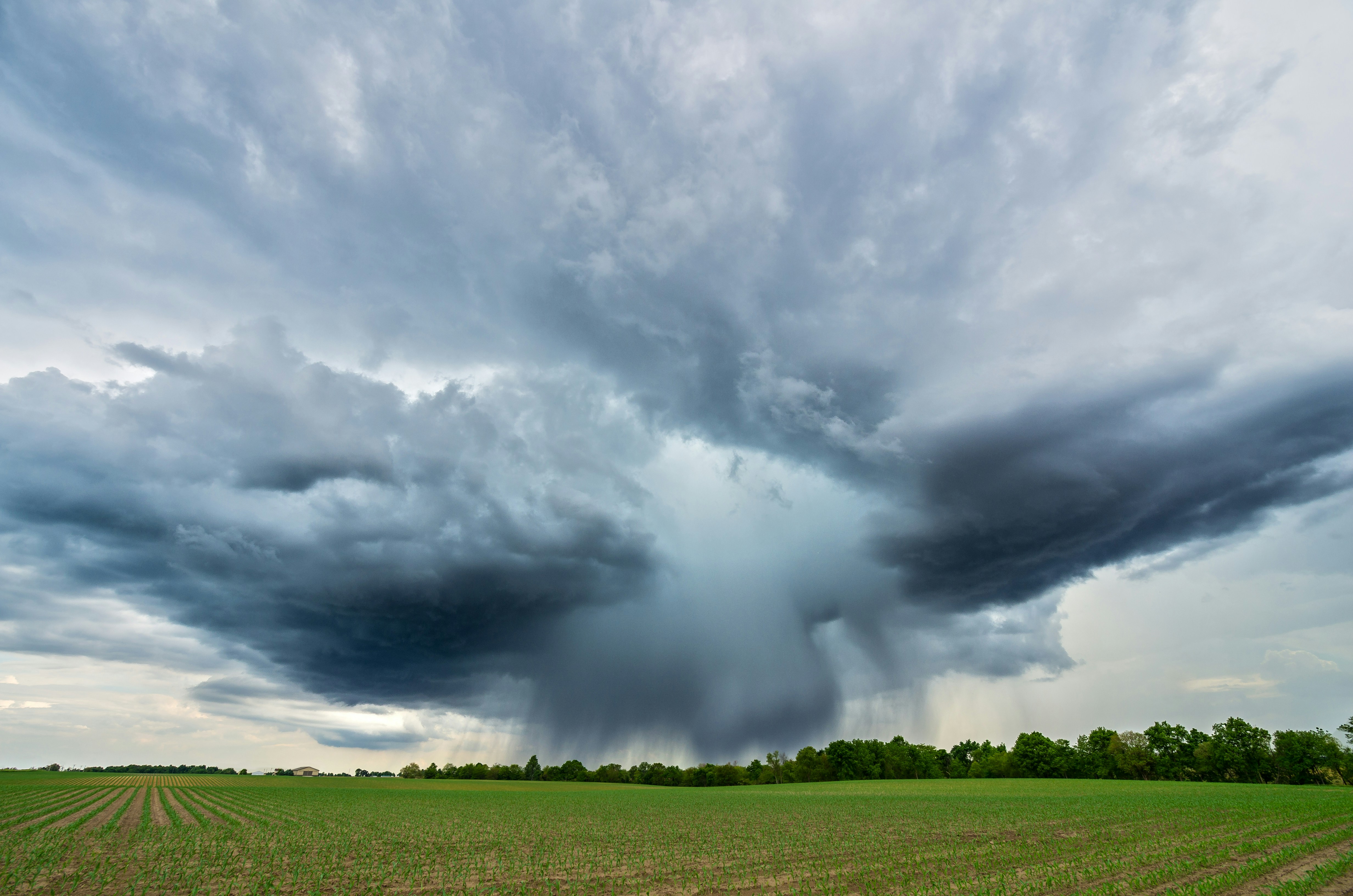
Recent reports have described severe-weather risk that includes possible hail, damaging winds, isolated tornadoes, and a tornado watch for the Lehigh Valley. NBC Philadelphia and The Morning Call establish the weather risk—not property-damage totals or increased contractor demand.
Still, roofers, restoration companies, tree services, HVAC businesses, electricians, and other local contractors should prepare for the possibility that homeowners may contact them after a storm. A clear response process can help your team acknowledge inquiries, collect useful details, protect crew capacity, and ensure high-priority requests reach a person.
Table of contents
- What to do before the storm
- Use a two-lane intake process
- Build a storm-damage intake form
- Set up immediate acknowledgment without overpromising
- Route requests based on location, service, and capacity
- Storm inquiry SMS templates
- Follow up when you cannot reach the lead right away
- A reusable tornado-watch response checklist
- FAQ
What to do before the storm
The best time to decide how you will handle storm inquiries is before the phone starts ringing. A tornado watch does not prove your business will receive more calls, but it is a reasonable time to make your lead-response process more deliberate.
1. Confirm your actual service area
Update the team on:
- ZIP codes, towns, or counties you currently serve
- Areas you will not travel to
- Any locations that require a longer response window
- Which services are available in each area
This prevents a common storm-response problem: promising a visit before anyone checks whether the address is inside the service area.
For example, a roofing company may be able to inspect homes across its normal territory but have limited crews for temporary weather protection. A tree-service company may cover debris removal in nearby towns but not emergency work outside its usual radius. The first response should reflect those real limits.
2. Confirm capacity before publishing availability
Ask a few operational questions:
- Who owns incoming storm-related requests today?
- Who can review photo submissions?
- Which crew members are available for inspections?
- Are there appointment blocks you can offer?
- What should happen when today’s schedule is full?
- Who can update the website, voicemail, or text reply if capacity changes?
Avoid wording such as “We’re available immediately” unless a human has verified that it is true. A better approach is to acknowledge the inquiry, collect details, and state that a team member will review availability.
3. Give the team one consistent status system
A simple status list is enough:
| Status | Meaning | Next owner |
|---|---|---|
| New | Inquiry received; no review yet | Intake owner |
| Needs safety review | The message may describe an urgent situation | Human team member |
| Needs details | Missing address, photos, service type, or contact preference | Intake owner |
| Ready to schedule | Service area and requested work are confirmed | Scheduler or owner |
| Scheduled | Appointment confirmed | Assigned team member |
| Follow-up needed | No answer or not ready to book | Follow-up owner |
| Outside service area | You cannot serve the request | Intake owner |
The point is not to build a complex dispatch system. It is to ensure no one assumes somebody else has replied.
Use a two-lane intake process
Not every storm inquiry should enter the same workflow. Separate requests into two lanes: potential safety concerns that need a human review and routine inspection or estimate requests.
Lane 1: Potential safety concerns
If a message mentions an immediate safety issue, do not rely on an automated sequence to decide what happens next. Route it to a human as quickly as your team can.
Your acknowledgment should avoid diagnosis, dispatch promises, or advice beyond directing people to official local alerts and appropriate emergency resources. It can simply clarify that your text line is not emergency dispatch and that the request has been sent for review.
A practical internal rule:
Any inquiry that appears to involve an immediate safety concern gets a human owner, even if it also receives an automatic acknowledgment.
Lane 2: Routine damage, inspection, and estimate requests
These inquiries may include:
- “Can you inspect my roof after the hail?”
- “A branch damaged our fence. Do you provide removal?”
- “I saw missing shingles after the wind.”
- “Can I get an estimate for water cleanup?”
- “My HVAC unit stopped working after the storm.”
These requests can often begin with a structured response that gathers the address, type of service, visible issue, photos if the customer can safely provide them, and preferred contact time. A person should still review the details before making availability commitments.
Build a storm-damage intake form
A generic “Contact us” form can leave your team chasing details while the lead waits. During severe-weather conditions, use a shorter form designed for the information you need to determine fit and next steps.
Recommended fields
Keep required fields limited to what you truly need:
- Name
- Mobile number
- Property address
- Service needed
- Roof inspection
- Roofing repair
- Water or restoration assessment
- Tree or debris service
- HVAC service
- Electrical service
- Other
- What are you seeing?
- Short open-text description
- When did you notice it?
- Photo upload option
- Preferred contact time
- Consent checkbox for non-essential text follow-up, where appropriate for your business and messaging program
Do not require a long narrative. If a homeowner is concerned about a leak or visible damage, a simple form is more likely to be completed than a detailed questionnaire.
Add clear expectations above the submit button
Use language that is accurate for your business, such as:
Submit your request and our team will review your location, service need, and current availability. This form is not an emergency-dispatch service.
That sentence sets a useful boundary without making the form feel cold.
Ask for photos carefully
Photos can help your team understand the request, but do not ask customers to create risk to get them. The form can say:
If you already have photos you can provide safely, you may upload them here.
Do not make photos mandatory. An inspection request can still be valid without them.
Set up immediate acknowledgment without overpromising
An immediate acknowledgment can reassure a homeowner that the inquiry arrived. It should not imply that a technician is already assigned, a crew is en route, or the business can accept every request.
A good first response does four things:
- Identifies the business.
- Confirms receipt.
- States what happens next.
- Requests one useful missing detail, if needed.
For broader examples, see 15 auto reply messages contractors can use for new leads and contractor web form auto response examples.
A storm-specific first-response structure
Hi [First Name], this is [Business Name]. We received your request regarding [service type]. Our team is reviewing the location and details you sent. If you can reply with [missing detail], that will help us determine next steps and current availability.
This works because it is prompt without pretending the work is already scheduled.
Route requests based on location, service, and capacity
The request should go to the right person only after you have enough information to make a reasonable decision.
Suggested routing order
- Check for potential safety concerns Assign a human owner when the message indicates an urgent situation.
- Confirm property location Verify the request is in your active service area.
- Identify the requested service A roofer may not handle tree removal. A restoration company may not provide electrical repair. Route based on what you actually offer.
- Review capacity Check today’s open inspection windows, available crews, and any weather-related travel constraints.
- Choose the next action - Request more information
- Offer an inspection window
- Place the lead in a follow-up queue
- Refer the person to an appropriate resource if you cannot serve the request
Do not use urgency labels as a substitute for judgment
“Urgent” in a web form means the customer feels urgency. It does not tell you what is happening at the property, whether your crews can safely travel, or whether you should promise a same-day visit.
Use the label to prioritize human review—not to automate a diagnosis.
Storm inquiry SMS templates
Use these only for people who have provided appropriate consent for the message type you are sending. Keep messages factual, identify your business, and avoid promising emergency response or guaranteed availability.
1. New storm-related inquiry
Hi [First Name], this is [Business Name]. We received your request about [service]. We’re reviewing your location and the details provided. If you can reply with your property address and a brief description of what you noticed, we’ll review the next available option.
2. Requesting photos without asking customers to take risks
Thanks, [First Name]. If you already have photos you can share safely, please send them here. They may help our team understand the request before we follow up.
3. Address confirmation
Hi [First Name], this is [Business Name]. Before we check availability, can you confirm the property address for the [service] request?
4. Inspection availability is being reviewed
Thanks for the details. Our team is reviewing current inspection availability for your area. We’ll follow up once we can confirm the next step.
5. No immediate appointment available
Hi [First Name], we have your request and details. Our current schedule is limited, but we can keep your information for the next available opening. Would you like us to contact you if an appointment becomes available?
6. Missed call text-back
Hi, this is [Business Name]. Sorry we missed your call. If this is about a storm-related service request, reply with your address and the service you need, and our team will review it.
For more missed-call workflows, read after-hours lead response: how to win jobs while you sleep.
Follow up when you cannot reach the lead right away
A storm-related lead may be busy dealing with the property, speaking with an insurer, or contacting several businesses. If you cannot reach them on the first attempt, follow up with a clear, low-pressure message.
The goal is not to flood someone with texts. It is to make the next step easy when they are ready.
Example follow-up sequence
First acknowledgment: Immediately after form submission or missed call Confirm receipt and request the most important missing detail.
Follow-up 1: If there is no reply after a reasonable interval
Hi [First Name], this is [Business Name] checking back on your [service] request. If you still need help, reply with the property address and the best time to reach you.
Follow-up 2: After your team has reviewed capacity
Hi [First Name], we’re following up on your request. If you would still like us to review availability for your address, reply YES and we’ll send the next available option.
Final check-in: If no response
Hi [First Name], we haven’t heard back, so we’ll close this request for now. If you still need help, reply here and we’ll review current availability.
For contractor-specific estimate follow-up, see estimate follow-up text templates for contractors.
A reusable tornado-watch response checklist
Use this checklist whenever severe weather may create additional inquiries.
Before or during the weather event
- [ ] Monitor official local alerts and prioritize team safety.
- [ ] Confirm your active service area.
- [ ] Confirm which services you can currently accept.
- [ ] Check crew and inspection capacity.
- [ ] Assign one person to own incoming web forms, texts, and missed calls.
- [ ] Update your voicemail, website notice, or auto-reply if capacity changes.
- [ ] Ensure potential safety concerns are routed to a human.
- [ ] Confirm your intake form collects address, service type, issue description, and contact details.
As inquiries arrive
- [ ] Acknowledge the request without guaranteeing availability.
- [ ] Identify potential safety concerns and assign human review.
- [ ] Confirm the property is within your service area.
- [ ] Collect missing address, photo, and service details where appropriate.
- [ ] Record the next action and the person responsible.
- [ ] Offer appointments only after checking current capacity.
- [ ] Add unreachable leads to a respectful follow-up process.
After demand returns to normal
- [ ] Review open requests and no-response leads.
- [ ] Close out requests outside your service area.
- [ ] Note which details were most often missing.
- [ ] Improve your form and auto-replies for the next weather event.
- [ ] Review whether team ownership was clear at every stage.
Where SecureMyLead fits
A storm-response process still needs people to make capacity, safety, and scheduling decisions. SecureMyLead can support the follow-up portion: it can send an immediate SMS acknowledgment when a new lead arrives and continue with personalized follow-up messages for leads that have not responded.
It should not be used as emergency dispatch or as a substitute for human judgment on safety-related requests. Configure messages around your real service area and capacity, and have a person review any potentially urgent inquiry.
Get started free to build a more consistent lead-response workflow before the next severe-weather alert.
Key takeaways
- A tornado watch and severe-storm risk justify preparation, not assumptions about contractor lead volume.
- Safety-related messages need human review; a form or text workflow is not emergency dispatch.
- Confirm service area and crew capacity before advertising availability.
- Use a storm-specific intake form to collect property location, service need, and useful details.
- Acknowledge every inquiry promptly, but do not promise same-day work or guaranteed availability.
- Keep a respectful follow-up sequence for requests you cannot reach or schedule immediately.
FAQ
Should contractors expect more leads during a tornado watch?
Not necessarily. The cited weather reports establish severe-storm risk and a tornado watch in the Lehigh Valley, but they do not document increased contractor inquiries or property-damage totals. Contractors can prepare for possible inquiries without treating higher demand as guaranteed.
What should a storm-damage auto-reply say?
It should confirm receipt, identify your business, request any key missing details, and explain that your team will review the request and availability. Avoid promising emergency response, same-day service, or a confirmed appointment before a person checks capacity.
What details should a roofing or restoration business collect first?
Start with the property address, contact information, requested service, a short description of the issue, and any photos the customer can already provide safely. Ask for a preferred contact time if your team may need to call.
Can automation triage storm emergencies?
Automation can acknowledge an inquiry and gather information, but it should not independently determine the severity of a possible emergency. Potentially urgent safety-related messages should be handed to a human for review.
How often should a contractor follow up on a storm inquiry?
Follow up based on your actual capacity and the information you need to move forward. One clear acknowledgment, one useful check-in, and a final close-the-loop message may be more helpful than repeated generic texts. Stop non-essential messaging when the customer opts out.