Tornado Warning Lead Response: A Storm-Damage Playbook for Roofing and Restoration Businesses
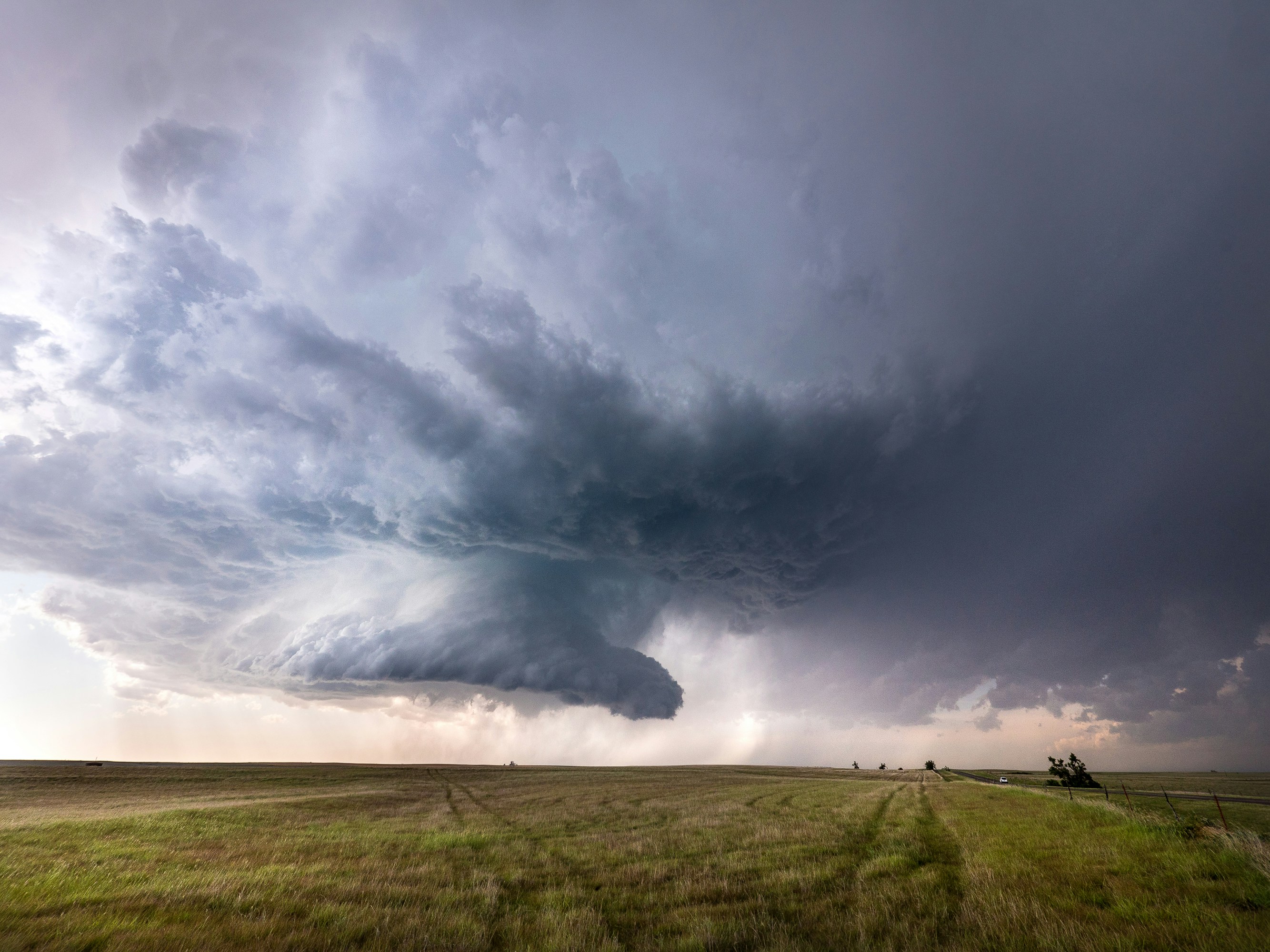
Severe storms and tornadoes recently affected parts of Delaware, New Jersey, and the Philadelphia region, with reports of wind, rain, hail, funnel clouds, fallen trees, and property damage. The National Weather Service was expected to assess damage in affected areas. NBC10 Philadelphia and 6abc reported on the conditions.
Safety comes first: a lead-response workflow is not emergency triage or a damage assessment. Do not encourage a homeowner to enter a damaged structure, inspect a roof, or take risks to collect photos. Follow directions from local authorities and use human judgment before discussing inspections, temporary protection, or repair work.
These reports do not prove that local roofing, restoration, or tree-service businesses experienced a lead increase. Still, severe weather can create a short-notice need for inspections, estimates, and repair conversations. Businesses in affected or nearby areas should prepare in case inquiries rise.
The goal is simple: acknowledge legitimate inquiries quickly, collect enough information for a person to review them, set honest expectations, and make sure no request disappears during a busy day or after-hours period.
Table of contents
- What changes after a tornado warning or severe storm
- The storm-damage lead-response workflow
- Questions to ask before scheduling
- Storm-damage SMS templates
- How to avoid duplicate leads and confused handoffs
- Follow up with homeowners who are not ready to book
- Where SecureMyLead fits
- FAQ
What changes after a tornado warning or severe storm
A normal roofing lead may be researching a replacement, comparing estimates, or planning a project months ahead. A storm-damage inquiry can be different:
- The homeowner may be stressed and unsure what they are seeing.
- They may contact several companies within a short period.
- The request may involve roof, siding, gutter, water-intrusion, tree, or debris concerns.
- The homeowner may ask for immediate certainty about repair timing, insurance, or severity that your team cannot responsibly provide by text.
- Your crew may already be committed to active jobs or dealing with weather-related delays.
That means the best response is not simply “We can be there today.” It is a controlled process that acknowledges the person, gathers basic details safely, routes the inquiry to a human, and avoids promises your business cannot keep.
The storm-damage lead-response workflow
Use this as a practical sequence for roofing and restoration inquiries that arrive after severe weather.
1. Send a prompt acknowledgment without promising service
The first message should confirm receipt and explain the next step. It should not guarantee same-day inspections, emergency response, repair availability, insurance coverage, or a specific arrival window.
Example:
Hi [First Name], this is [Business Name]. We received your storm-damage request for [Property Address]. A team member will review the details and follow up about next steps. Please do not enter damaged areas or attempt to inspect the roof yourself.
This helps the homeowner know their request was received while leaving room for your team to evaluate capacity and safety.
If you use an automated first response, treat it as an acknowledgment layer—not a dispatch system. A real person should review the lead before offering inspection times or making decisions about urgency.
2. Capture the details your team actually needs
A vague message such as “roof damaged after storm” is not enough for a productive callback. Build a short intake process that gives your office or estimator the context needed to respond appropriately.
At minimum, capture:
| Intake item | Why it matters |
|---|---|
| Name and preferred callback number | Lets a team member reach the homeowner directly |
| Property address | Confirms service area and helps identify duplicate submissions |
| Best contact method | Avoids repeated calls if the homeowner prefers text |
| Type of concern | Helps distinguish roof, siding, gutter, water, tree, or debris concerns |
| When the damage was noticed | Adds context without requiring the homeowner to diagnose the cause |
| Current visible issue | Helps your team understand what the homeowner is reporting |
| Whether the issue is actively changing | Signals that a human should review the request promptly |
| Photos, if safely available | Gives context before a conversation or inspection |
| Existing customer or new inquiry | Helps the team locate relevant account history |
Keep the form or text exchange short. This is intake, not a remote inspection.
3. Request photos carefully
Photos can help an estimator understand what the homeowner is reporting. But a photo request must never pressure someone to climb, enter unstable areas, or approach hazards.
Use language like:
If you already have photos you can safely share from the ground or from inside a safe area, please send them here. Please do not climb onto the roof or enter damaged areas to take pictures.
This is more useful than a generic “Send photos” request because it gives the homeowner a safe boundary and explains what your team can use.
4. Have a person prioritize the request
Do not ask automation to determine whether a situation is urgent. Instead, establish a simple internal review queue.
For example:
- Needs prompt human review: reports of active water entering the home, visible structural damage, or an unsafe condition described by the homeowner.
- Inspection request: visible exterior damage, missing materials, hail concerns, fallen branches, or post-storm check requests.
- Estimate or future repair request: homeowner wants an assessment but has not described an active problem.
- Information-only inquiry: asks whether you serve an area, perform a type of repair, or can provide an estimate.
These categories are for communication and workload organization. They are not a substitute for emergency services, onsite assessment, or professional safety decisions.
5. Offer realistic scheduling expectations
Storm conditions can change availability quickly. Rather than promising an exact inspection time before reviewing the lead, use a range or process statement that your business can honor.
Example:
Thanks for the details. Our team is reviewing storm-related requests and will contact you with the next available inspection option. We’ll confirm the appointment before sending anyone out.
This approach is especially important when weather, road conditions, crew availability, or the number of requests may affect your schedule.
For more general contractor response scripts, see 15 auto-reply messages contractors can use for new leads.
6. Set up an after-hours path
Storm-related inquiries do not always arrive during office hours. If calls and forms come in overnight, your after-hours process should do three things:
- confirm the inquiry was received;
- gather only the details needed for human review;
- tell the prospect when they can expect the next update, without inventing a timeline.
Example after-hours message:
Hi [First Name], thanks for contacting [Business Name] about possible storm damage at [Property Address]. We received your request outside business hours and will review it when our team is available. If you have photos already taken safely, you can reply here with them. Please do not enter damaged areas or climb onto the roof.
An after-hours acknowledgment can prevent a legitimate lead from sitting silently until morning, but it should never imply that your business is providing emergency dispatch or immediate onsite help.
For a broader after-hours workflow, read After-hours lead response: how to win jobs while you sleep.
Questions to ask before scheduling
The best intake questions are short, clear, and tied to a real operational decision. Avoid asking homeowners to make technical judgments about structural damage or insurance coverage.
Use questions such as:
- What is the property address?
- What did you notice after the storm—roof, gutter, siding, interior water, tree/debris, or something else?
- When did you first notice the issue?
- Are you requesting an inspection, an estimate, or a callback to discuss the concern?
- Do you have photos you can share safely from the ground or another safe location?
- What is the best number and time for our team to contact you?
- Have you already spoken with someone from our company?
That last question is valuable during a possible storm-driven rush. A homeowner may call, submit a website form, message a social page, and ask a neighbor for a referral—all within the same day. Without a duplicate check, multiple people from your business may contact them with conflicting information.
Storm-damage SMS templates
Use these as starting points, then adjust the language to fit your actual service area, business hours, and capacity. Send texts only when you have appropriate permission to contact the lead, and honor opt-out requests.
New storm-damage web form response
Hi [First Name], this is [Business Name]. We received your request about possible storm damage at [Property Address]. A team member will review it and follow up about next steps. If you have photos already taken safely, you can reply with them here. Please do not climb onto the roof or enter damaged areas.
Missed-call text back
Hi [First Name], sorry we missed your call. This is [Business Name]. Are you calling about possible storm damage? Reply with the property address and a brief description, and our team will review the request.
Photo request after initial contact
Thanks, [First Name]. If you have photos you can safely share from the ground or a safe area, please send them here. Please don’t climb onto the roof or enter damaged spaces to take photos.
Scheduling expectation message
We’ve received your details for [Property Address]. Our team is reviewing current inspection availability and will contact you with the next available option. We’ll confirm the appointment before sending anyone out.
No-response follow-up
Hi [First Name], checking in on your storm-damage request for [Property Address]. If you still want to discuss an inspection or estimate, reply with a good time for our team to reach you.
Lead who is not ready to schedule
No problem, [First Name]. We’ll keep your request on file. If you decide you’d like to discuss an inspection later, reply here with the property address and a good callback time.
For more reusable copy, see best lead-response templates for service businesses.
How to avoid duplicate leads and confused handoffs
A severe-weather event can push the same homeowner to contact your business through multiple channels. If your team treats each entry as new, the customer may receive repeated messages, duplicate appointment offers, or conflicting answers.
Create a simple duplicate-review rule before inquiries begin arriving.
Match by property address first
Names and phone numbers can vary. A property address is often the clearest way to identify whether two inquiries may relate to the same home.
Before creating a new record, check:
- property address;
- phone number;
- homeowner name;
- recent web forms;
- missed calls;
- social or referral messages;
- scheduled or pending inspections.
Assign one owner for the next response
Every active lead needs a clear human owner, even if several people can see the inbox. That person may be an office manager, estimator, owner, or coordinator.
The owner should know:
- whether the lead has been contacted;
- what information was collected;
- whether an inspection was offered or confirmed;
- what the next promised action is;
- when to follow up if the homeowner does not reply.
A quick internal note such as “Office reviewing—do not schedule until callback” can prevent multiple team members from working the same request differently.
Avoid letting automated messages conflict with live conversations
If a customer replies and a team member takes over, review any scheduled follow-up messages. An automated sequence should support the conversation, not send an unrelated “Just checking in” text after the homeowner has already booked.
SecureMyLead supports two-way dashboard messaging, but ordinary replies do not currently auto-pause scheduled sequence messages. Teams should review and adjust the sequence when a live conversation changes the lead’s status.
Follow up with homeowners who are not ready to book
Not every storm-damage lead will schedule immediately. Some homeowners may be waiting to speak with family, review the situation, compare providers, or decide whether they need an inspection.
That does not mean the lead should be forgotten.
A practical follow-up approach might be:
- Initial acknowledgment: confirm receipt and collect basic details.
- First follow-up: check whether they still want to discuss an inspection or estimate.
- Later follow-up: offer a simple next step, such as a callback or available inspection discussion.
- Stop or adjust: when they book, decline, ask not to be contacted, or the request is clearly resolved.
Keep the tone helpful. Do not use storm anxiety to manufacture urgency, and do not repeatedly message someone who has opted out or asked for no further contact.
For more guidance on timing, see how long to wait before following up with a lead.
Where SecureMyLead fits
During a possible post-storm increase in inquiries, SecureMyLead can serve as the follow-up layer between a form, call, or lead source and your human team.
For example, you can use it to:
- send a quick acknowledgment when a new lead arrives;
- deliver an after-hours receipt message;
- continue a measured follow-up sequence for prospects who have not booked;
- keep basic storm-intake language consistent across new inquiries.
It is not dispatch software, emergency triage, capacity management, or a substitute for human assessment. Your team still needs to review each request, decide what can safely be offered, and manage live conversations carefully.
Get started free to build a more consistent lead-follow-up process before the next severe-weather event.
Key takeaways
- Severe storms in Delaware, New Jersey, and the Philadelphia region make storm-response preparation timely, but no source provided here proves a local lead surge.
- Start with safety: do not ask homeowners to enter damaged areas or climb onto roofs for photos.
- Use fast acknowledgments to confirm receipt without promising arrival times, repairs, coverage, or emergency service.
- Collect only the details your team needs to review the request and prevent duplicate records.
- Give each active inquiry a human owner and a clear next action.
- Use automation for acknowledgment and consistent follow-up—not for emergency judgment or dispatch decisions.
FAQ
Should a roofing company promise same-day inspections after a severe storm?
No. Only offer scheduling commitments your business can actually meet after reviewing crew availability, safety conditions, and the nature of the request. Acknowledging the inquiry promptly is useful; making an unverified promise is not.
What should a storm-damage intake form ask for?
Collect the property address, contact details, reported issue, when it was noticed, whether the person has safely obtained photos, and their preferred callback time. Keep it focused on information your team can use to decide the next step.
Should homeowners be asked to send roof photos?
You can ask for photos that were already taken safely, such as images from the ground or another safe location. Do not encourage anyone to climb on a roof, enter damaged areas, or take risks to document a problem.
Can automated SMS handle storm-damage emergencies?
No. Automated SMS can acknowledge an inquiry and collect basic information, but it cannot assess safety, determine urgency, dispatch crews, or replace human judgment.
How often should a roofing or restoration company follow up after a storm inquiry?
Follow up based on the homeowner’s stated need, your capacity, and whether they have responded. A short, helpful check-in is appropriate for a prospect who has not booked; repeated messages after an opt-out or clear decline are not.
Sources and related reading
Storm coverage
- NBC10 Philadelphia: storms, wind, rain, and tornado threat in New Jersey and Delaware
- 6abc: funnel clouds, hail, fallen trees, and severe storms in the Philadelphia region
Related reading