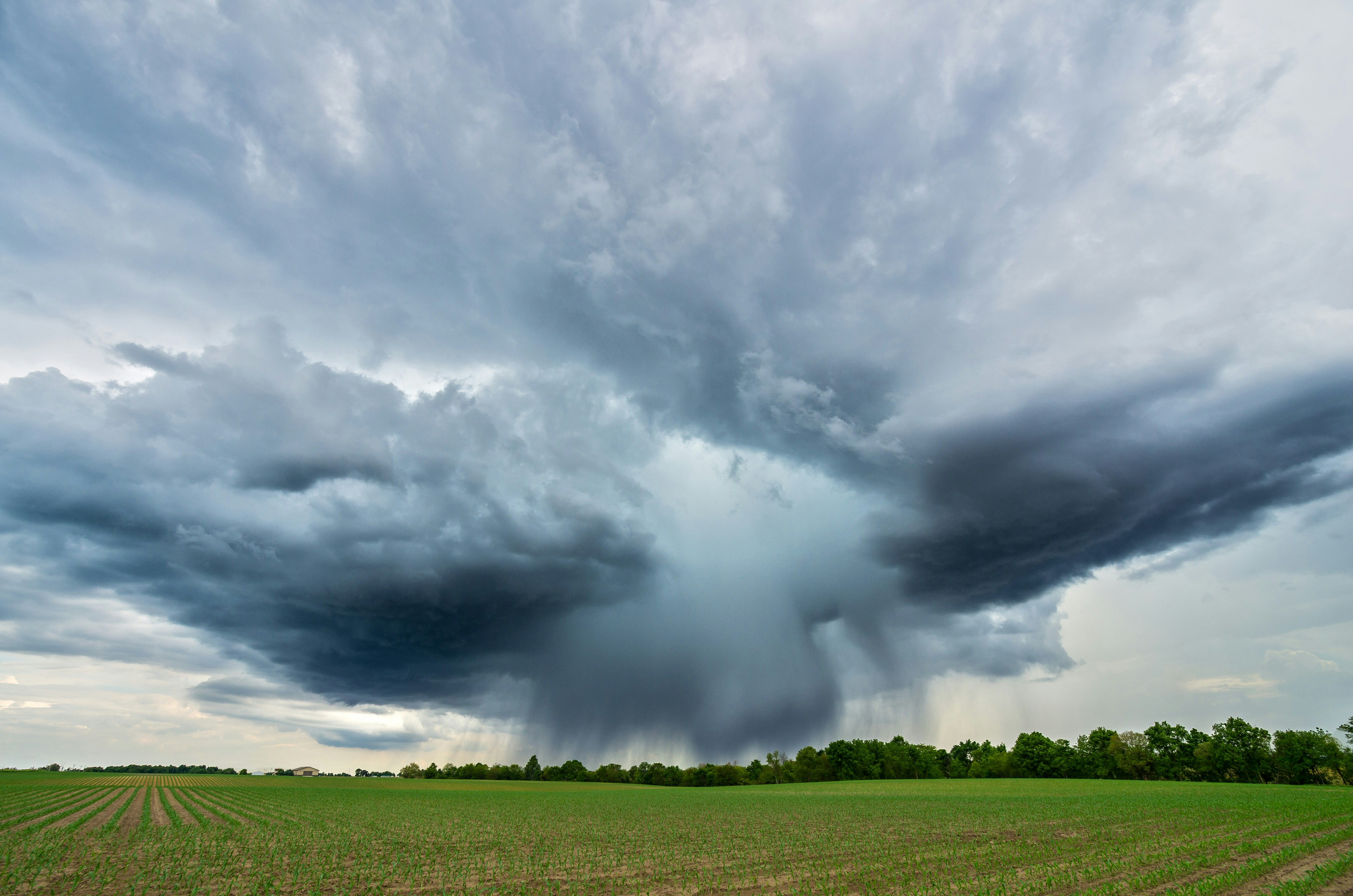
Tornado Warning Lead Response Playbook for Roofers and Restoration Companies
When severe weather is active, safety comes before service calls, estimates, or lead response.
Follow official emergency alerts and guidance. Do not ask employees to drive, inspect properties, climb roofs, or text while hazardous conditions are ongoing. If a customer describes an immediate threat to life or property, direct them to the relevant emergency service rather than treating an SMS workflow as emergency triage.
Recent storms in central North Carolina brought heavy rain, flash flooding, vehicle crashes, and a tornado warning in Wayne County. Local reporting also noted the potential for up to four inches of rain in parts of the area. These conditions can affect travel and property—and they may lead homeowners to contact roofers, restoration companies, plumbers, and other home-service businesses for help. However, the reporting does not establish a documented increase in business leads. Businesses should prepare for the possibility of more urgent inquiries without assuming a surge will occur.
This playbook helps roofers and restoration companies respond consistently if weather-related inquiries rise while protecting crew safety and avoiding promises the team cannot keep.
Table of contents
- Start with safety and official alerts
- Set storm-mode capacity rules before replying
- Use a simple inquiry-triage workflow
- Ask for the details that affect next steps
- Prioritize without promising immediate dispatch
- SMS templates for weather-related inquiries
- Keep non-emergency prospects moving
- Build a storm-ready follow-up workflow
- FAQ
Start with safety and official alerts
The first operational question during a tornado warning, flash flooding, or severe storm is not, “How fast can we book inspections?” It is, “Can our team safely operate right now?”
The central North Carolina storm coverage described flash flooding, hazardous travel conditions, and vehicle crashes. Those facts should change how a local home-service business handles incoming requests. A crew may be unable to reach an address safely, even if the customer needs help quickly.
Put a human in charge of storm mode
Assign one owner, office manager, dispatcher, or on-call team member to decide when storm-mode rules are active. That person should monitor official local alerts and determine whether the business should:
- Pause field dispatches temporarily.
- Limit service to safe, reachable areas.
- Stop roof inspections until conditions improve.
- Accept requests but offer no arrival-time commitment.
- Route urgent calls to a human for review.
- Resume normal scheduling only when the team can travel and work safely.
A storm-mode decision should be clear internally. If one employee says “we’re on the way” while another has paused dispatches, customers receive conflicting information and the team takes on avoidable risk.
Keep automated messages conservative
An auto-reply can acknowledge an inquiry. It cannot determine whether a structure is safe, whether a roof is stable, whether floodwater is dangerous, or whether a crew can safely reach the property.
Avoid language such as:
- “A technician is on the way.”
- “We’ll be there immediately.”
- “You’re first in line.”
- “We can assess the danger by text.”
- “We are available everywhere in the area.”
Instead, acknowledge the request, explain that the team is reviewing availability and conditions, and gather the information a human needs to make the next decision.
Set storm-mode capacity rules before replying
Storm inquiries can become difficult to manage when every new message feels urgent. A short set of rules helps your team respond consistently rather than making a new decision for every lead.
Before weather-related inquiries become overwhelming, define the following.
1. Your active service area
List the ZIP codes, towns, or counties your team can serve under normal conditions. Then define what changes during hazardous weather.
For example:
- Normal mode: all regular service areas.
- Storm mode: only locations reachable without unsafe travel.
- Restricted mode: no field visits; inquiries are collected for later review.
Do not expand into unfamiliar areas simply because the phone is busy. Long travel times, blocked roads, and uncertain crew availability can make a quick promise difficult to fulfill.
2. Your actual inspection capacity
Decide how many inspections or on-site assessments your team can reasonably schedule once it is safe to do so. Consider:
- Available crews.
- Daylight.
- Equipment availability.
- Existing jobs.
- Travel conditions.
- The type of work requested.
- Whether an inspection requires specialized equipment or additional personnel.
Capacity limits are not a missed opportunity. They help prevent a business from booking more visits than it can responsibly handle.
3. Your escalation owner
Every weather-related inquiry should have a clear human owner. This may be:
- The owner.
- An office manager.
- A dispatcher.
- An on-call estimator.
- A restoration coordinator.
Automation can capture the initial details and make sure the customer is acknowledged. A person should decide whether and when to call, schedule, or decline a request.
4. Your emergency boundary
Write down what your business will and will not handle through a lead-response workflow.
For example:
- Immediate threats to life: direct to the relevant emergency service.
- Active hazardous conditions: no promise of dispatch.
- Requests for inspection: collect details and review when safe.
- Non-urgent estimates: schedule after urgent requests and safety checks are addressed.
This boundary protects customers, employees, and your reputation.
Use a simple inquiry-triage workflow
A useful weather-response workflow separates acknowledgment from assessment, scheduling, and field dispatch. Those are different jobs.
Step 1: Acknowledge the new inquiry
Send a short confirmation that the business received the request. Keep it factual and avoid committing to a response time.
Example:
Hi [First Name], this is [Business Name]. We received your weather-related service request. Our team is reviewing current conditions and availability. If there is an immediate emergency, please contact the relevant emergency service. Reply with your address, the type of damage, and the best callback number.
This message does three things:
- Confirms the inquiry was received.
- Sets a realistic expectation.
- Starts collecting information for a human review.
If you use automated SMS, only send messages to people who have provided the appropriate consent to receive them.
Step 2: Capture the details needed for review
Do not ask a customer to diagnose a roof, electrical system, or structural issue. Ask simple, observable questions that help your team understand the request.
For roofing and restoration leads, useful details may include:
- Property address.
- Best callback number.
- Type of property: home, commercial property, rental, or other.
- What the customer can see: missing shingles, a leak, water staining, fallen limb damage, standing water, or another visible issue.
- Whether water is currently entering the building.
- Whether the property is occupied.
- Whether the customer is seeking an inspection, temporary protection, cleanup, drying, repair, or an estimate.
- Preferred time for a callback.
Keep the customer’s answer attached to the lead record so the person taking over does not have to ask the same questions again.
Step 3: Flag requests requiring human review
A message should move to a person—not a fully automated sequence—when it mentions an immediate hazard, active water intrusion, an unsafe structure, a downed line, gas concerns, carbon monoxide, fire, a person needing medical equipment power, or a threat to someone’s safety.
Do not use automated messages to assess the severity of these situations. Follow official emergency guidance and direct the customer to the relevant emergency service when appropriate.
Step 4: Classify routine inspection requests
Not every storm-related inquiry needs the same response. A practical internal classification might look like this:
| Inquiry type | Suggested next step |
|---|---|
| Immediate safety concern | Human review; direct to relevant emergency service as appropriate |
| Active damage report with no confirmed immediate danger | Human review; explain that availability and safe travel conditions must be confirmed |
| Inspection request | Collect property details; offer the next available inspection window when safe |
| Estimate request with no active issue | Add to the regular estimate queue and follow up |
| Existing customer asking for an update | Route to the assigned team member or job owner |
The table is an operating framework, not a substitute for professional judgment.
Ask for the details that affect next steps
A customer who submits “roof leaking please help” may be stressed, busy, or unable to provide a long explanation. Keep your questions short and purposeful.
A practical question sequence
Start with the minimum information needed to route the request:
- What is the property address?
- What are you seeing right now?
- Is water actively entering the property?
- What is the best phone number for a callback?
- Is there a safe time for our team to call you?
For restoration companies, you may also ask what area of the property is affected and whether the customer is looking for cleanup, drying, or an inspection. For roofers, you may ask whether the customer is seeing an interior leak, visible roof damage, or debris impact.
Avoid asking customers to climb on a roof, go into a flooded area, touch damaged equipment, or take risks to provide photos. If your normal workflow requests photos, phrase it as optional and only if they can do so safely.
Prioritize without promising immediate dispatch
In a weather event, the temptation is to win the job by being the first business to promise a visit. That can create serious operational problems if roads are unsafe, crews are already committed, or conditions are changing.
A better approach is to prioritize based on information you can verify and capacity you actually have.
Use realistic priority rules
Your team may choose to review requests in this order:
- Reports involving an immediate safety concern, routed to a human.
- Existing customers with active service issues.
- Customers reporting active, visible damage that may require a prompt review once conditions permit.
- New inspection requests.
- General estimates and non-urgent repair requests.
The exact order depends on your services and current conditions. The important part is that every employee uses the same rule set.
Give time windows only when you can support them
If conditions allow scheduling, offer the next available window rather than an unsupported arrival promise.
Better:
We’re reviewing requests as conditions allow. The next inspection window we can offer is [day/time range]. Would that work for you?
Avoid:
We’ll be there in 30 minutes.
A specific promise may sound helpful, but it becomes a problem if a road closes, an alert changes, or a crew cannot safely leave another location.
SMS templates for weather-related inquiries
These templates are intentionally conservative. Customize them for your business, service area, and consent process.
1. New storm-related inquiry acknowledgment
Hi [First Name], this is [Business Name]. We received your request. Our team is reviewing current conditions and availability before confirming any visit. Please reply with the property address, what you’re seeing, and the best callback number. If there is an immediate emergency, contact the relevant emergency service.
2. Inspection request when field work is temporarily paused
Hi [First Name], thanks for contacting [Business Name]. For crew safety, we are not confirming field inspections while current conditions remain hazardous. We can review your request and contact you when it is safe to schedule. Please send the property address and a brief description of the visible issue.
3. Request for details before human follow-up
Thanks, [First Name]. To help our team review your request, please reply with: 1) property address, 2) type of visible damage or issue, and 3) your best callback number. Please do not put yourself at risk to inspect or photograph the damage.
4. Next-available inspection offer
Hi [First Name], [Business Name] has reviewed your request. Our next available inspection window is [day/time range], subject to safe conditions. Would you like us to reserve that window?
5. Capacity-full response
Hi [First Name], thank you for reaching out to [Business Name]. Our current inspection schedule is full, and we do not want to promise a visit we cannot complete. We can add your request for follow-up if availability opens, or contact you about the next available appointment.
6. Non-emergency estimate follow-up
Hi [First Name], checking in from [Business Name] about your request for [service]. We have your details and can help with the next step when you’re ready. Would you prefer a callback or an inspection appointment?
Keep non-emergency prospects moving
A weather event may create both urgent requests and routine inquiries. If the team focuses only on the loudest or newest messages, ordinary estimate requests can quietly go unanswered.
Separate your pipeline into at least two tracks:
- Weather-related requests: reviewed under storm-mode safety and capacity rules.
- Routine leads: acknowledged and followed up through the normal process.
This separation prevents a homeowner asking about a future roof replacement, mold-remediation estimate, or routine repair from disappearing while the team works through weather-related inquiries.
For additional contractor response examples, see 15 auto-reply messages contractors can use for new leads and this guide to automated lead follow-up systems for contractors.
Build a storm-ready follow-up workflow
The best time to create this workflow is before the next warning or flooding event. A simple setup can reduce confusion when the team is busy.
Your pre-storm checklist
- Identify the person who can activate storm mode.
- Define the service areas you can safely cover.
- Decide when field dispatches pause.
- Write a conservative first-response message.
- Create a short set of intake questions.
- Assign a human escalation owner.
- Set realistic capacity limits for inspections.
- Separate weather-related inquiries from routine leads.
- Review messages for consent and opt-out requirements.
- Train the team not to promise immediate dispatch without confirmation.
Where SecureMyLead fits
SecureMyLead can serve as the follow-up layer between a new inquiry and the person who needs to review it. It can automatically acknowledge opted-in leads and continue a configured SMS follow-up sequence, helping requests avoid sitting unanswered while your team handles active conditions.
It should not be used as emergency triage, damage assessment, dispatch, or a substitute for a human safety decision. During storm mode, use conservative messages and make sure a person owns urgent replies.
Get started free to build a more consistent lead-response workflow before the next weather event.
Key takeaways
- Severe weather can affect property and travel conditions, so employee and customer safety must come before lead volume.
- Central North Carolina reporting described flash flooding, a tornado warning in Wayne County, heavy rain, and vehicle crashes; it did not document a measured increase in home-service leads.
- Prepare for the possibility of additional inquiries with clear service-area, capacity, and escalation rules.
- Use automated acknowledgments to confirm receipt and collect basic details—not to assess danger or promise dispatch.
- Route potential emergencies to a human and direct immediate emergencies to the relevant emergency service.
- Keep routine estimates and non-emergency prospects moving through a separate follow-up process.
FAQ
Should a roofing company send automated texts during a tornado warning?
An automated acknowledgment may be appropriate for leads that have provided the necessary consent, but it should be conservative. Do not promise a crew is coming, estimate arrival times you cannot confirm, or imply the message can assess whether the customer is in danger. Follow official alerts and prioritize employee safety.
What should a restoration company ask after a storm-related inquiry?
Ask for the property address, a brief description of what the customer can safely observe, the best callback number, and the service they need. Avoid asking people to enter hazardous areas, climb onto roofs, or take risks to inspect damage.
How should a business handle more requests than it can serve?
Be direct about availability. Collect the necessary details, offer the next realistic appointment window, maintain a waitlist or follow-up queue if appropriate, and avoid making dispatch promises your team may not be able to keep.
Can automation prioritize emergency storm-damage leads?
Automation can collect information and flag messages for human attention based on configured rules. It cannot determine emergency severity, assess damage, or replace a person’s judgment. Potential safety emergencies should be reviewed by a human and directed to the relevant emergency service when appropriate.
What should happen to normal leads during severe weather?
Keep them in a separate workflow. Acknowledge their request, set expectations if the team is operating under storm-mode limits, and continue follow-up when appropriate. That helps prevent routine estimate requests from being forgotten.
Sources
- WRAL: Severe weather brings flooding and storm risk to the Triangle
- CBS 17: Flood advisory issued in central North Carolina, with up to four inches of rainfall possible