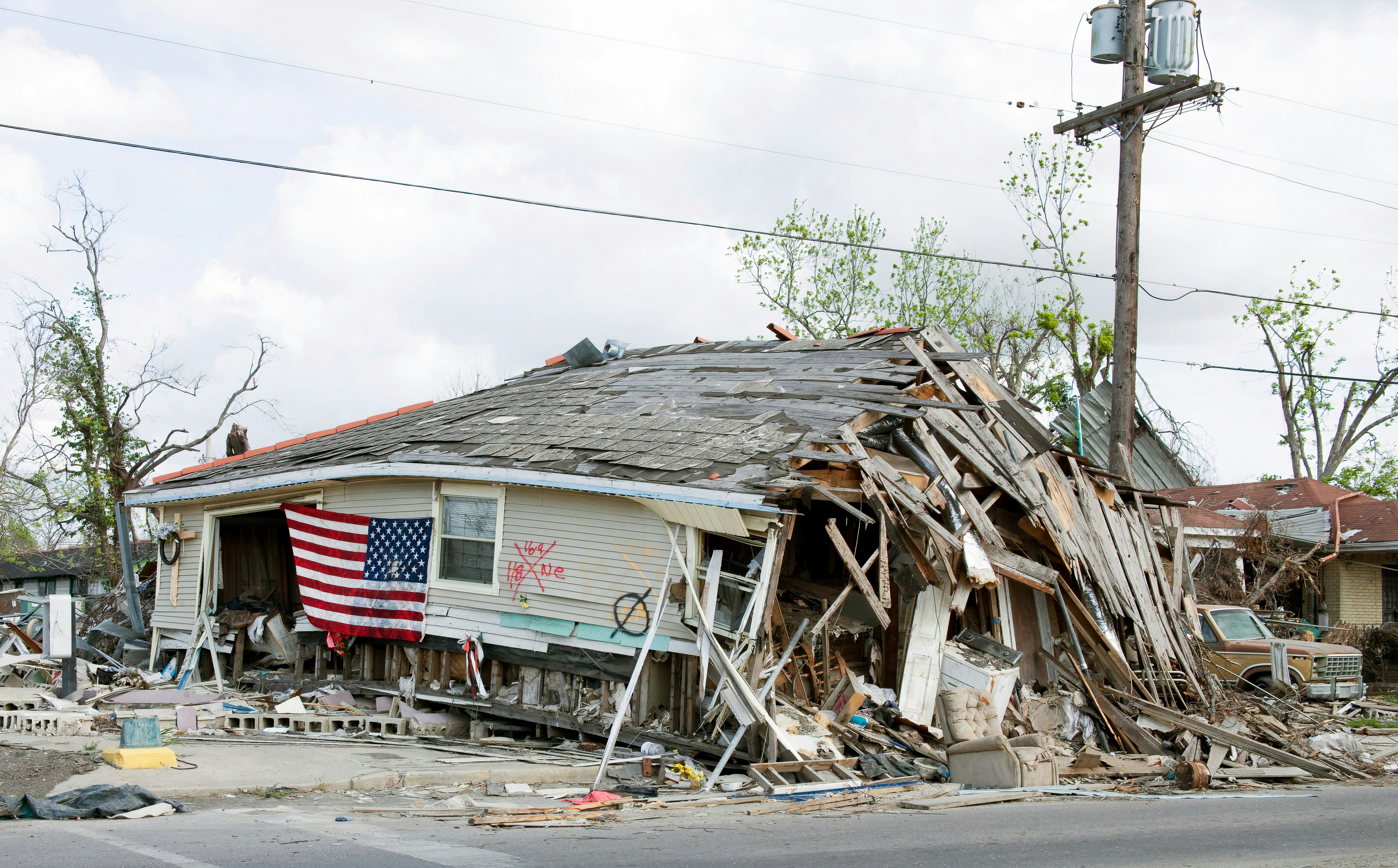
Storm Damage Lead Response Playbook for West Texas Service Businesses
Safety first: If a customer reports an immediate threat to life or safety, tell them to contact emergency services. Do not use an automated text, a scheduling workflow, or an unqualified team member to assess urgent hazards. Route non-emergency service questions to a qualified professional on your team.
Reports have described severe thunderstorm watch or warning conditions affecting parts of West Texas, including Hemphill, Lipscomb, and Roberts counties. Midland Reporter-Telegram and Cedar News reported the weather alerts.
A weather watch or warning does not prove property damage has occurred, and it does not mean every local service business will receive more calls. But roofers, restoration companies, electricians, plumbers, HVAC businesses, and other West Texas operators can prepare for possible inspection requests, repair inquiries, missed calls, and quote forms.
The goal is not to promise a job before you understand it. The goal is to acknowledge the inquiry, separate safety-sensitive reports from routine estimate requests, give the customer a realistic next step, and protect your team from committing beyond its actual capacity.
Table of contents
- What makes storm-related inquiries different
- Set up your weather-response workflow before calls arrive
- Use a simple triage system
- Storm-response text templates
- Book capacity-aware appointments
- Keep waiting leads informed
- Use automation as acknowledgment, not emergency dispatch
- Storm-response checklist
- FAQ
- Related reading
What makes storm-related inquiries different
A normal weekday estimate request may allow time for a callback, qualification, and scheduling conversation. A weather-related inquiry can be different:
- The customer may be anxious and looking for immediate confirmation that someone received the message.
- Several types of requests can arrive at once: inspections, leaks, electrical concerns, cleanup, repair quotes, and follow-up questions.
- Your team may be unavailable, working elsewhere, or unable to safely travel or inspect immediately.
- A customer may describe a situation that requires emergency services or a qualified professional—not a sales script.
- The details needed to prioritize a request may differ by trade.
That means a generic “Thanks, we’ll be in touch” reply is often too vague. A better response gives the customer one clear next action while avoiding promises your business cannot keep.
For a broader first-response library, see these lead-response templates for service businesses.
Set up your weather-response workflow before calls arrive
Preparation matters because a storm-response workflow is hard to build while your phone is already ringing.
1. Assign one human owner for the inbox
Decide who monitors new inquiries during the weather window and after hours. For a small business, that might be the owner, office manager, dispatcher, or rotating on-call employee.
That person needs authority to:
- identify messages that need immediate human review;
- confirm what service area the business can cover;
- offer only approved appointment windows;
- update customers when the schedule changes;
- pause outreach when a customer requests no further texts.
A lead should never sit in a shared inbox because everyone assumes someone else is responding.
2. Define your service categories before you need them
Use categories that fit your actual operation. A roofing company might use:
- inspection request;
- active leak report;
- temporary protection request;
- estimate request;
- existing-customer follow-up.
A plumber, electrician, HVAC business, or restoration company may need different categories. Do not force every inquiry into the same “urgent” bucket.
Keep the categories simple enough that the person reading texts can use them consistently. The purpose is operational clarity, not a complicated scoring system.
3. Decide what you can honestly offer
Before demand potentially increases, write down:
- your current service area;
- who is on call;
- which appointment blocks are available;
- whether you can offer inspections, estimates, or only a callback queue;
- the latest time a team member can safely accept new work;
- which requests must be reviewed by a qualified professional before anything is promised.
This avoids the common mistake of booking a full day based on messages that have not been assessed.
4. Prepare a single internal handoff format
When a human needs to take over, make sure the lead record contains the basics:
| Information to capture | Why it matters |
|---|---|
| Customer name and callback number | Lets the assigned team member respond directly |
| Address or ZIP code | Confirms service area and routing |
| Service requested | Separates inspection, repair, estimate, and existing-customer questions |
| Brief customer description | Gives the responder context without making assumptions |
| Preferred contact time | Helps avoid repeated missed calls |
| Assigned owner and next action | Prevents duplicate replies or forgotten follow-up |
Do not ask customers to diagnose a technical or safety-sensitive issue by text. Collect only what your team needs to determine the next safe, appropriate business step.
Use a simple triage system
A storm-response process should distinguish between safety escalation, same-day human review, and routine estimate follow-up.
Category 1: Immediate safety concern
If a customer reports an immediate threat to life or safety, direct them to emergency services. Do not diagnose the issue through SMS or promise that your team can respond immediately.
Your internal process should flag these messages for a human, but human review does not replace emergency services.
Category 2: Time-sensitive service inquiry
These are requests that may need quick human review but do not include a stated immediate life-safety threat. Examples could include a customer reporting a leak, loss of a key home system, or a need for a prompt inspection.
The right response is not “We’re on the way” unless that has been confirmed. Instead:
- acknowledge receipt;
- collect location and the service needed;
- explain that a team member will review availability;
- provide a realistic callback or update window;
- assign the request to a named person.
Category 3: Inspection, estimate, or non-urgent repair request
These are leads that may be important but do not require immediate dispatch. Acknowledge them quickly, collect enough information to qualify the request, and offer the next available assessment or estimate window.
This category is where a short automated first response can be especially helpful: it confirms the inquiry was received while a person works through the queue.
Storm-response text templates
Use these only for customers who have provided the appropriate consent to receive messages. Your business remains responsible for lawful texting practices and honoring opt-out requests.
Replace bracketed details before use.
Initial acknowledgment for a new weather-related inquiry
Hi [First Name], this is [Business Name]. We received your request regarding [service]. Our team is reviewing availability in the [Area] area. Please reply with your address and the best number to reach you, and a team member will follow up with the next available option. Reply STOP to opt out.
This message does not promise emergency service, an inspection time, or a repair outcome.
After-hours acknowledgment
Hi [First Name], this is [Business Name]. We received your message outside our normal hours. If there is an immediate threat to life or safety, please contact emergency services. For service scheduling, reply with your address and a short description of what you need, and our team will review it when we reopen. Reply STOP to opt out.
Message for a time-sensitive request awaiting review
Hi [First Name], thanks for the details. We’ve sent your request to our team for review. We’ll contact you by [time/day] with the next available service or inspection option. We won’t confirm a visit until availability is verified. Reply STOP to opt out.
Inspection or estimate request
Hi [First Name], [Business Name] received your inspection request. We have [appointment window] available for an assessment in [Area]. Would that work for you? Reply STOP to opt out.
Only offer a time that your team has actually approved.
Capacity-delay update
Hi [First Name], we’re working through current requests and haven’t forgotten you. Our next update will be by [time/day]. If you no longer need help, please let us know. Reply STOP to opt out.
A clear update is better than silence, especially when customers are waiting after a weather event.
Follow-up when a lead has not replied
Hi [First Name], this is [Business Name] following up on your [service] request. Do you still need help scheduling an inspection or discussing next steps? Reply here and we’ll review current availability. Reply STOP to opt out.
For more general scripts, see auto-reply messages for contractors.
Book capacity-aware appointments
Storm conditions can create a temptation to fill every open slot immediately. That can produce missed appointments, frustrated customers, and a dispatch problem your team cannot solve later.
Instead, use a capacity-aware booking approach:
- Hold limited review blocks. Reserve a few windows for human-reviewed requests rather than publishing your entire schedule at once.
- Offer ranges only when appropriate. If travel, weather, or crew availability is uncertain, say that availability is being reviewed rather than inventing an arrival time.
- Use a waitlist with a promised update. If you cannot serve the request now, give a specific next communication time—not a vague “soon.”
- Confirm before dispatch. A text exchange is not the same as a confirmed job. Make the handoff and appointment status clear internally.
- Close the loop on leads you cannot take. If the business cannot serve an area or service type, say so promptly and professionally.
This is different from a general high-volume booking strategy. During storm-related demand, the details of the inquiry, travel conditions, team safety, and service type can all affect whether an appointment is appropriate.
Keep waiting leads informed
If inquiries rise, customers who cannot be served right away should not simply disappear into a spreadsheet or unanswered text thread.
Create three follow-up states:
Confirmed appointment
Send a short confirmation that includes the appointment date or window, the next expected contact, and the best way to reply with questions.
Waiting for availability
Send an update at the time you promised. If nothing has changed, say that plainly and provide the next update time. Do not pretend you have availability just to keep the lead engaged.
No response from the customer
Send one helpful follow-up asking whether they still need service. Avoid repeated messages that add no new value.
If you need a broader workflow for inquiries that arrive while your team is unavailable, read after-hours lead response: how to win jobs while you sleep.
Use automation as acknowledgment, not emergency dispatch
Automation can support a storm-response workflow by sending an immediate acknowledgment when a new lead arrives and by keeping non-urgent follow-up from being forgotten.
It cannot determine whether a situation is dangerous, verify job-site conditions, make a dispatch decision, or know your true capacity unless a person manages the workflow.
SecureMyLead can send an automated first text for a new lead and run follow-up sequences for customers who have not yet scheduled. For a weather-response setup, keep the first message conservative, route replies to a human owner, and review any scheduled sequence carefully. Ordinary customer replies remain visible for your team, but they do not currently auto-pause scheduled sequence messages—so someone should manage active conversations and pause or adjust follow-up when needed.
The best use of automation here is simple: make sure a legitimate inquiry receives acknowledgment while your team handles the judgment, triage, and scheduling.
Storm-response checklist
Before a possible weather-driven influx of inquiries, confirm that you have:
- [ ] One person assigned to monitor new calls, forms, and texts
- [ ] A clear process for messages involving immediate safety concerns
- [ ] Approved service categories for your business
- [ ] Current service-area and availability information
- [ ] A short after-hours acknowledgment message
- [ ] A human-review process for time-sensitive requests
- [ ] Appointment blocks that reflect real crew capacity
- [ ] A follow-up update for leads waiting on availability
- [ ] A process to honor customer opt-outs and manage consent
- [ ] A named owner and next action recorded for every active lead
FAQ
Will severe weather definitely create more leads for my West Texas service business?
Not necessarily. The cited weather reports establish that parts of West Texas were under a severe thunderstorm watch or warning, but they do not document lead volume, property damage, repair demand, or booking results. Preparation helps your business respond consistently if inquiries increase.
Should an automated text tell customers what to do in an emergency?
No. Keep the message limited to directing people to emergency services when they report an immediate threat to life or safety. Automation should acknowledge the inquiry and route it to a human; it should not assess hazards or provide technical emergency guidance.
What should a roofing, HVAC, plumbing, electrical, or restoration business ask first?
Ask for the customer’s address or ZIP code, the service they need, a brief description, and the best callback number. Then have a qualified team member decide whether and how to proceed. Avoid asking customers to diagnose safety-sensitive problems through text.
How often should we update leads when our schedule is full?
Update them when you said you would. A specific, honest status update is more useful than a stream of generic texts. If your availability changes, tell the customer the next realistic step.
Can we send storm-response SMS messages to every old contact in our database?
Only message people when you have the appropriate permission and a lawful reason to contact them. Treat consent and opt-out handling as business responsibilities, not as an afterthought during a weather event.