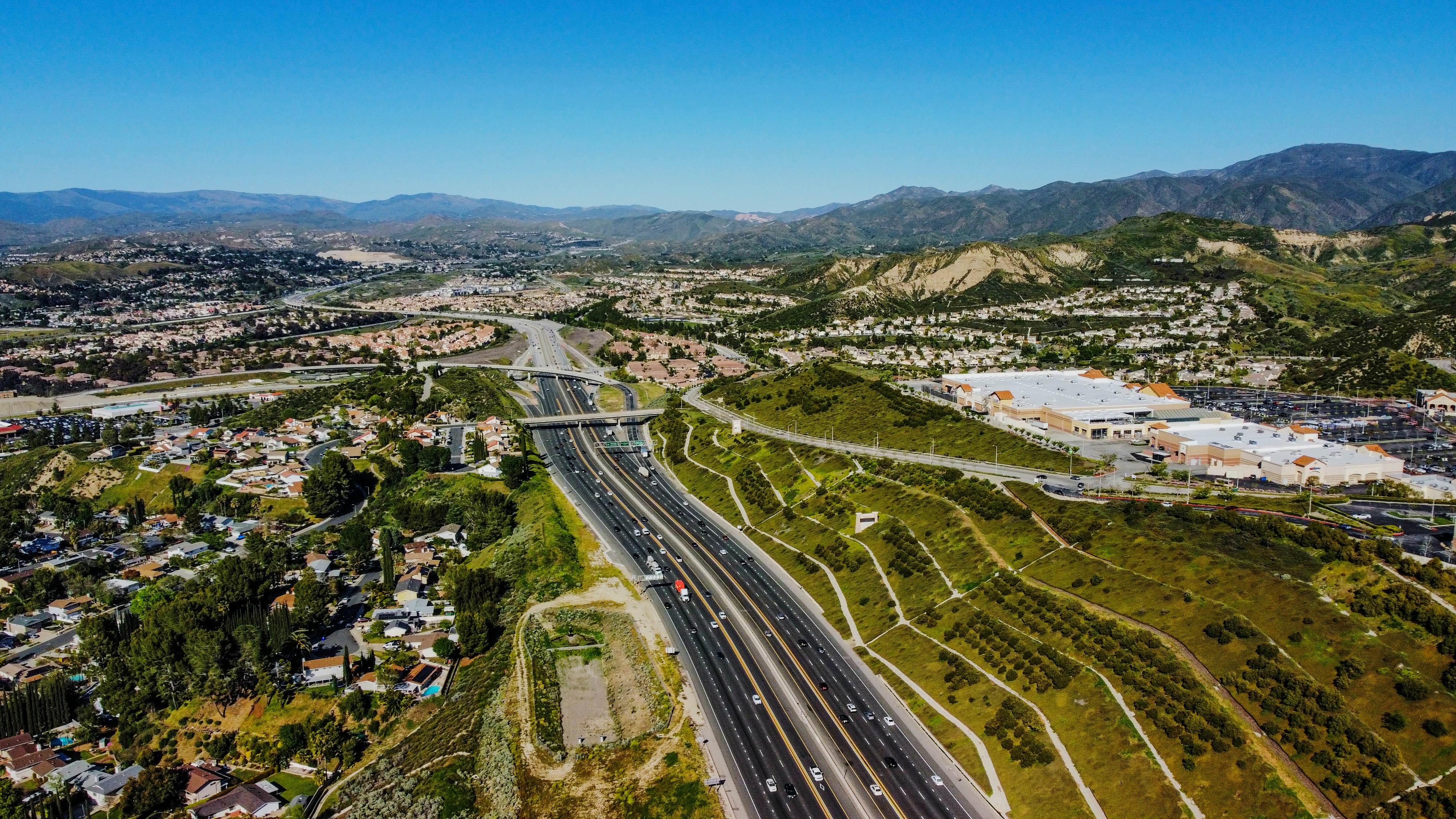
Santa Clarita Wildfire Lead Response Playbook for Roofers and Restoration Companies
The Bouquet fire near Santa Clarita has prompted evacuation orders and warnings, according to reporting from the Los Angeles Times, while KTLA reported that the wildfire was burning near Santa Clarita and had grown substantially. Read the Los Angeles Times report and KTLA’s coverage.
For roofers, restoration companies, tree-removal businesses, and other local service teams, an active wildfire is not a sales opportunity to chase. It is a situation that requires restraint, clear communication, and respect for emergency authorities.
But once homeowners are able to make non-emergency service inquiries, businesses may receive questions about inspections, debris cleanup, roof conditions, smoke-related concerns, fallen trees, repairs, and insurance documentation. A prepared response process can help your team acknowledge those inquiries without making unsafe promises, booking beyond capacity, or asking customers to enter places they should not enter.
Safety comes first: Do not enter evacuation zones, restricted areas, or properties that authorities have not cleared for re-entry. Do not advise homeowners about evacuation, re-entry, fire conditions, gas leaks, downed lines, carbon monoxide, medical equipment, or structural safety. Direct customers to official local emergency authorities for emergency and re-entry information.
This playbook is designed for the Bouquet fire context, but the workflow can also help your business prepare for future wildfire-related inquiries.
Table of contents
- Start with a safety-first public message
- Build a wildfire inquiry workflow before demand changes
- Use a human-reviewed priority system
- Set capacity limits before offering appointments
- Wildfire-related SMS templates
- Follow up with homeowners who are not ready to book
- Where SecureMyLead fits
- Key takeaways
- FAQ
Start with a safety-first public message
Before changing your website, voicemail, forms, or text responses, align your team on one rule: no one should imply that it is safe to return to a property or that your company can assess an active emergency remotely.
Your public messaging should make three points clear:
- Your company is not an emergency authority.
- Customers should follow official evacuation and re-entry instructions.
- Your team can review non-emergency service requests after access is authorized and a human has confirmed availability.
A short website banner or voicemail update can prevent confusion:
“If you are under an evacuation order or do not have official authorization to return, please follow instructions from local emergency authorities. For non-emergency roofing, restoration, cleanup, or tree-service inquiries after access is permitted, leave your details and our team will respond as availability allows.”
This is not about sounding overly cautious. It keeps your team from accidentally encouraging unsafe behavior while setting realistic expectations for homeowners.
Build a wildfire inquiry workflow before demand changes
The Bouquet fire does not prove that local roofing or restoration leads have increased. Still, businesses in the area can prepare for a possible rise in inquiries without assuming it will happen.
A useful wildfire-response workflow separates five jobs:
- Acknowledge the inquiry.
- Screen for service area and safety restrictions.
- Route the inquiry to a human reviewer.
- Offer only appointments your team can actually support.
- Follow up respectfully if the customer is not ready.
1. Acknowledge without diagnosing damage
An immediate acknowledgment lets the customer know their message arrived. It should not estimate damage, promise emergency service, state that insurance will cover work, or tell the customer to inspect their own property.
A good acknowledgment confirms receipt and gives a safe next step:
- Identify your business.
- State that a team member will review the request.
- Ask the customer not to enter restricted areas.
- Ask them to follow official directions about evacuation and re-entry.
- Avoid promising a visit time before you check capacity.
For broader contractor examples, see 15 auto-reply messages contractors can use for new leads.
2. Collect only the information needed for review
A wildfire-related inquiry form or phone script should help your team decide whether the request is within your service area, within your capabilities, and appropriate to discuss at that time.
Use simple intake fields such as:
| Intake question | Why it matters |
|---|---|
| Property address or ZIP code | Confirms service area and helps avoid sending crews too far from current operations. |
| Best phone number and email | Gives your team a way to respond after review. |
| Service needed | Separates inspection, roof repair, cleanup, restoration, tree work, and general questions. |
| Has the property been cleared for access by authorities? | Helps your team avoid discussing a site visit where access may not be allowed. |
| Is anyone currently in immediate danger? | Lets your team stop the service conversation and direct the person to emergency authorities. |
| Preferred contact time | Helps your office avoid repeated, poorly timed calls. |
| Photos, if the homeowner can safely provide them | May give context for a later human review, but should never replace an on-site assessment. |
Do not turn the form into a remote inspection tool. Photos and customer descriptions can help your team understand the inquiry, but they are not a basis for diagnosing structural conditions, fire risk, or safety.
3. Make human review a required handoff
Automation can acknowledge that a message was received. It should not decide whether a property is safe, determine emergency severity, diagnose damage, promise insurance coverage, or dispatch a crew.
Assign a specific person each shift to review wildfire-related inquiries. For a small business, that may be the owner, office manager, estimator, or rotating field lead.
Give that person a short review checklist:
- Is the property in our service area?
- Has the customer indicated that official access is allowed?
- Is this a non-emergency service request we are qualified to handle?
- Do we have the right crew type and realistic availability?
- Does the customer need a callback, an estimate window, or a later follow-up?
- Are there statements in the lead’s message that require the conversation to stop and be redirected to emergency authorities?
A lead-response system works best when every lead has a clear owner. If several people can see incoming inquiries but no one owns the next action, customers can receive duplicate promises—or no response at all.
Use a human-reviewed priority system
During a possible wildfire-related inquiry increase, do not treat every request as identical. A request for a future roof inspection, an accessible cleanup estimate, and a person asking about an active hazard require very different handling.
Your team should not use a score to make safety decisions. Instead, use a simple human-reviewed queue to organize legitimate, non-emergency requests.
Suggested review categories
| Category | Example inquiry | Team action |
|---|---|---|
| Emergency or unsafe situation | The caller reports immediate danger, an active fire concern, or inability to safely access the property. | End the service-intake process and direct them to official emergency authorities. Do not diagnose or dispatch based on a text. |
| Access not yet authorized | The homeowner says they evacuated and do not know when they can return. | Record the inquiry, explain that you cannot schedule site work until access is authorized, and offer to follow up later. |
| Ready for human review | The homeowner says access is allowed and requests an inspection, estimate, cleanup, or tree-service quote. | Assign a team member to confirm scope, location, availability, and next steps. |
| Future or uncertain need | The customer wants help later but is not ready to schedule. | Ask permission to follow up at a specific time rather than repeatedly pushing for a booking. |
This approach prevents two common errors: treating every inquiry as an urgent job and letting slower-moving leads disappear because no one knows when to contact them again.
Set capacity limits before offering appointments
Wildfire-related work can create complicated logistics. Crews may have limited access, long travel times, equipment constraints, changing conditions, and existing customer commitments. Do not solve the pressure of incoming calls by offering every homeowner the same-day appointment they want.
Instead, decide your operating limits before you begin booking.
Define what your team can offer
Document the answers to these questions internally:
- Which ZIP codes or communities can we serve right now?
- Which services are currently available?
- Which services require an estimator, a restoration specialist, or a qualified tree crew?
- How many assessments can we realistically review or schedule per day?
- What is the earliest honest appointment window?
- Who can approve exceptions?
- What should staff say when the schedule is full?
If your team only has capacity for a limited number of assessments, say so plainly. A waitlist or callback window is better than a calendar full of appointments your company cannot honor.
For more help designing a practical contractor follow-up process, read automated lead follow-up systems for contractors.
Use appointment windows, not false precision
Avoid messages such as, “We’ll be there at 10 a.m. tomorrow,” unless a human has confirmed the crew, route, and customer access.
Safer alternatives include:
- “A team member will review your request and contact you about the next available assessment window.”
- “We are reviewing availability for your area and will confirm whether we can offer an appointment.”
- “We can place you on our callback list for the next available opening if that works for you.”
That language is honest, operationally realistic, and less likely to create frustration.
Wildfire-related SMS templates
Use these only for customers who have provided appropriate consent to receive texts from your business. Keep messages factual, calm, and specific to what your company can actually do.
New inquiry acknowledgment
Hi [First Name], this is [Business Name]. We received your request. If your area is under an evacuation order or you have not been cleared to return, please follow official local authority guidance and do not enter restricted areas. For non-emergency service requests, our team will review your details and reply as soon as we can.
Access-confirmation question
Hi [First Name], before we discuss an inspection or estimate, can you confirm whether official authorities have allowed access to the property at [Address]? We can review next steps after that information is confirmed.
Capacity-aware response
Hi [First Name], thanks for contacting [Business Name]. We are reviewing requests and current availability in your area. We cannot confirm an appointment until a team member reviews the details, but we will update you with the next available option.
Not ready to schedule
Hi [First Name], we understand you may not be ready to schedule yet. If you would like, we can check back on [Day/Date] about your [roofing/restoration/tree-service] request. Reply YES if that timing works.
Schedule full
Hi [First Name], our current assessment schedule is full. We can add your request to our callback list for the next available opening, without promising a specific visit time today. Would you like us to do that?
Insurance-question boundary
Hi [First Name], we can discuss our service and provide information about our estimate process after review. For questions about coverage or claim decisions, please contact your insurance carrier or qualified advisor.
Stop-text confirmation
Understood. You will no longer receive text updates from [Business Name].
Avoid messages that say:
- “Your roof is probably damaged.”
- “Your insurance will cover this.”
- “We can get you back into your home.”
- “Send us a photo and we’ll tell you whether it is safe.”
- “We are entering your neighborhood now.”
- “Book now before crews run out.”
Those statements can be unsafe, misleading, or impossible to deliver on.
Follow up with homeowners who are not ready to book
Many homeowners may need time before they can decide on inspection, cleanup, or repair work. A good follow-up plan is not a rapid-fire campaign. It is a permission-based reminder process with a clear purpose.
Ask for a follow-up date
Instead of “Just checking in,” ask a useful question:
“Would it be helpful for us to contact you next week to see whether you are ready to discuss an assessment?”
If they agree, record the date and assign an owner.
Change the message based on the customer’s stage
A homeowner who lacks access needs a different message from someone who has access but is comparing estimates.
- No access yet: Confirm that you will wait for their update or check back at an agreed time.
- Requested an estimate: Confirm the next review or appointment step without implying the scope is already known.
- No response after intake: Send one concise reminder, then pause rather than repeatedly texting.
- Requested later contact: Follow the date they selected.
For additional contractor follow-up examples, see estimate follow-up text templates for contractors.
Where SecureMyLead fits
When wildfire-related inquiries need a fast acknowledgment and a consistent follow-up record, SecureMyLead can support the communication layer between the incoming lead and your human team.
For example, it can send an initial SMS when a new lead arrives and help your business run follow-up sequences for customers who have opted in. Your team should still review every wildfire-related request, control appointment availability, and handle safety-sensitive conversations personally.
One important workflow detail: ordinary customer replies are visible in the SecureMyLead dashboard, but they do not currently auto-pause scheduled sequence messages. For sensitive event-related inquiries, review replies promptly and manage any scheduled follow-up carefully.
Get started free to build a more consistent lead-response process before the next high-volume period.
Key takeaways
- The Bouquet fire near Santa Clarita is a real local wildfire event, but available reporting does not establish that it has created a measured lead increase for service businesses.
- Do not solicit during active emergencies or encourage customers to enter evacuated or restricted areas.
- Direct homeowners to official authorities for evacuation and re-entry information.
- Use automated acknowledgment only for receipt confirmation and basic next steps—not safety decisions, damage diagnosis, insurance promises, or dispatch.
- Require human review before scheduling work.
- Set service-area boundaries and capacity limits before appointments begin filling up.
- Ask permission before following up with homeowners who are not ready to book.
FAQ
Should roofers and restoration companies market during an active wildfire?
Businesses should not use an active emergency as a reason to pressure or solicit affected residents. Focus on clear, non-exploitative public communication, lawful handling of inbound requests, and safety-first service intake after access is authorized.
Can an automated text schedule wildfire inspections?
An automated text can acknowledge that an inquiry was received, but a person should review access status, service area, scope, crew availability, and capacity before confirming any inspection or appointment.
What should we say if a homeowner asks whether it is safe to return?
Do not answer that question. Direct the homeowner to official local emergency authorities for evacuation, road closure, and re-entry information.
Should we ask homeowners for photos of damage?
You may allow customers to share photos if they can do so safely and without entering restricted areas. Do not ask someone to approach a damaged area, climb onto a roof, or enter a property to get photos. Photos should not be treated as a safety assessment or final diagnosis.
How often should we follow up after a wildfire-related inquiry?
Follow-up should be based on the customer’s permission and situation. Agree on a reasonable check-in date, send a concise message, and avoid repeated outreach when someone has not asked for it.