PG&E Power Outage Response Playbook for Local Service Businesses
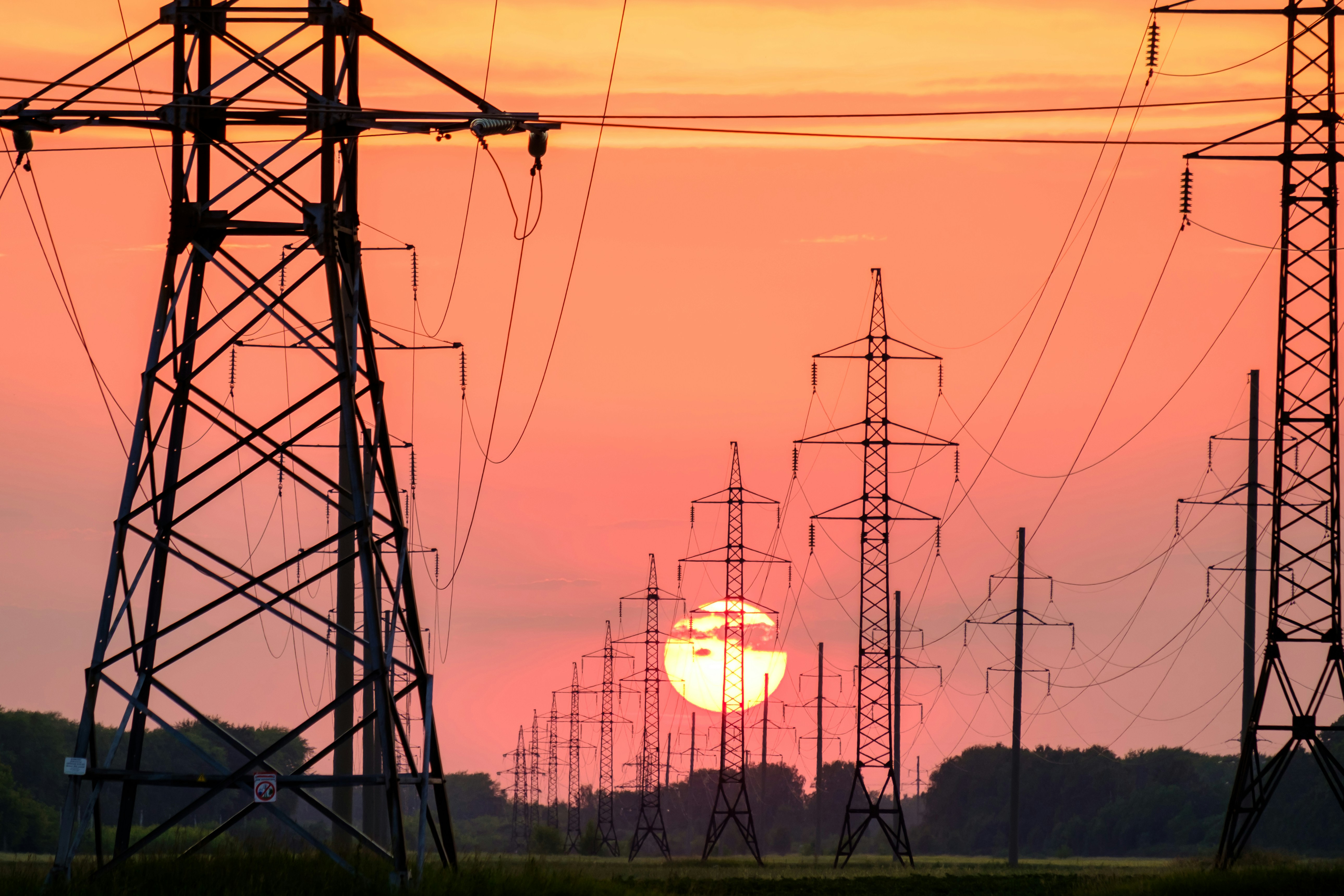
PG&E-related outages are receiving attention in California, including urgent repairs near Miranda that affected local customers and schools, plus a separate outage affecting thousands of people on the Central Coast. Local reporting near Miranda and Central Coast reporting establish local disruption—but they do not show that service businesses have experienced a documented rise in calls, bookings, or quote requests.
Still, outages can create conditions where electricians, HVAC companies, appliance repair businesses, restoration contractors, and other local operators may receive more questions than usual. The right response is not to promise immediate help to every caller. It is to acknowledge inquiries, identify safety issues that need qualified human attention, check service area and capacity, and give customers an honest next step.
Safety comes first: If a customer reports a downed power line, gas leak, fire, carbon-monoxide concern, flooding near electrical equipment, or medical equipment affected by a loss of power, direct them to PG&E and local emergency authorities as appropriate. Do not use an automated text to assess danger, provide emergency clearance, or replace qualified professional judgment.
This playbook helps your business prepare for a possible increase in outage-related inquiries without overbooking the team or creating unsafe expectations.
Table of contents
- What an outage-response workflow should do
- Step 1: Monitor every inquiry source
- Step 2: Send a fast acknowledgment without promising dispatch
- Step 3: Use human safety triage
- Step 4: Check location, job type, and available capacity
- Step 5: Use realistic callback expectations
- Outage-response SMS templates by service type
- How to follow up when you cannot take the job
- Where SecureMyLead fits
- FAQ
What an outage-response workflow should do
A useful outage workflow has a narrower purpose than normal lead handling. It should help your team:
- Confirm that an inquiry was received.
- Make clear that urgent safety concerns need the appropriate authorities or qualified professionals.
- Collect the details a human needs before calling back.
- Avoid committing a technician, arrival time, or repair outcome before checking capacity.
- Keep non-emergency inquiries from being forgotten while the team is busy.
That distinction matters. A person without power may be frustrated, worried about food, HVAC, appliances, water intrusion, or damaged equipment. A quick response can improve clarity, but it should never imply that your business can restore utility power or resolve every outage-related issue.
Step 1: Monitor every inquiry source
During a local outage, leads may not arrive through the same channel. Customers could call the main line, fill out a website form, reply to an old text conversation, send a social-media message, or contact a technician directly.
Before the day gets busy, identify who owns each source.
| Inquiry source | Owner | What to check |
|---|---|---|
| Main phone line | Office staff or on-call team member | Missed calls, voicemail, repeat callers |
| Website forms | Office staff or assigned salesperson | New submissions, service location, requested work |
| SMS inbox | Assigned team member | Replies, opt-outs, safety-related messages |
| Google Business Profile or social messages | Designated responder | Questions that need a phone callback |
| Technician phones | Field supervisor | Direct customer requests that need routing |
Keep one shared view of active requests, even if it is a simple spreadsheet, dispatch board, or CRM list. The goal is not to build a complicated system during an outage. It is to prevent two common failures:
- A customer receives no acknowledgment because the team is focused on active jobs.
- Multiple people promise the same customer a callback or visit.
For more on building a repeatable process around incoming inquiries, see how to follow up with home service leads automatically.
Step 2: Send a fast acknowledgment without promising dispatch
Your first message should do three things:
- Identify your business.
- Confirm receipt of the request.
- Set a realistic expectation for the next human step.
It should not promise that a technician is on the way, that your business can restore power, or that the situation is safe.
A basic outage-aware acknowledgment might read:
Hi, this is [Business Name]. We received your request. Our team is reviewing outage-related inquiries and will confirm whether we can help in your area. If there is an immediate danger involving power lines, gas, fire, carbon monoxide, or medical equipment, please contact PG&E and local emergency authorities.
That message is intentionally restrained. It acknowledges the person while protecting your team from a commitment you may not be able to meet.
If the request comes in after hours, use an after-hours version with a callback window your business can actually honor. Review the broader workflow in after-hours lead response: how to win jobs while you sleep.
Step 3: Use human safety triage
Automation can collect details and acknowledge a request. It cannot decide whether a person, property, or electrical system is safe.
Create an internal escalation rule for messages mentioning:
- Downed or damaged utility lines
- Sparks, smoke, fire, or burning smells
- Gas smells or suspected gas leaks
- Carbon-monoxide alarms or suspected exposure
- Floodwater near outlets, panels, appliances, or electrical equipment
- A person relying on medical equipment that has lost power
- Injury or immediate risk to people or property
For these situations, your team should not troubleshoot by text. The customer should be directed to PG&E and local emergency authorities, while your business follows its own human escalation process.
For non-immediate issues, a staff member can gather practical details:
- Customer name and callback number
- Service address
- Whether utility power is currently out or has returned
- Equipment affected
- Visible damage or water exposure
- Whether the customer is seeking diagnosis, repair, inspection, or a future appointment
- Photos, if your normal process supports them and it is safe for the customer to take them
The purpose is not to diagnose remotely. It is to decide whether the inquiry is in your service area, within your scope, and appropriate for the team to handle.
Step 4: Check location, job type, and available capacity
An outage does not make every inquiry an emergency service call.
Before offering an appointment, have a human team member verify:
Service area
A request may come from outside your normal area after a widely discussed outage. Confirm the address before discussing availability.
Scope of work
A homeowner may assume an electrician can resolve a utility-side outage, or that an appliance repair company can diagnose a refrigerator issue before power is stable. Clarify what your business can inspect or repair—and what must be addressed by the utility or another qualified professional.
Team capacity
Check:
- Which technicians are already on jobs
- Whether travel routes are affected
- Whether parts suppliers are operating
- Whether the requested work needs power restored first
- Whether you can safely provide an inspection window
If capacity is uncertain, say so plainly. “We are reviewing availability” is better than an arrival promise your team may need to break.
Step 5: Use realistic callback expectations
A callback expectation should be specific enough to be helpful but flexible enough to remain true.
Avoid:
We’ll have someone there right away.
Use:
A team member will review your request and contact you as soon as we confirm availability.
Or, when you have a true internal window:
We received your request. A team member will call you by [time] to discuss service availability.
The key is operational ownership. Someone must be responsible for that next call. A fast acknowledgment without a follow-up owner can create more frustration than no message at all.
If your team cannot answer immediately, missed-call text-back can help you acknowledge the person and gather basic information. See appliance repair missed call text back for examples of missed-call recovery that can be adapted to outage-related situations.
Outage-response SMS templates by service type
Use these only where you have appropriate consent to message the customer. Replace bracketed details before using them, and do not send a template that promises a time or service your team has not confirmed.
Electrician: outage-related request
Hi [First Name], this is [Business Name]. We received your electrical service request. We’re reviewing availability and will contact you after confirming your location and the type of issue. If there are downed lines, sparks, fire, or an immediate electrical danger, contact PG&E and local emergency authorities.
HVAC company: no-power or equipment concern
Hi [First Name], this is [Business Name]. We received your HVAC request. If utility power is currently out, we can first confirm whether an HVAC visit is appropriate once conditions are stable. Please reply with your address and whether power has returned. We’ll follow up after reviewing availability.
Appliance repair business: refrigerator, freezer, or appliance concern
Hi [First Name], this is [Business Name]. We received your appliance repair request. Please reply with your address, the appliance affected, and whether utility power is currently on. We’ll review the details and let you know if we can offer a service appointment.
Restoration contractor: water or property-damage inquiry
Hi [First Name], this is [Business Name]. We received your property-damage request and are reviewing availability. If there is flooding near electrical equipment, fire, gas, carbon-monoxide risk, or immediate danger, contact PG&E and local emergency authorities first. When it is safe, reply with your address and a brief description of the damage.
Capacity-full message
Hi [First Name], this is [Business Name]. We received your request, but our current schedule is limited and we cannot confirm a visit yet. We can keep your details on file and contact you if availability opens. If you have an immediate safety concern, please contact PG&E and local emergency authorities.
Follow-up after no response
Hi [First Name], this is [Business Name] following up on your outage-related service request. If you still need help, reply with your address, the equipment or issue involved, and whether power has returned. We’ll review current availability.
How to follow up when you cannot take the job
Not every outage-related inquiry should become an appointment. Your business may be outside the customer’s area, at capacity, not equipped for the requested work, or waiting for utility power to return before a diagnosis is possible.
Do not let those contacts disappear silently. A brief, honest closeout message protects the customer experience and reduces repeat calls.
Hi [First Name], this is [Business Name]. We’re unable to confirm service for this request at this time. Please continue to rely on PG&E and local emergency authorities for utility-outage information and immediate safety concerns. If your issue remains after power is restored, you’re welcome to contact us with the details.
If the customer has a non-urgent issue that may still need service later, create a follow-up task for after conditions stabilize. For example, an appliance concern, HVAC system check, or electrical inspection may be more appropriate once power returns and the customer can describe the remaining problem.
A simple follow-up sequence should stop or be manually adjusted when a person replies. Human review matters because an active customer conversation should not receive irrelevant scheduled messages.
Where SecureMyLead fits
SecureMyLead can support the communication layer of an outage-response workflow: acknowledging a new consented lead quickly, collecting a few basic details, and helping your team follow up on inquiries that cannot be handled immediately.
It is not emergency dispatch, utility-outage monitoring, a safety-assessment tool, or a replacement for qualified human judgment. Your team should still own safety escalation, capacity decisions, scheduling, and every commitment made to a customer.
If you want a consistent first response for website forms and other lead sources while your team handles active work, get started free.
Key takeaways
- Current reporting shows PG&E-related disruption near Miranda and across parts of the Central Coast, but it does not document a service-business lead surge.
- Local service businesses should prepare for a possible increase in outage-related questions without assuming every inquiry is an urgent service job.
- Put safety first: defer downed lines, gas, fire, carbon-monoxide, and medical-equipment concerns to PG&E and local emergency authorities.
- Use automation for acknowledgment and orderly follow-up—not emergency triage, dispatch, or diagnosis.
- Confirm location, job scope, and capacity before offering a service window.
- Do not promise immediate service when availability is uncertain.
- Follow up honestly with customers you cannot help now, especially if their issue may remain after power is restored.
FAQ
Should my business advertise emergency service during a PG&E outage?
Only advertise services your business can safely and reliably provide. Do not imply that you can restore utility power, resolve utility-side issues, or handle all emergency conditions. Your public messaging should clearly separate your service scope from PG&E and local emergency authority responsibilities.
What should an automated outage text say?
It should identify your business, confirm receipt, avoid promising dispatch, request only useful details, and direct immediate safety concerns to PG&E and local emergency authorities. A human team member should review safety-sensitive responses.
Can an electrician diagnose an outage issue by text?
A text exchange may help collect basic information, but it should not be treated as a safety assessment or definitive diagnosis. Electrical hazards require qualified human judgment, and utility-side outage information should come from PG&E.
Should appliance repair companies schedule work before power returns?
It depends on the issue, location, and your actual availability. In many cases, it is sensible to collect the appliance details and confirm whether power has returned before committing to a diagnostic visit.
How long should I follow up with an outage-related lead?
Follow up based on the customer’s situation and your real capacity. A brief acknowledgment, a human review, and one later check-in may be appropriate for non-urgent inquiries. Do not keep sending generic scheduled messages after a customer replies or asks to stop.