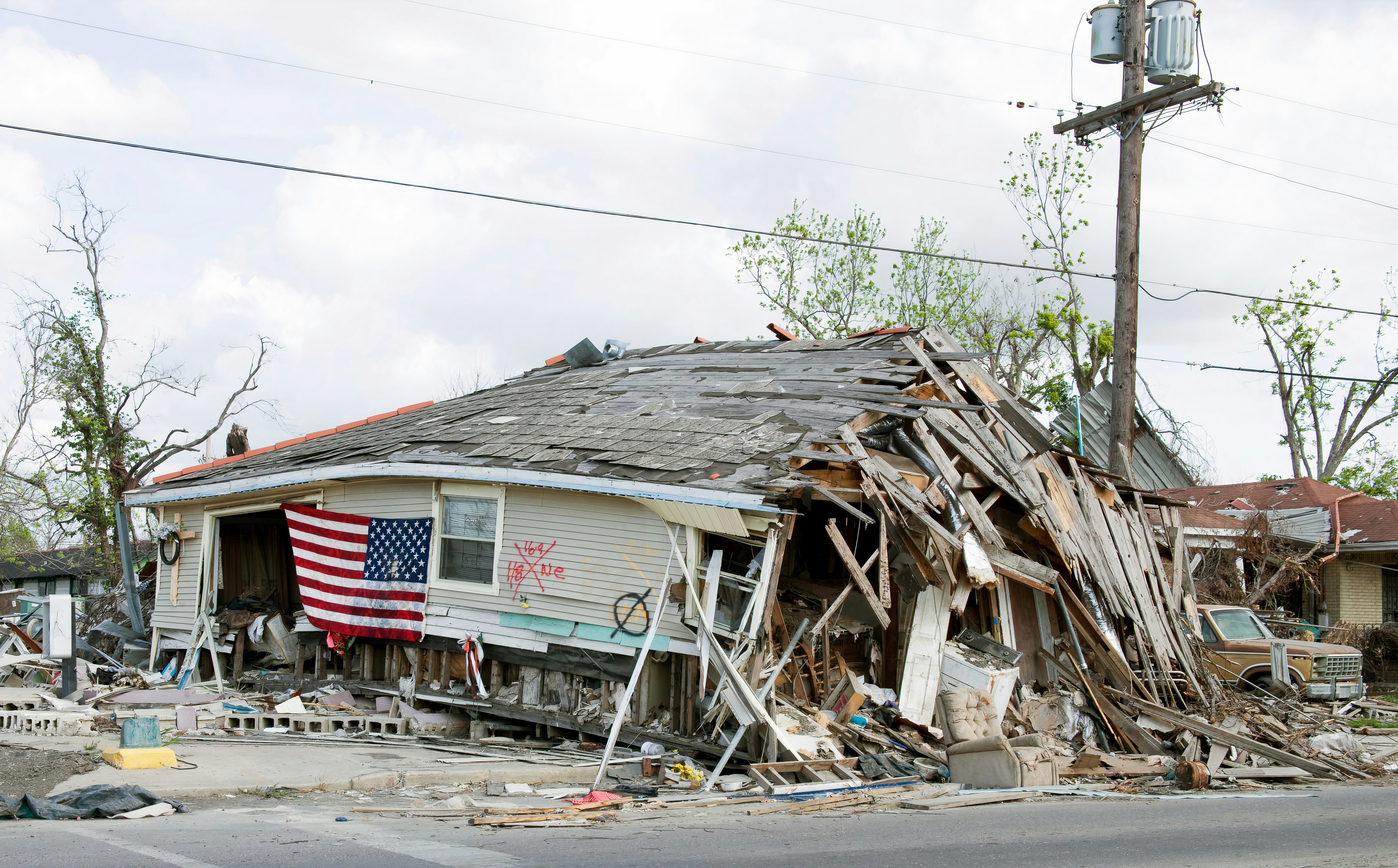
Nor’easter Damage Lead Response: A Playbook for Roofers, Tree Services, and Restoration Companies
Severe wind events can create immediate property hazards and may also bring more inquiries to local roofers, tree services, restoration companies, and emergency repair providers.
In the New York City area, the New York Post reported that a nor’easter brought extreme wind gusts, while ABC7 reported that a falling tree killed a 56-year-old man in East New York, Brooklyn. These reports underscore the real danger associated with high winds and falling trees—not a documented increase in calls or bookings for local businesses. ABC7 · New York Post
Safety comes first: If a customer reports immediate danger, a downed power line, a gas leak, an unsafe structure, fire, or a person who needs medical help or power-dependent medical equipment, direct them to the appropriate emergency authority or utility provider. Do not use an automated text as emergency dispatch, damage diagnosis, or a substitute for qualified human judgment.
For businesses that may receive storm-related inquiries, the goal is not to promise immediate service you cannot provide. It is to acknowledge the request, gather enough information for a qualified person to review it, separate hazards from routine estimate requests, and set a realistic next step.
Table of contents
- What a storm-damage response workflow needs to do
- The five-step lead-response workflow
- How to sort storm inquiries by urgency
- Storm-damage SMS templates
- Capacity-aware handoff checklist
- How automation fits without becoming emergency dispatch
- Common mistakes during a wind event
- FAQ
What a storm-damage response workflow needs to do
A standard “Thanks, we’ll call soon” reply is often too vague for a storm-related request. The customer may be looking at a roof leak, a tree on a structure, broken siding, water intrusion, or debris in a driveway. Your team, meanwhile, may be on active jobs with limited capacity.
A useful workflow should do five things:
- Acknowledge the inquiry promptly without implying that a crew is already assigned.
- Surface immediate safety concerns and direct those situations to emergency authorities or utilities.
- Collect the details your team needs to assess whether the request fits your services.
- Classify the request as a possible hazard, urgent property-protection request, or routine inspection/estimate.
- Give the customer a realistic expectation for human follow-up, even if the answer is that availability is being reviewed.
That distinction protects both the customer and your operation. A roofing inspection request should not be handled like a report of a tree touching a power line. Likewise, a tree-service inquiry should not automatically be treated as an emergency just because the word “storm” appears in the form submission.
The five-step lead-response workflow
1. Send an immediate acknowledgment—without promising dispatch
The first message should confirm that the business received the request. It should also state clearly that a person will review the details, rather than suggesting an automated system has assessed the danger or dispatched a crew.
Keep the message focused on the next useful action: gathering the address, type of damage, and any relevant photos.
Example first response:
Hi [First Name], this is [Business Name]. We received your storm-damage request. If there is immediate danger, a downed power line, gas leak, fire, or medical emergency, please contact the appropriate emergency authority or utility provider now. Otherwise, reply with the property address, a brief description of the damage, and photos if it is safe to take them. Our team will review your request and follow up about next steps.
This is more useful than a generic auto-reply because it gives the customer a clear path while preserving human review.
For more general first-response examples, see 15 auto reply messages contractors can use for new leads.
2. Capture the minimum information needed for review
During a high-wind event, avoid collecting every possible detail before acknowledging the lead. Ask for the information that helps a qualified team member decide who should handle it and what they need to know first.
A practical intake list includes:
| Information to collect | Why it matters |
|---|---|
| Property address | Helps determine whether the request is within your service area and supports routing. |
| Best callback number | Lets a team member contact the person when they are available. |
| Damage type | Distinguishes roof, tree, water, debris, siding, and restoration requests. |
| Brief description | Adds context that a dropdown alone may miss. |
| Whether anyone is in immediate danger | Identifies requests that should be directed to emergency authorities. |
| Photos, if safe | May help the team understand the reported issue before a call or visit. |
| Access constraints | Notes issues such as blocked driveways, gates, tenants, or commercial-site contacts. |
| Insurance or documentation question | Helps identify customers who may need an estimate or inspection rather than immediate work. |
Do not tell people to enter an unsafe area, climb onto a roof, approach a fallen tree, or get close to damaged utilities to gather information. “Photos if safe to take them” is enough.
3. Separate hazard reports from service requests
A storm response inbox gets harder to manage when every request is treated as identical. Create simple categories that match your actual services and staffing.
Category A: Immediate safety concern
Examples may include a reported downed power line, gas smell or leak, fire, unsafe structure, a medical emergency, or a person at risk.
Action: Direct the customer to the appropriate emergency authority or utility provider. Do not promise a technician, inspection, or callback as the emergency solution.
Your business can still document the request for later review if appropriate, but emergency guidance comes first.
Category B: Potentially urgent property-protection request
Examples may include a reported active roof leak, a tree on a structure, exposed roof areas, or water entering a building.
Action: Mark for rapid human review. The reviewer should decide whether the company can help, what the actual availability is, and whether a referral or a later appointment is more appropriate.
Do not let an automated sequence state that someone is “on the way” unless that has been confirmed by your team.
Category C: Inspection, cleanup, or estimate request
Examples may include loose shingles, branch removal, gutter damage, storm debris cleanup, water-stain concerns, or a request to inspect possible damage.
Action: Collect details, acknowledge receipt, and place the lead in the appropriate estimate or follow-up queue.
These leads still deserve a response. They simply should not block the review of immediate hazards.
4. Set expectations your team can keep
A vague promise such as “We’ll be there ASAP” creates problems when crews are already committed or roads are unsafe. Instead, use language tied to review and availability.
Useful phrasing includes:
- “A team member will review your request and contact you about next steps.”
- “We are reviewing storm-related requests in the order our team can safely assess them.”
- “We cannot confirm an arrival time until a team member reviews the details and availability.”
- “If conditions change or there is immediate danger, contact the appropriate emergency authority or utility provider.”
Avoid:
- “A crew is on the way.”
- “We can handle this today.”
- “You are next in line.”
- “This is an emergency dispatch confirmation.”
Unless a human has verified capacity and made that promise, these statements can mislead a customer in a stressful situation.
5. Continue follow-up when the request is not yet resolved
Not every storm-damage lead will reply to the first message. Some customers may be managing cleanup, speaking with family, or contacting insurers. Others may submit a form after business hours.
A limited, respectful follow-up sequence can keep a routine estimate or inspection request from being forgotten. The message should remain appropriate to the situation: no pressure, no false urgency, and no implication that the business knows the customer’s condition or damage severity.
A strong follow-up asks for one missing item or offers a simple reply option.
How to sort storm inquiries by urgency
The fastest way to lose control of a busy inbox is to organize requests only by when they arrived. During a wind event, organize them by safety status, service fit, and next owner.
For roofers
Potential requests may include:
- Visible missing or lifted shingles
- Roof leaks or ceiling water stains
- Damaged flashing, gutters, or siding
- Requests for temporary protection or later inspection
- Insurance-related estimate questions
Your intake should clarify whether water is actively entering the property, whether the request is an inspection or an immediate concern, and whether the property is within your service area.
For longer-term estimate nurturing after an inspection, use the approach in estimate follow-up text templates for contractors.
For tree services
Potential requests may include:
- Fallen limbs or debris cleanup
- Trees or limbs on a roof, fence, vehicle, or driveway
- Hazardous-looking trees after the wind subsides
- Requests for removal estimates
- Requests involving utility lines
A key operational distinction: a tree-service company should not attempt to use automated texting to diagnose whether a tree is safe, structurally stable, or near energized equipment. Reports involving power lines should be directed to the appropriate utility provider or emergency authority.
For restoration companies
Potential requests may include:
- Water intrusion after roof or window damage
- Wet ceilings, walls, flooring, or contents
- Requests for assessment, mitigation, or documentation
- Property-manager or commercial-site inquiries
- Insurance-related questions
Capture whether the customer is describing active water entry, a past event requiring an inspection, or a request for an estimate. That gives your human reviewer context without pretending the intake system has determined the scope of damage.
Storm-damage SMS templates
Use these templates only for contacts who have provided the appropriate permission to receive messages from your business. Customize the business name, services, service area, and actual availability before activating anything.
1. General storm-damage acknowledgment
Hi [First Name], this is [Business Name]. We received your request about storm-related damage at [Property Address]. If there is immediate danger, a downed power line, gas leak, fire, or medical emergency, please contact the appropriate emergency authority or utility provider. Otherwise, reply with a brief description of the damage and photos if it is safe to take them. A team member will review your request and follow up.
2. Missing-information follow-up
Hi [First Name], this is [Business Name] following up on your storm-damage request. To help our team review it, please reply with the property address and a short description of what you are seeing. Photos are helpful if they can be taken safely.
3. Roof inspection or estimate request
Hi [First Name], thanks for contacting [Business Name] about your roof. We are reviewing requests and will follow up about available next steps. If you can, reply with the property address, whether there is active leaking, and photos from a safe location.
4. Tree-service request
Hi [First Name], this is [Business Name]. We received your tree-service request. Please reply with the property address, where the tree or branches are located, and photos if safe. If power lines are involved or there is immediate danger, contact the appropriate utility provider or emergency authority first.
5. Restoration inquiry
Hi [First Name], this is [Business Name]. We received your water or storm-damage inquiry. Please reply with the property address, the affected area, and whether water is actively entering the building. A team member will review the details and contact you about next steps.
6. Capacity-aware delay message
Hi [First Name], we have your request and are reviewing storm-related inquiries as our team becomes available. We cannot confirm a visit time until a team member reviews the details. If there is immediate danger, please contact the appropriate emergency authority or utility provider.
7. No-response follow-up for a routine estimate request
Hi [First Name], checking back from [Business Name]. We still have your request for a storm-damage inspection or estimate. If you would like us to review it, reply with the property address and the best time for a callback.
For a broader bank of reusable scripts, visit best lead response templates for service businesses.
Capacity-aware handoff checklist
Once a request reaches a person, the handoff should be simple enough to work from a truck, job site, or office.
For each lead, the assigned team member should be able to see:
- Lead name and callback number
- Property address
- Service category: roofing, tree, restoration, cleanup, or other
- Customer’s description of the issue
- Photos or attachments, if supplied
- Any stated immediate-danger concern
- Whether emergency-authority or utility guidance was sent
- Whether the request appears to fit your service area
- Current status: needs review, callback needed, appointment requested, referred, or closed
- Lead owner and next action
- The exact expectation already communicated to the customer
Before replying or scheduling, confirm:
- Is this within our actual service area?
- Do we provide the requested work?
- Has a person reviewed any reported hazard?
- Can we safely offer an appointment or inspection window?
- Who owns the next customer contact?
- Does the customer need a callback, a request for more information, or a clear referral?
- Should follow-up continue, pause, or be closed?
The final point matters. A customer who has already spoken with your team should not keep receiving generic automated messages that make the business appear disorganized.
How automation fits without becoming emergency dispatch
Storm inquiries may arrive while an owner is on a roof, a crew is clearing a site, or the office is closed. That is where a follow-up system can help: it can acknowledge new inquiries, request basic details, and continue a planned follow-up for non-emergency requests that have not received a response.
SecureMyLead can automatically text a new lead after capture and run personalized SMS follow-up sequences. That can help a business maintain acknowledgment and routine follow-up when its team is occupied.
It is not a dispatch tool, safety assessor, availability checker, or replacement for a qualified person. In a storm workflow, keep the automation narrow:
- Send the acknowledgment and safety direction.
- Gather basic details.
- Route the request to a human owner.
- Use follow-up only when a routine request still needs a response.
- Review scheduled messages when a live conversation begins, since ordinary replies do not automatically pause scheduled sequence messages.
For a broader system design, read how to follow up with home service leads automatically.
Common mistakes during a wind event
Treating every message as an emergency
Not all storm-related requests require the same response. Categorize them so genuine safety concerns are surfaced without turning every inspection request into a false emergency.
Sending one generic reply to everyone
A customer reporting a tree near utility lines needs different guidance from someone seeking a roof inspection next week. Use conditional templates and human review.
Promising arrival times before checking capacity
A busy crew may not be able to honor an automatic “we’ll be there today” message. Promise review and next steps, not dispatch.
Asking customers to collect unsafe information
Do not request roof photos, close-up tree photos, or utility-line details that would require someone to enter an unsafe area.
Forgetting the lead after the first text
A quick acknowledgment is useful, but a routine estimate request can still go cold if no one owns the callback. Assign ownership and use a measured follow-up sequence when appropriate.
Letting automated messages continue after a real conversation
Before a team member takes over, review the lead’s scheduled messages. Customers should not receive an unrelated automated prompt after confirming an appointment by phone.
Key takeaways
- High-wind events create real property hazards, so emergency guidance must come before business intake.
- A nor’easter or wind event may create more inquiries, but severe-weather reporting alone does not prove a lead surge for local contractors.
- Acknowledge every request without promising dispatch, availability, or a damage assessment.
- Collect only the details needed for qualified human review.
- Separate immediate safety concerns, potentially urgent property-protection requests, and routine estimate inquiries.
- Build templates around realistic capacity and clear ownership.
- Use SMS automation to support acknowledgment and follow-up—not to replace dispatch, emergency authorities, utilities, or human judgment.
FAQ
Should a roofing or tree-service business use automated texts during a storm?
Automated texts can be useful for acknowledging an inquiry, requesting basic details, and setting expectations for human review. They should not be used to promise a crew, assess safety, confirm availability, or replace emergency services.
What should a customer do if a downed power line is reported?
Direct the customer to the appropriate emergency authority or utility provider. Do not treat an automated response from a contractor as the emergency solution.
What information should a storm-damage lead form collect?
At minimum, collect the property address, callback number, damage category, brief description, photos if safe, and any access constraints. Include a clear way for customers to identify immediate safety concerns.
How often should a business follow up on a storm-damage estimate request?
The right cadence depends on the request and your capacity. For a routine estimate request, a same-day acknowledgment and one or more respectful follow-ups may be appropriate if the customer has not replied. Do not use aggressive messages or imply that service is reserved when it is not.
Can SecureMyLead dispatch crews for emergency work?
No. SecureMyLead is a lead-follow-up automation layer. It can support prompt acknowledgment and SMS follow-up, but it does not replace dispatch, emergency triage, staffing decisions, or qualified human review.
Related reading
- After-hours lead response: how to win jobs while you sleep
- Contractor web form auto response: what to send the second a new lead hits your site
- How busy business owners can follow up with every lead
- Automated lead follow-up systems for contractors
When storm-related requests may be arriving while your team is in the field, a consistent acknowledgment and follow-up process can keep routine inquiries from sitting unanswered.