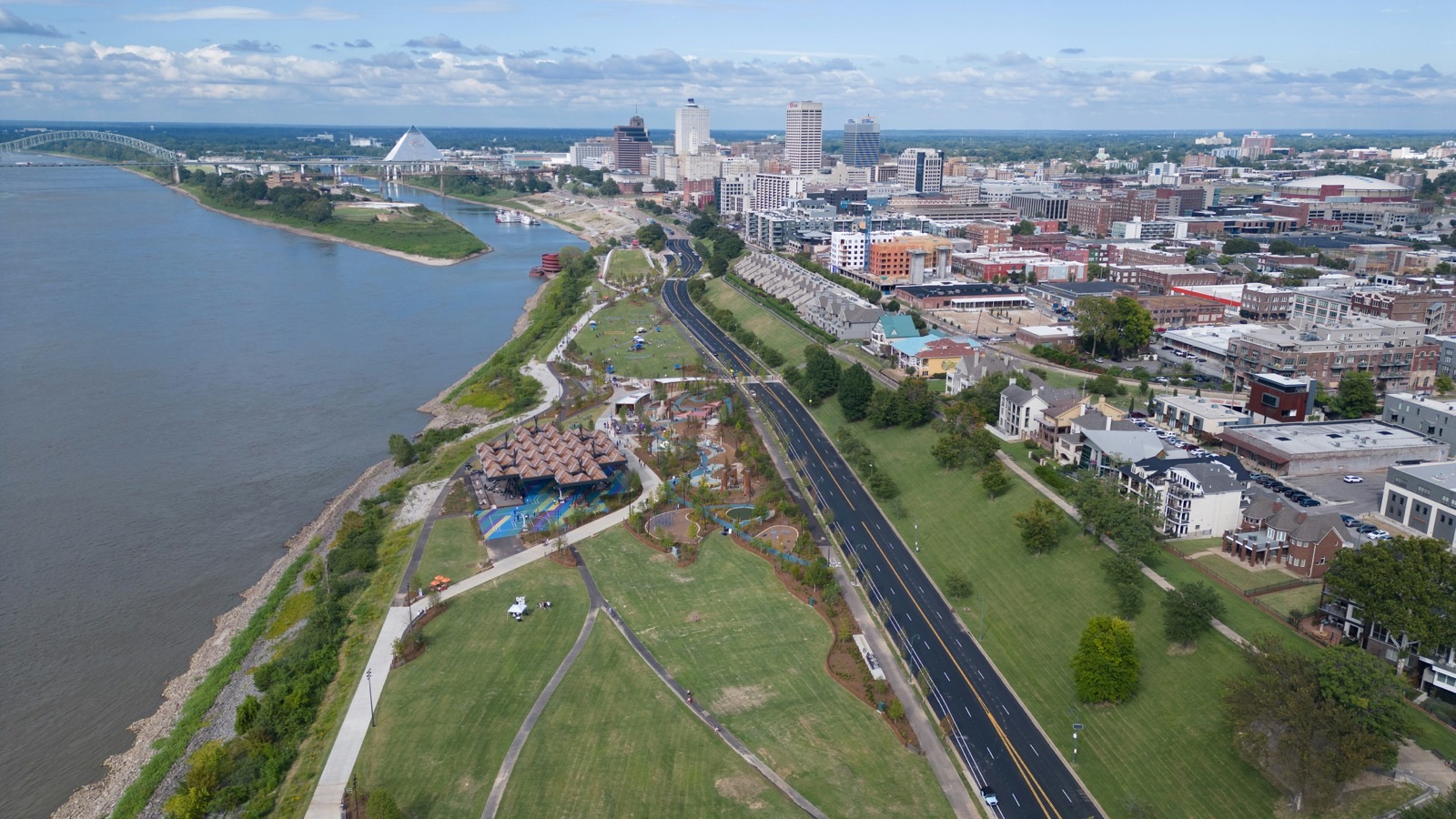
Memphis Storm Recovery: A Power Outage Lead-Response Plan for Local Service Businesses
Memphis businesses may need to operate differently during the current storm recovery. WREG reported that approximately 94,000 customers remained without power, while Local Memphis reported that severe weather was affecting school operations across the Mid-South. Those conditions can disrupt staffing, phones, internet access, travel, and normal appointment schedules. WREG · Local Memphis
The reporting does not establish that local service businesses are receiving more leads. But if inquiries rise—or if your usual response process is temporarily unavailable—your business needs a clear way to acknowledge people, set expectations, and make sure someone owns the next step.
First, keep safety separate from lead handling. Downed power lines, gas leaks, fires, carbon monoxide concerns, medical equipment losing power, and other life-safety situations require the appropriate utility or emergency authority. An automated business message is not emergency triage.
Table of contents
- Start with a communications-status check
- Set temporary operating boundaries
- Create two paths: safety concerns and routine inquiries
- Send a concise acknowledgment
- Assign human ownership before a lead gets lost
- Queue delayed estimates and appointments honestly
- Use an outage workflow that matches your capacity
- How SecureMyLead can support the follow-up layer
- Key takeaways
- FAQ
Start with a communications-status check
Before changing ads, sending a blast, or promising appointments, establish what is actually working today.
A five-minute status check can prevent your team from sending customers into a dead-end channel.
Confirm these four things
- Can your team receive calls? Test the main business number and voicemail. If calls are forwarding, confirm who can answer them.
- Can your team send and receive texts? Check the business phone, shared inbox, and any SMS platform your team uses. Do not assume a workflow is working simply because it was configured before the storm.
- Can someone access web-form and lead-source notifications? Review email notifications, website forms, ad-platform leads, social inboxes, and any connected lead sources.
- Can you safely perform or schedule work? Your available service area, crew availability, travel conditions, material access, and office hours may all be different during recovery.
Write the answer in one short internal update:
Phones: available Text inbox: available Web forms: monitored every hour Field appointments: limited to confirmed safe areas Estimates: being queued for follow-up Lead owner today: Jordan
That note gives everyone the same operating picture. It also makes it easier to update customers without overpromising.
Set temporary operating boundaries
Customers do not need a long explanation of your internal challenges. They do need to know what they can expect.
Publish a short, temporary update wherever people are likely to contact you:
- Google Business Profile
- website banner or contact page
- social media profiles
- voicemail greeting
- automatic acknowledgment message
- appointment confirmation messages
Your update should cover:
- whether you are monitoring new inquiries;
- whether calls, texts, or forms are the best way to reach you;
- whether service areas are limited;
- whether estimates or appointments may be delayed;
- when customers can expect the next update.
Example temporary website or social update
Due to storm-related operating conditions, our response and scheduling times may be limited. We are monitoring new requests and will confirm availability as soon as possible. For immediate safety hazards, contact the appropriate emergency or utility authority.
This is better than saying “We’re open as usual” when you cannot verify normal operations.
It is also better than making a vague statement such as “We’ll get back to you soon.” Give customers a realistic expectation, even if that expectation is simply that you are reviewing requests as conditions allow.
Create two paths: safety concerns and routine inquiries
During storm recovery, not every message should enter the same lead workflow.
A damaged fence, wet drywall, broken garage door, or request for a future estimate may be a legitimate service inquiry. But a report involving downed lines, a fire, a suspected gas leak, carbon monoxide, or a medical emergency is not something a local business should attempt to resolve through a standard text sequence.
Path 1: Life-safety or utility hazards
If a customer reports an immediate hazard, do not treat it as a job booking opportunity.
Your message should direct them to the appropriate emergency or utility authority without trying to diagnose the situation.
Example acknowledgment:
Thanks for reaching out. If this involves an immediate safety hazard, downed power line, fire, gas leak, carbon monoxide concern, or medical emergency, please contact the appropriate emergency or utility authority right away. We cannot provide emergency assistance by text.
Keep this language visible in your emergency-response script, but do not imply that your team can assess severity remotely.
Path 2: Routine or non-immediate service requests
For non-emergency inquiries, collect only the information your team needs to determine the next step:
- name and best callback number;
- service address or neighborhood;
- type of issue;
- whether there is active damage that requires a future inspection;
- photos, if your business can safely receive and review them;
- preferred contact method;
- availability for a callback or inspection.
Avoid promising same-day service, insurance assistance, restoration timelines, or field availability until a person confirms capacity.
Send a concise acknowledgment
If your phones are busy, your office is closed, or crews are working under limited conditions, a simple acknowledgment can keep a new inquiry from sitting in silence.
The goal is not to automate a diagnosis. The goal is to confirm receipt, give a safe next step, and set honest expectations.
For general first-response scripts, see these lead-response templates for service businesses.
Template: temporary storm-recovery acknowledgment
Hi [First Name], this is [Business Name]. We received your request. Due to storm-related operating conditions, response and scheduling may take longer than usual. Please reply with your address, the service you need, and the best time to reach you. A team member will review your request as soon as possible.
Template: limited availability
Hi [First Name], thanks for contacting [Business Name]. We are currently operating with limited availability due to local storm conditions. We’ve received your request and will confirm whether we can schedule service once our team reviews location and availability.
Template: appointment may need to move
Hi [First Name], this is [Business Name]. Storm-related conditions may affect today’s appointment schedule. We are reviewing the route and will contact you by [time or date] with a confirmed update. Thank you for your patience.
What not to send
Avoid messages that create expectations you cannot meet:
- “We’ll be there today.”
- “We have crews available now.”
- “We can handle any emergency.”
- “You’re next in line.”
- “Your insurance claim will be covered.”
- “Reply YES for immediate service” when immediate service is not available.
During a disruption, accuracy is more valuable than urgency theater.
Assign human ownership before a lead gets lost
An acknowledgment is not the end of the process. Every inquiry needs a named person responsible for the next human action.
For a small business, this can be as simple as one owner, office manager, dispatcher, or lead coordinator reviewing new requests at set intervals.
Use a simple lead-ownership queue
Create three statuses:
| Status | Meaning | Human action |
|---|---|---|
| New | A request arrived and needs review | Assign an owner |
| Waiting on customer | You need an address, photos, availability, or clarification | Send one clear follow-up |
| Queued for follow-up | Work cannot be scheduled yet because of conditions or capacity | Set a specific review time |
For each lead, record:
- customer name;
- contact method;
- issue type;
- location;
- time received;
- current status;
- assigned owner;
- promised next update.
This does not require an enterprise CRM. A shared spreadsheet, inbox labels, or a lead management tool can work as long as the team can see who owns the next response.
If several people receive inquiries, decide in advance who monitors each channel. A web form that lands in one inbox, a missed call on another phone, and a Facebook message on a third account can easily become three unowned tasks.
Queue delayed estimates and appointments honestly
A storm disruption may mean you cannot inspect every property, provide every estimate, or keep every appointment on the usual timeline. Do not leave those leads in a vague “later” pile.
Instead, create a clear follow-up promise you can actually keep.
A practical follow-up structure
- Acknowledge the request.
- Explain the current limitation briefly.
- Ask for any information needed to evaluate the request.
- Give a specific next-update window.
- Create a task to follow up at that time.
- Send an update even if the answer is that scheduling is still limited.
Example delayed-estimate message
Hi [First Name], we have your estimate request for [service]. Because storm conditions may affect our schedule, we are reviewing requests in order of location and availability. We’ll update you by [day/time] about the next available inspection window.
A missed promise can create more frustration than a longer but honest timeframe. If you say you will update a customer by noon, send the update by noon—even if you still cannot offer an appointment.
For a deeper process on keeping estimate conversations active, read how to follow up on quotes without losing the customer.
Use an outage workflow that matches your capacity
The best storm-recovery workflow is not necessarily the fastest-looking one. It is the one your team can reliably run with the communications and staffing you actually have.
If you can monitor texts but not calls
- Update voicemail with a short status message.
- Route callers toward the text or web-form channel you can monitor.
- Send missed-call acknowledgments only if your messaging setup is functioning.
- Schedule human call-backs in blocks rather than making scattered promises throughout the day.
For broader missed-call handling, see after-hours lead response.
If you can access forms but have limited field capacity
- Keep forms open if someone can review them.
- Use the form confirmation page or acknowledgment message to set expectations.
- Ask customers for location and the type of service needed.
- Queue requests by service area and practical availability.
- Avoid collecting leads you have no reasonable plan to review.
If your office is unavailable but one person has mobile access
- Make that person the single intake owner.
- Narrow your service message to what you can monitor.
- Use one approved acknowledgment script.
- Record every request in one shared location when possible.
- Establish check-in times for the rest of the team.
If communications are unreliable
Do not claim that text, phone, or internet channels are operating normally. Pause any messaging that could make a promise your business cannot support, update public information where possible, and resume normal follow-up only after someone verifies the workflow.
Build the reusable storm-response checklist now
The current Memphis recovery is a useful reminder that outages can interrupt lead handling without warning. Once your team is through the immediate disruption, turn the experience into a reusable plan.
Before the next severe-weather event
- Identify a backup lead owner.
- List every lead source your business uses.
- Test phone forwarding, voicemail, text inboxes, and form notifications.
- Prepare temporary website, voicemail, and social updates.
- Write separate scripts for safety-related messages and routine inquiries.
- Decide how your team will mark leads as new, waiting, or queued.
- Create a process for rescheduling affected appointments.
- Review who can access customer and lead information remotely.
During a disruption
- Confirm which channels work.
- Update public operating boundaries.
- Separate immediate safety situations from routine service leads.
- Send acknowledgment messages only through verified channels.
- Assign each request to a person.
- Set realistic follow-up times.
- Avoid promising work before confirming capacity.
After conditions stabilize
- Review every queued lead.
- Contact customers whose appointments or estimates were delayed.
- Remove temporary messages and restore regular hours only when confirmed.
- Note where leads became difficult to track.
- Improve the plan before the next disruption.
How SecureMyLead can support the follow-up layer
When your lead sources and messaging access are working, SecureMyLead can help service businesses send an automated SMS acknowledgment to new leads and continue with configured follow-up sequences. That can reduce the chance that a routine inquiry sits unanswered while a small team manages an altered schedule.
It is not a replacement for emergency guidance, dispatch, capacity decisions, or human review. Your team should still own safety-related messages, appointment commitments, and replies from customers. Businesses are also responsible for obtaining appropriate permission before texting leads.
If you want a follow-up process that can support your normal operations and future disruptions, get started free.
Key takeaways
- Memphis storm recovery has disrupted power and normal operations for many people, so local businesses should confirm their communication channels before relying on them.
- The available reporting does not prove a local lead surge, but businesses should prepare for possible inquiry, staffing, and scheduling disruptions.
- Separate life-safety hazards from routine service requests immediately.
- Use short, honest acknowledgment messages rather than making unverified promises.
- Assign every inquiry to a named human owner.
- Queue delayed estimates and appointments with a specific promised update time.
- Turn the current response into a documented continuity plan for the next outage.
FAQ
Should my business keep advertising during a power outage?
That depends on your ability to receive, review, and follow up on inquiries. If you cannot reliably communicate with new leads or confirm availability, consider pausing or narrowing campaigns until your team can manage the response. Do not use an active emergency as an excuse for aggressive marketing.
What should I say when storm conditions delay an appointment?
Acknowledge the delay, explain that storm-related conditions are affecting operations, and provide a specific time when the customer will receive another update. Do not promise a new appointment time until you can verify crew availability and safe travel conditions.
Can an automated text handle emergency service requests?
No. Automated texts can acknowledge a routine inquiry, but they should not diagnose emergencies, evaluate hazards, or substitute for the appropriate emergency or utility authority. Keep life-safety guidance separate from your normal lead workflow.
How often should we check new leads during limited operations?
Choose a schedule your team can reliably maintain, such as every hour or at set morning, afternoon, and evening times. The critical point is that every channel has an owner and that customers are given expectations you can meet.
What should happen after the outage or storm disruption ends?
Review every new, delayed, and unanswered request. Follow up with customers whose appointments or estimates moved, remove temporary operating messages, and document the communication gaps that made lead handling difficult.