California Wildfire Lead Response Checklist for Roofing and Restoration Businesses
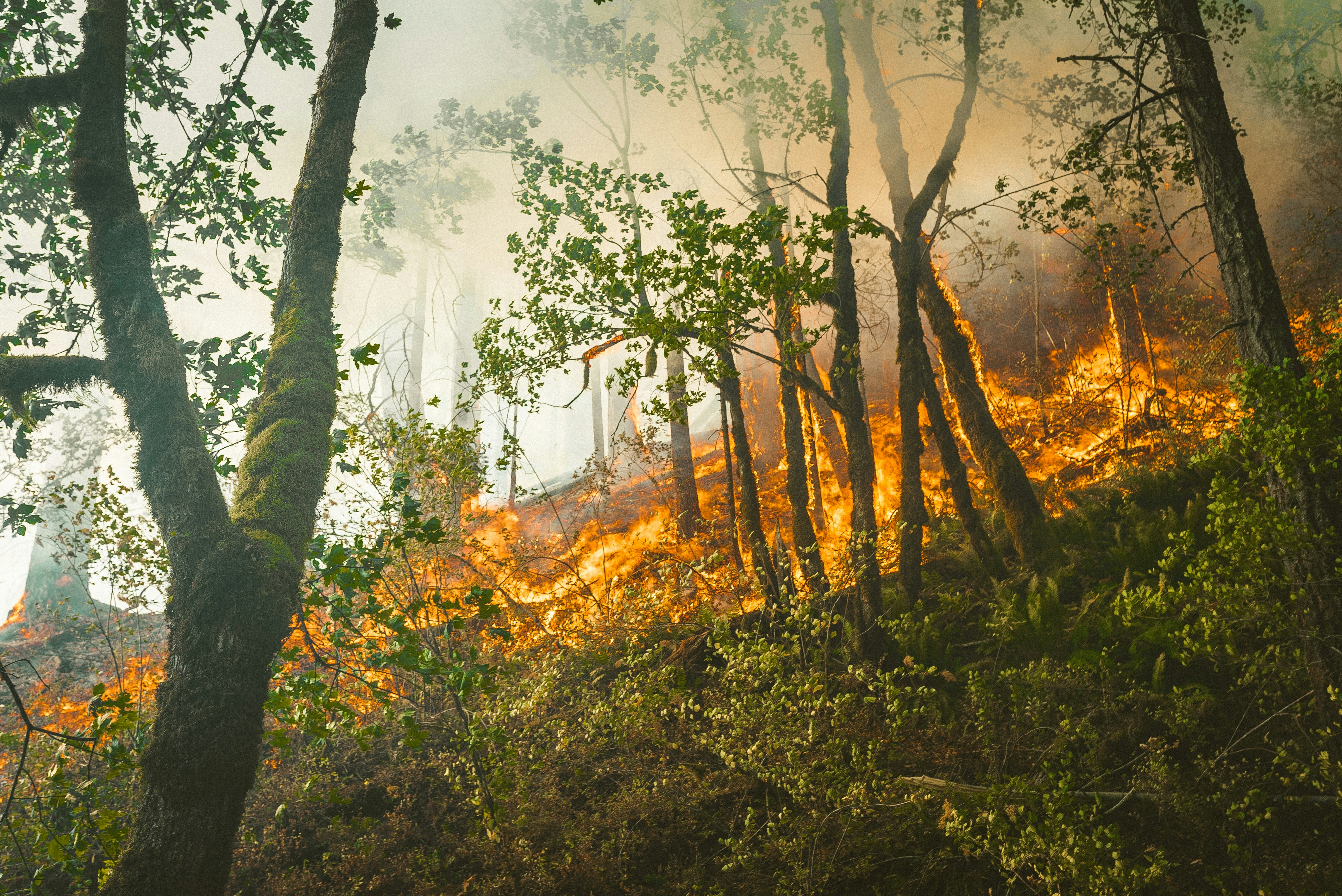
Wildfire conditions can create urgent, confusing situations for homeowners and service businesses alike. Reports on the Plaskett Fire along the California coast said the fire grew beyond 15,000 acres and that new evacuation orders were issued; another report described quickly spreading wildfires triggering evacuations along the coast. KSBW and UPI provide the event context.
If a property, customer, or crew is in an evacuation area, follow local evacuation orders and emergency-authority guidance. Do not send employees into restricted or unsafe areas, promise emergency help before a person reviews the situation, or market aggressively in active emergency zones.
For roofing, restoration, tree-service, and related businesses outside restricted areas, wildfire news may create a possible increase in inspection requests, missed calls, and questions about smoke, ash, heat, debris, or visible damage. A clear intake process helps your team acknowledge inquiries without implying that a text message can assess damage, confirm coverage, or guarantee when a crew can arrive.
Table of contents
- What this checklist is for
- California wildfire lead response checklist
- Wildfire-safe SMS templates
- How to handle inspections, estimates, and no-response leads
- Where SecureMyLead fits
- Key takeaways
- FAQ
What this checklist is for
This is not a damage-assessment guide or an emergency-dispatch procedure. It is a lead-handling workflow for businesses that may receive wildfire-related inquiries.
Use it to make sure each inquiry gets:
- A clear source and timestamp
- A fast acknowledgment that does not overpromise
- A safety and service-area screen
- A named human owner
- A realistic next step based on current capacity
- Follow-up when the customer is waiting on an inspection, estimate, insurer, landlord, or family decision
The goal is simple: keep inquiries organized while protecting customers, crews, and your business from unsafe commitments.
California wildfire lead response checklist
1. Create a wildfire intake label before inquiries arrive
Do not let every inquiry enter the same generic “new lead” bucket. Add a temporary label such as:
- Wildfire inspection request
- Smoke or ash concern
- Roof debris inquiry
- Restoration assessment request
- Tree hazard inquiry
- Existing customer follow-up
- Outside service area
- Safety review needed
Also capture the original lead source:
- Website form
- Missed call
- Google Business Profile
- Referral
- Facebook or social message
- Existing customer
- Insurance-agent referral
- Property manager
This matters because an urgent phone call, an existing customer, and a casual social-media inquiry may need different human follow-up. It also gives you a way to review whether wildfire conditions are actually changing the volume or type of inquiries your business receives, rather than assuming a documented surge.
2. Send an acknowledgment, not an emergency promise
A first message should confirm receipt and set a realistic expectation: a team member will review the request.
It should not say:
- “We are dispatching a crew.”
- “We can inspect your property today.”
- “Your roof is unsafe.”
- “Your insurance will cover this.”
- “We handle emergency damage.”
- “We’ll be there within an hour.”
Those statements require information that an automated message does not have: the property location, current restrictions, damage type, crew availability, and a human review.
A good acknowledgment gives the customer one useful next action: reply with an address, photos if it is safe to do so, a preferred callback time, or the type of concern.
For more general first-response examples, see auto reply messages contractors can use for new leads.
3. Screen for safety and service-area restrictions first
Before scheduling an inspection, assign a person to review these questions:
| Review question | Why it matters | Next action |
|---|---|---|
| Is the property in an evacuation or restricted area? | Crew access and customer safety come first. | Do not schedule access until it is safe and permitted. |
| Is the customer asking for emergency help? | “Emergency” may mean different things to different callers. | Escalate to a human reviewer; do not rely on automation to triage severity. |
| Is the property within your service area? | Wildfire-related calls may come from outside normal coverage. | Explain your service boundary clearly or provide a polite decline. |
| What service is being requested? | Roofing, restoration, debris removal, and tree work have different workflows. | Route to the appropriate team member. |
| Is the team able to inspect safely and realistically? | Demand can change faster than staffing and access conditions. | Offer only available next steps after capacity review. |
Keep this review simple. A single inbox owner, dispatcher, estimator, or manager can work from a short checklist. What matters is that someone—not an automated sequence—owns the decision to accept, schedule, delay, or decline the work.
4. Assign one human owner to every qualified inquiry
During uncertain conditions, leads are easily passed around:
- “I thought you called them.”
- “They were waiting for an estimate.”
- “That address was outside our area.”
- “We were waiting to see if access reopened.”
Avoid this by assigning an owner immediately after initial screening. The owner is responsible for recording one of these next steps:
- Call customer
- Request more details
- Schedule pending safety review
- Send estimate
- Follow up after estimate
- Pause until conditions allow access
- Decline due to service area or current capacity
A lead does not need a complicated CRM process to have clear ownership. It does need a visible next action.
5. Use capacity-aware scheduling handoffs
Do not let a customer interpret a receipt confirmation as a booked appointment.
Once a person has reviewed the location, work type, and current availability, send a specific handoff message. For example:
- “We can offer an inspection window on Thursday afternoon.”
- “Our team is reviewing the address and current access conditions before confirming an appointment.”
- “We are not currently scheduling work in that area, but we can keep your request on file if conditions change.”
If you use a scheduling tool, only send the booking link after you decide that the lead belongs in that scheduling flow. A broad “book now” link can create avoidable problems when your team cannot safely serve every address or request.
6. Separate inspection requests from quote follow-up
A wildfire-related inquiry may not become an estimate immediately. The customer may need an inspection first, may be waiting to return home, or may be collecting information for an insurer or property manager.
Track the stage accurately:
- New inquiry received
- Safety/service-area review
- Details requested
- Inspection requested
- Inspection scheduled
- Estimate sent
- Customer considering next steps
- Closed, paused, or declined
This prevents a common follow-up failure: sending estimate reminders to someone who has not yet been inspected, or repeatedly asking for scheduling confirmation while access remains uncertain.
For the estimate stage, use the practical framework in estimate follow-up text templates for contractors.
7. Set a review point for paused leads
Some prospects may be interested but unable to act yet. They may be displaced, waiting for local access, dealing with family logistics, or simply not ready to schedule.
Do not mark these leads as lost just because they do not book immediately. Instead, record:
- Why the lead is paused
- The last customer contact
- The next review date
- Who owns the follow-up
- What must be true before work can proceed
A respectful check-in later is more appropriate than pressure. The message should give the customer an easy way to reply when they are ready.
8. Review missed calls and web forms at least daily
If inquiry volume rises, the leak is often not the lead that gets a response—it is the missed call or form submission that never reaches the right person.
At the end of each day, review:
- Unreturned calls
- New website forms
- Messages with no owner
- Leads waiting on service-area review
- Inspection requests without a next step
- Estimates sent without a follow-up date
- Paused leads whose review date has arrived
This is a wildfire-specific operational check: conditions, access, and crew availability can change, so a lead that was paused yesterday may need a different answer today.
For a broader system for preventing forgotten inquiries, read how to build a lead follow-up system that runs automatically.
Wildfire-safe SMS templates
Use these only for contacts who have provided appropriate consent to receive messages from your business. Keep the message factual, identify your company, and avoid making damage, safety, availability, or insurance promises.
New inspection request
Hi [First Name], this is [Business Name]. We received your request for a property inspection. A team member will review the address and details, then contact you about the next available step. If you are in an evacuation or restricted area, please follow local emergency guidance first.
Missed call follow-up
Hi [First Name], this is [Business Name]. Sorry we missed your call. We received your message and will have a team member review your request. Please reply with the property address and the best time to reach you.
Request for photos or details
Hi [First Name], [Business Name] here. To help our team review your inspection request, please reply with the property address and a brief description of what you noticed. Only send photos if it is safe to do so.
Service-area or access review
Hi [First Name], thanks for contacting [Business Name]. We are reviewing the property location and current access conditions before confirming whether we can schedule an inspection. We will update you after that review.
Inspection scheduling handoff
Hi [First Name], [Business Name] here. We reviewed your request and can discuss available inspection times. Would [Option 1] or [Option 2] work better for you?
Estimate follow-up
Hi [First Name], this is [Business Name] following up on the estimate we sent for [Property Address]. If you have questions or would like to discuss next steps, reply here and we’ll connect you with the right person.
Not-ready reactivation message
Hi [First Name], [Business Name] here. We’re checking back on your earlier inspection request. If you still need help and conditions allow access to the property, reply with an update and we can review the next step.
How to handle inspections, estimates, and no-response leads
Keep the inspection conversation separate from the damage conclusion
Customers may use terms such as “fire damage,” “emergency,” or “smoke damage” before anyone from your business has seen the property. Your intake team should record the customer’s description without presenting it as your diagnosis.
A safer approach:
- Record what the customer reports.
- Ask for location and service type.
- Confirm that a team member will review the request.
- Schedule only after safety, access, and capacity review.
- Let qualified staff make any on-site assessment.
This protects the customer from false reassurance and protects your team from committing to work based on incomplete information.
Follow up differently based on the reason for delay
A customer who has not responded is not always uninterested. Use the reason for delay to decide what to send next.
| Situation | Appropriate follow-up |
|---|---|
| Customer has not supplied an address | Ask once for the address and preferred callback time. |
| Access or evacuation conditions are unresolved | Explain that scheduling depends on safe, permitted access; avoid repeated promotional messages. |
| Inspection was completed but no estimate is ready | Provide a human update rather than an estimate reminder. |
| Estimate was sent | Ask whether the customer has questions or wants to discuss next steps. |
| Customer says they are not ready | Set a future review date and send a low-pressure check-in later. |
| Business cannot serve the area | Close the request politely and do not imply availability may change unless that is genuinely possible. |
For a fuller approach to quote-stage communication, see how to follow up on quotes without losing the customer.
Where SecureMyLead fits
SecureMyLead can support the follow-up portion of this workflow: it can acknowledge a new inbound lead by SMS, send personalized follow-up sequences, and keep a later check-in from being forgotten.
It should not be treated as an emergency triage, damage-assessment, dispatch, scheduling, insurance, or capacity-management system. A person on your team still needs to review safety, access, service area, job type, and actual availability before making commitments.
If your business wants a consistent acknowledgment and follow-up layer for incoming inquiries, Get started free.
Key takeaways
- Wildfire-related inquiries may create operational pressure, but the supplied reports do not establish a verified lead surge for roofing or restoration businesses.
- Follow evacuation orders and local emergency guidance before discussing service availability.
- Use automation to confirm receipt, not to assess damage or promise emergency response.
- Screen every request for safety, access, service area, and capacity before scheduling.
- Give each qualified lead one human owner and one documented next step.
- Track inspection requests, estimates, and paused prospects as separate stages.
- Use respectful follow-up for customers who are not ready to proceed.
FAQ
Should my roofing or restoration business advertise during an active wildfire?
Avoid solicitation in active emergency zones. Focus first on safety, evacuation guidance, worker access, and clear communication with people who contact your business directly. Any service availability you communicate should be reviewed by a person who understands current conditions and team capacity.
Can an automated text message confirm a same-day inspection?
Not safely unless a person has already reviewed the address, access conditions, service area, and actual availability. An automated first response should confirm receipt and explain that the request will be reviewed.
What information should a wildfire-related intake form collect?
Collect the customer’s name, phone number, property address, requested service, a brief description of the concern, preferred contact time, and lead source. Keep safety and access decisions for human review rather than trying to automate a damage or emergency assessment.
How should I follow up with a customer who is not ready to schedule?
Record why they are waiting and set a future review date. Send a concise, low-pressure message that asks whether they still need help and whether conditions allow access to the property. Do not assume that silence means the customer no longer needs service.